Simple Data Backup Tips Experts Recommend to Protect Important Files

Data backup tips are essential for anyone who stores important files on digital devices. Photos, documents, and personal data can be lost for many reasons—device failure, accidental deletion, or security threats.
Technology experts often emphasize that backups are the simplest way to prevent permanent data loss. You don’t need complex systems—just consistent habits and a reliable method.
Why Data Backup Tips Are Essential for Digital Safety
Digital devices can fail unexpectedly. Hardware issues, software errors, or even malware can cause data to disappear without warning.
Experts point out that backups act as a safety net. When you have copies of your files stored elsewhere, recovery becomes quick and stress-free instead of permanent loss.

Credit: Marta Branco / Pexels
How to Back Up Data Using Simple Methods
Backing up data doesn’t need to be complicated. A few simple methods can keep your files safe and easy to recover when needed.
Step 1: Use Cloud Storage Services
Cloud storage lets you save files online, making them accessible from different devices.
This is useful for everyday files like photos and documents, especially since many services offer automatic syncing and backups.
Step 2: Use External Storage Devices
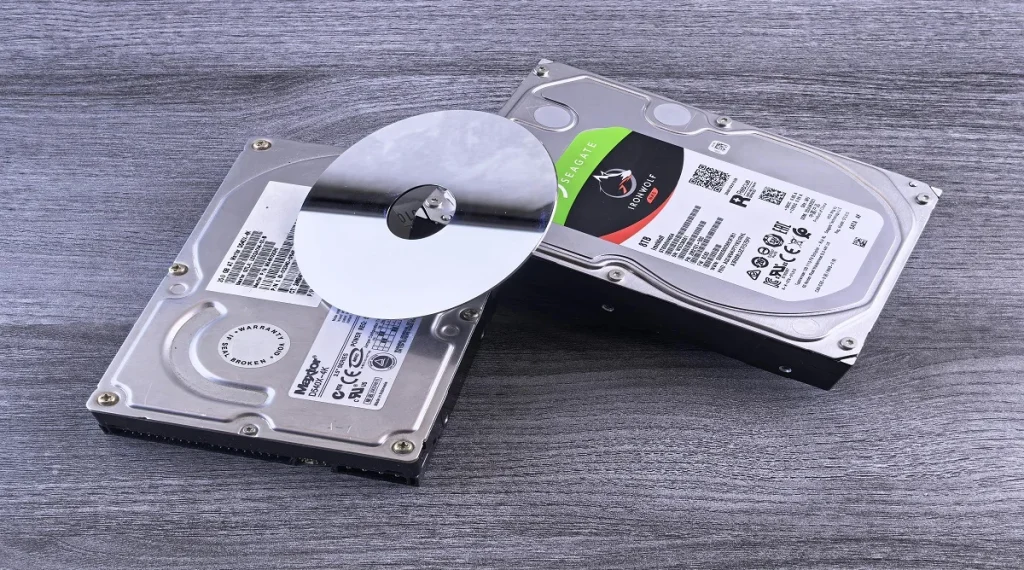
External drives, such as USB drives or external hard disks, store data physically.
They don’t rely on internet access and are useful for keeping large files or full backups of your system.
Step 3: Schedule Regular Backups
Backups are only useful if they are up to date. Setting a routine weekly or monthly depending on how often your files change—helps keep everything current.
Advantages of Cloud Storage for Backup
Cloud storage is convenient and flexible. You can access your files from anywhere, and many services handle backups automatically.
Experts often highlight that this reduces the need for manual effort and helps ensure files are always updated.
Benefits of Using External Drives for Backup
External drives provide offline storage, which adds protection against online threats like hacking or malware.
Technology professionals usually recommend combining external backups with cloud storage. This layered approach offers stronger overall protection and reduces the risk of data loss.

Credit: www.kaboompics.com / Pexels
Common Mistakes to Avoid When Backing Up Data
A few simple mistakes can make backups less effective. One common issue is backing up data irregularly, which leaves gaps where recent files are not protected. Another is storing backups in the same place as the original files if something happens to that device, both copies can be lost.
Experts usually recommend keeping multiple backups in different locations. This reduces the risk of losing everything due to a single problem like hardware failure or theft.
How Often Should Data Be Backed Up
Backup frequency depends on how often your data changes. Files that are updated daily like work documents or ongoing projects should be backed up more frequently.
Experts suggest creating a regular schedule, such as weekly or even daily for important data. Consistent backups ensure that your latest files are safe and reduce the chances of losing recent work.
Credit: Andrey Matveev / Pexels
When to Use Automatic Backup Options
Automatic backups are especially useful when files change frequently or when you don’t want to rely on memory to back things up. They remove the risk of forgetting and ensure your data stays up to date without extra effort.
Experts often recommend enabling automatic backups for important files like work documents, photos, and personal data. This is particularly helpful for people who use their devices daily or handle critical information.
Automatic systems work in the background, saving updates regularly. This improves reliability because your latest files are always protected, even if something unexpected happens.
Frequently Asked Questions
Q: What are the best data backup tips for beginners?
A: Using cloud storage and external drives together provides reliable protection for important files.
Q: How often should files be backed up?
A: Regular backups, such as weekly or monthly, are recommended depending on usage.
Q: Is cloud storage safe for backups?
A: Cloud storage is generally safe when strong security practices are followed.
Q: Why is it important to have multiple backups?
A: Multiple backups reduce the risk of data loss if one method fails.
Key Takeaway
Share this content:














Post Comment