Simple Smartphone Security Tips Experts Recommend to Protect Your Data from Online Threats
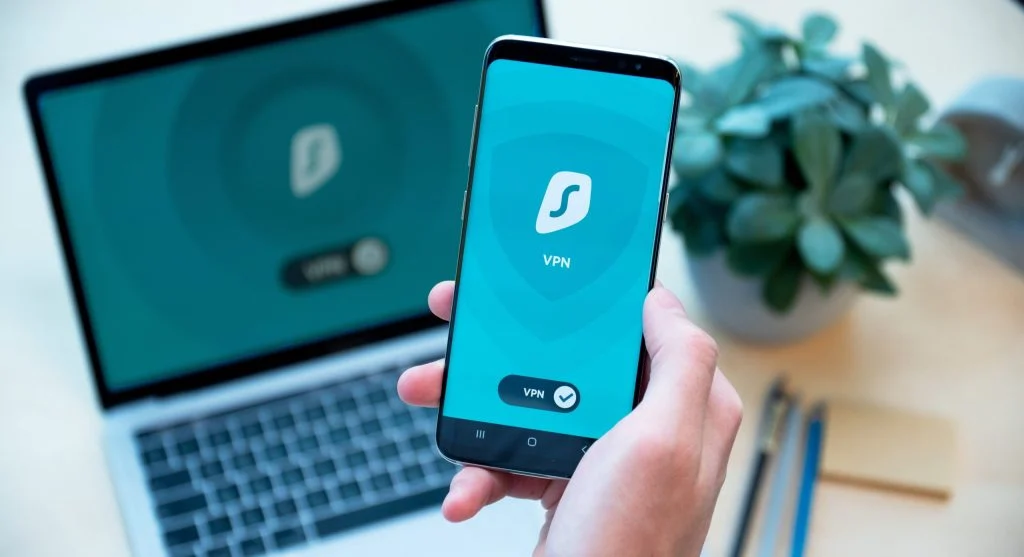
Smartphones contain a significant amount of personal information, including contacts, messages, photos, documents, and even financial details. As mobile devices become more integrated into daily life, the importance of protecting that information continues to grow.
While many users prioritize convenience and accessibility, security is often overlooked. This can increase the risk of unauthorized access, data theft, and privacy-related issues. Fortunately, adopting a few simple habits can greatly improve your smartphone’s security.
By following practical smartphone security tips, you can reduce potential risks and keep your personal information better protected.
Why Smartphone Security Matters
A smartphone is more than just a communication device. It often serves as a digital wallet, photo album, workspace, and personal organizer all in one.
Because of this, smartphones can be vulnerable to threats such as:
- Unauthorized access
- Data theft
- Malicious applications
- Phishing attempts
Understanding these risks is the first step toward protecting your device and your information.
Use Strong Lock Screen Protection
Your lock screen acts as the first line of defense against unauthorized access.
Using a strong security method can help:
- Prevent unwanted access to your device
- Protect sensitive information
- Keep personal data secure
Consider using a secure PIN, password, pattern lock, fingerprint recognition, or facial authentication for added protection.
Keep Your Device Updated
Software updates are important for more than just new features. They often include security patches that address known vulnerabilities.
Keeping your smartphone updated can help:
- Fix security weaknesses
- Improve protection against threats
- Maintain system stability
Ignoring updates may leave your device exposed to avoidable risks.
Download Apps Only from Trusted Sources
Installing applications from unreliable sources can increase the likelihood of security problems.
To reduce risk:
- Download apps from official app stores
- Read user reviews before installing
- Avoid suspicious or unfamiliar downloads
Using trusted sources helps minimize the chances of installing harmful software.

Review App Permissions Carefully
Many applications request access to features such as your camera, microphone, contacts, or location.
Managing these permissions can help:
- Protect your privacy
- Limit unnecessary data collection
- Reduce security concerns
Grant only the permissions that are necessary for an app to function properly.
Be Cautious When Using Public WiFi
Public WiFi networks are convenient, but they may not always be secure.
Using unsecured networks for sensitive activities can put your information at risk.
To stay safer:
- Avoid accessing important accounts on public networks
- Use secure connections whenever possible
- Limit the sharing of sensitive information while connected
Being cautious with public WiFi can help protect your personal data.
Enable Device Tracking and Backup Features
Most smartphones include tools that can help if your device is lost or stolen.
These features can:
- Help locate your device
- Allow remote protection of data
- Support recovery of important information
Enabling tracking and backup options provides an additional layer of security and peace of mind.

Be Careful with Links and Messages
Many scams and phishing attempts are delivered through text messages, emails, and messaging apps.
To reduce your risk:
- Avoid clicking links from unknown sources
- Verify the sender before responding
- Ignore suspicious requests for personal information
A cautious approach can help prevent many common security threats.
Use Strong Passwords and Extra Authentication
Passwords remain one of the most important security tools for protecting online accounts.
Good password practices include:
- Using unique passwords for different accounts
- Avoiding simple or predictable combinations
- Enabling two-factor authentication whenever available
These steps make it more difficult for unauthorized individuals to access your information.
Establish a Regular Security Routine
Smartphone security is not something that should be addressed only once. Ongoing attention helps maintain protection over time.
A simple routine might include:
- Reviewing security settings periodically
- Checking app permissions
- Installing updates promptly
Consistent maintenance helps ensure your device remains secure.
Frequently Asked Questions
Q: What are smartphone security tips?
A: They help protect your device and data.
Q: Is public WiFi safe?
A: Not for sensitive activities.
Q: Can apps steal data?
A: Yes, if permissions are misused.
Q: How can I stay secure?
A: Use strong passwords and safe practices.
Key Takeaway
These smartphone security tips can help protect your personal information and reduce exposure to common digital threats. By using strong security settings, managing app permissions, staying cautious online, and maintaining regular security habits, you can keep your smartphone and your data safer in an increasingly connected world.
Share this content:













Post Comment