Simple Notification Control Tips Experts Recommend to Reduce Distractions and Stay Focused
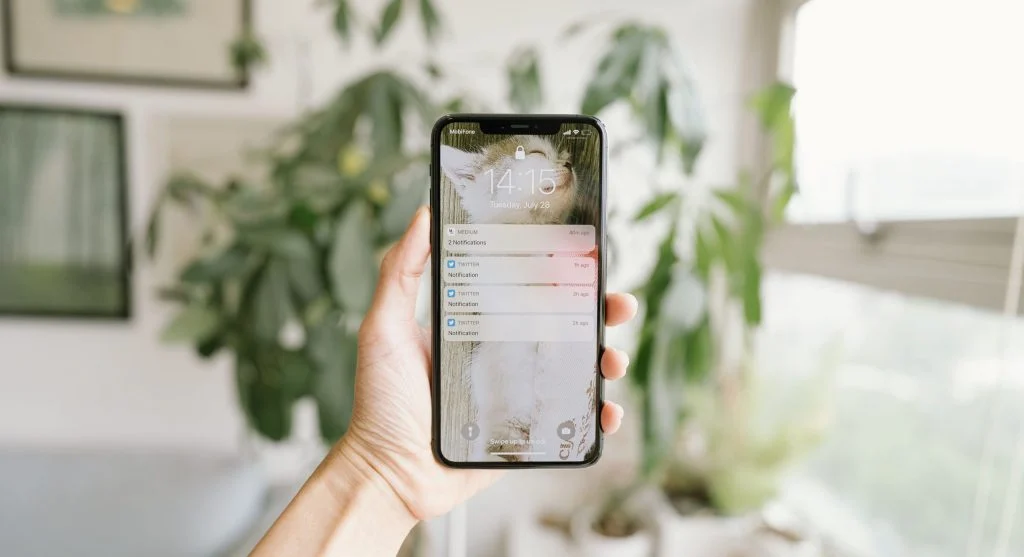
Smartphones are designed to keep users connected and informed, but a constant stream of notifications can quickly become overwhelming. From social media alerts and promotional messages to app updates and reminders, frequent interruptions can make it difficult to stay focused on important tasks.
Many people underestimate how much time they spend reacting to notifications throughout the day. These small interruptions may seem harmless, but they can gradually reduce productivity, disrupt routines, and make it harder to concentrate. By using a few simple notification control tips, you can reduce distractions and create a more focused, efficient smartphone experience.
Why Too Many Notifications Are a Problem
Notifications serve an important purpose by delivering timely information, but excessive alerts can create more problems than benefits.
Common issues caused by too many notifications include:
- Frequent interruptions during work or study
- Reduced productivity
- Difficulty maintaining focus
- Increased screen time
- Mental fatigue from constant attention shifts
Managing notifications effectively can help you regain control of your time and attention.
Turn Off Unnecessary Notifications
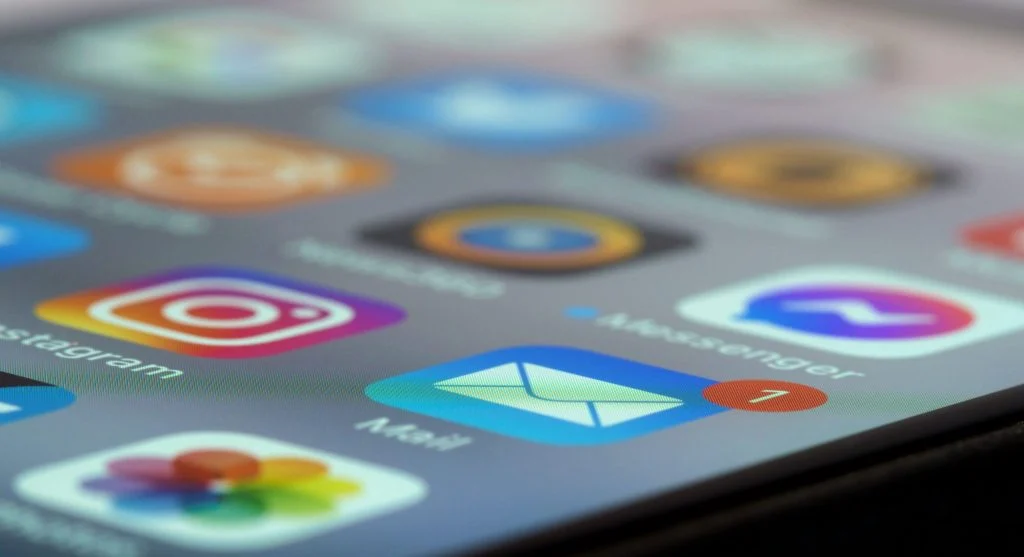
Not every application needs permission to send alerts throughout the day. Many apps generate notifications that provide little value while creating constant distractions.
Disabling unnecessary notifications can help:
- Reduce interruptions
- Improve concentration
- Create a quieter smartphone experience
- Minimize screen-checking habits
Review your notification settings regularly and keep alerts enabled only for apps that provide information you genuinely need.
Use Notification Categories or Channels
Modern smartphones offer advanced notification controls that allow users to manage different types of alerts from the same application.
With notification categories or channels, you can:
- Silence less important alerts
- Prioritize essential messages
- Customize sounds and vibrations
- Control how notifications appear
This level of customization gives you greater control over what demands your attention and when.
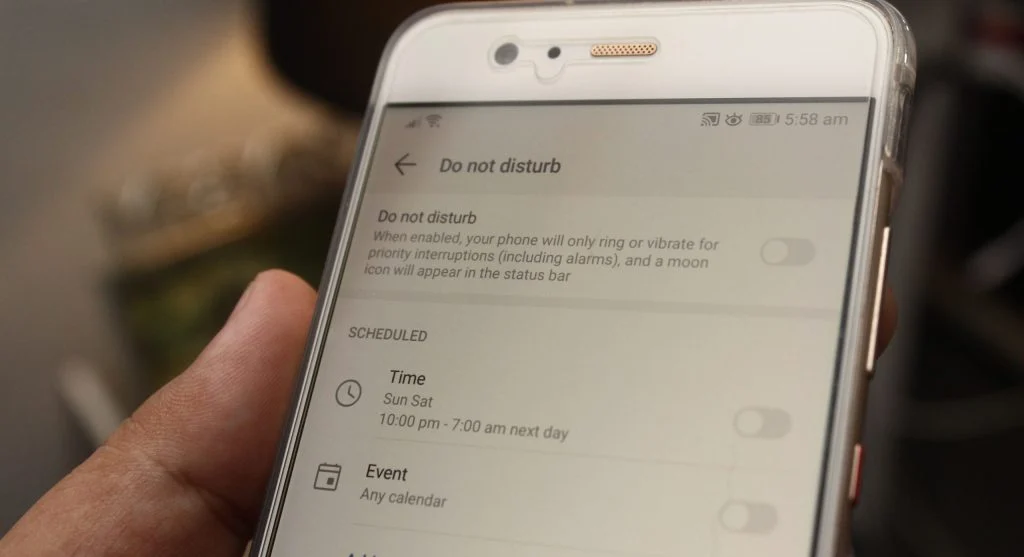
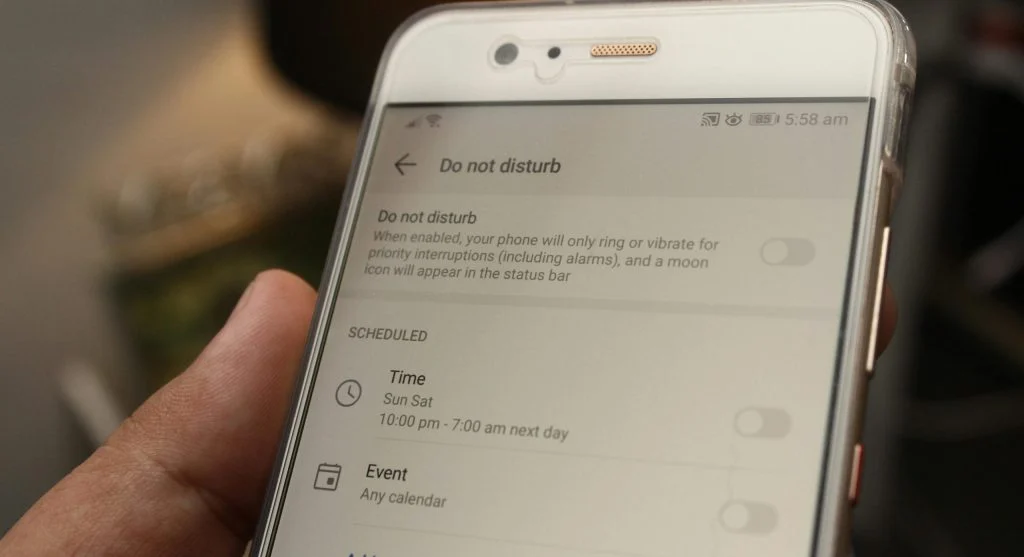
Enable Do Not Disturb Mode
Do Not Disturb mode is one of the most effective tools for reducing interruptions during important moments.
This feature is especially useful during:
- Work sessions
- Meetings
- Study periods
- Family time
- Sleep hours
By temporarily limiting notifications, Do Not Disturb mode helps create uninterrupted blocks of focus while still allowing important contacts or emergency calls to reach you if needed.

Check Notifications at Specific Times
One of the biggest productivity drains is reacting to notifications the moment they arrive. Each interruption can break concentration and make it difficult to return to the task at hand.
Instead, consider:
- Checking notifications at scheduled times
- Avoiding constant phone monitoring
- Focusing on one task at a time
- Responding to alerts in batches
This approach reduces distractions and helps maintain better focus throughout the day.
Limit Social Media Notifications
Social media platforms are often among the largest sources of smartphone notifications. Likes, comments, suggestions, friend requests, and promotional updates can quickly overwhelm users.
Reducing social media alerts can help:
- Save time
- Reduce unnecessary interruptions
- Improve concentration
- Create healthier digital habits
Consider keeping only the most important social notifications active while disabling the rest.
Use Silent Notifications for Less Important Apps
Some notifications provide useful information but do not require immediate attention. In these cases, silent notifications can be a practical solution.
Using silent alerts allows you to:
- Stay informed without interruption
- Eliminate unnecessary sounds and vibrations
- Reduce distraction while working
- Maintain awareness without constant disruption
This approach creates a balance between staying connected and protecting your focus.
Clear Notifications Regularly
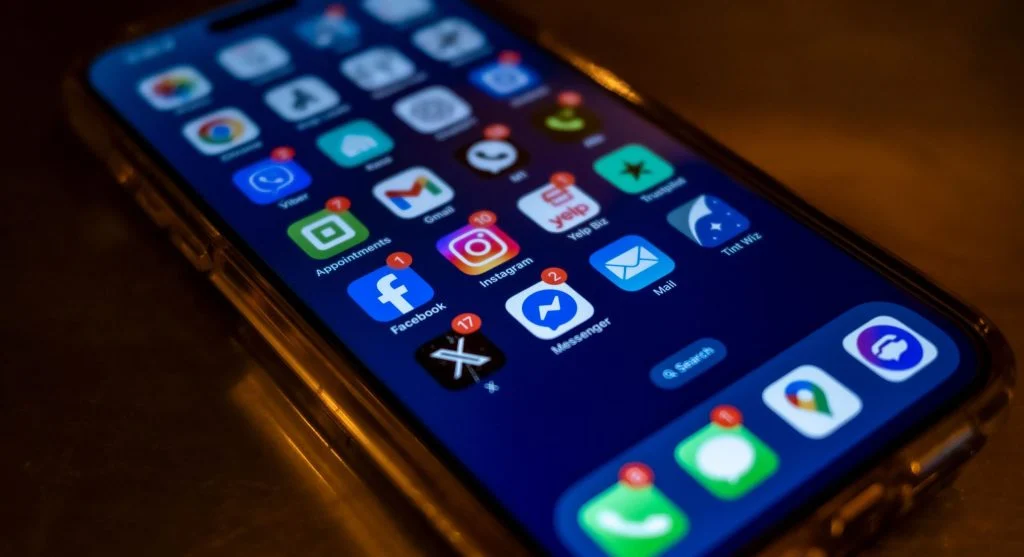
A crowded notification panel can feel overwhelming and make it harder to identify important alerts.
Regularly clearing notifications can help:
- Keep your device organized
- Reduce visual clutter
- Lower stress levels
- Improve overall usability
Making a habit of reviewing and clearing notifications helps prevent them from becoming a source of digital chaos.
Customize Alerts Based on Priority
Not all notifications deserve the same level of attention. Organizing alerts according to importance can significantly improve how you manage your smartphone.
Prioritizing notifications helps you:
- Respond quickly to critical messages
- Ignore low-priority alerts
- Reduce unnecessary distractions
- Improve efficiency throughout the day
Important communication apps, work tools, and family contacts may deserve immediate notifications, while promotional or informational alerts can often wait.
Create a Notification Management Routine
Effective notification control is not a one-time task. As new apps are installed and habits change, notification settings should be reviewed regularly.
A simple routine might include:
- Reviewing notification settings weekly
- Removing unnecessary alerts
- Adjusting priorities as needed
- Checking for newly installed apps with notifications enabled
Regular maintenance helps ensure that notifications continue serving you rather than distracting you.
Frequently Asked Questions
Q: Why do I get so many notifications?
A: Because many apps send alerts by default.
Q: Can I control notifications?
A: Yes, through settings.
Q: Does reducing notifications help?
A: Yes, it improves focus and productivity.
Q: Should I disable all notifications?
A: No, only unnecessary ones.
Key Takeaway
Notification control tips can help reduce distractions, improve productivity, and create a more focused smartphone experience. By disabling unnecessary alerts, prioritizing important notifications, using features such as Do Not Disturb mode, and reviewing settings regularly, users can regain control over their attention and spend less time reacting to constant interruptions. Small adjustments to notification habits can lead to significant improvements in focus, efficiency, and overall digital well-being.
Share this content:












Post Comment