Simple Smartphone Battery Tips Experts Recommend to Make Your Phone Last All Day
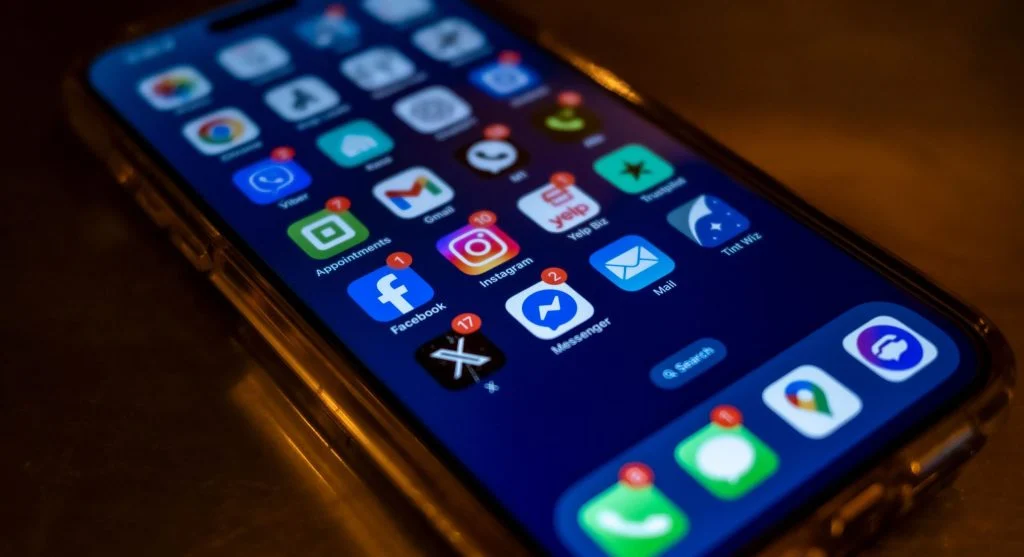
One of the most common problems smartphone users face today is battery drain. No matter how advanced a phone is, the battery often feels like it does not last as long as it should.
You may start the day with a full charge, but by afternoon, the battery is already running low. This forces you to carry chargers, use power banks, or constantly look for a place to plug in.
The reality is that battery problems are not always caused by the hardware itself. In many cases, they come from usage habits, settings, and background activity.
With the right smartphone battery tips, you can extend battery life and help your phone last longer throughout the day.
Why Smartphone Batteries Drain Faster Than Expected
Modern smartphones are powerful devices with high-resolution screens, multiple apps, and constant internet connectivity. All of these features use energy.
Battery drain usually happens because of:
Background apps running continuously
High screen brightness
Constant notifications and syncing
Location services and connectivity features
Even when you are not actively using your phone, these features may continue using power in the background.
That is why battery drain can feel sudden and unexpected.
Understand Battery Usage Before Making Changes
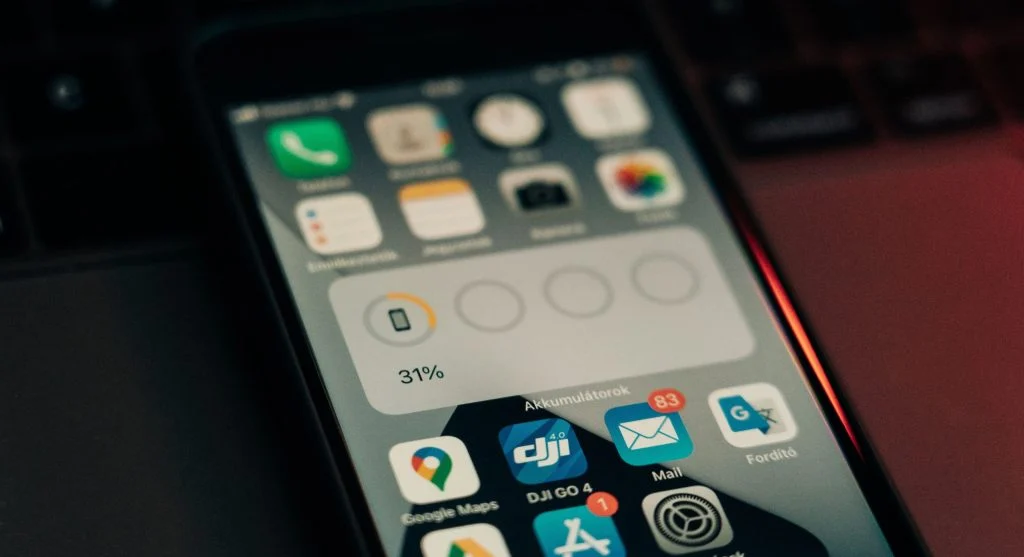
Before trying to fix battery issues, it helps to understand where your battery is being used.
Most smartphones include a battery usage section that shows:
Which apps use the most power
Screen usage time
Background activity
This information helps you identify the real cause of battery drain instead of guessing.
Reduce Screen Brightness and Screen Time
The display is one of the biggest battery consumers on any smartphone.
High brightness levels can drain the battery quickly, especially during long periods of use.
To reduce battery usage:
Lower screen brightness manually
Enable auto-brightness
Reduce screen timeout duration
These small adjustments can have a noticeable effect on battery life.
Limit Background App Activity
Many apps keep running in the background even when you are not actively using them.
These apps may use battery by:
Refreshing content
Sending notifications
Tracking data
Restricting background activity for unnecessary apps can significantly reduce battery drain.
Turn Off Unused Connectivity Features
Features like Bluetooth, Wi-Fi, and GPS are useful, but they can consume battery when left on continuously.
If you are not using them, it is better to turn them off.
For example:
Turn off Bluetooth when not connected
Disable GPS when it is not needed
Switch off Wi-Fi if you are using mobile data
This helps prevent unnecessary battery usage.
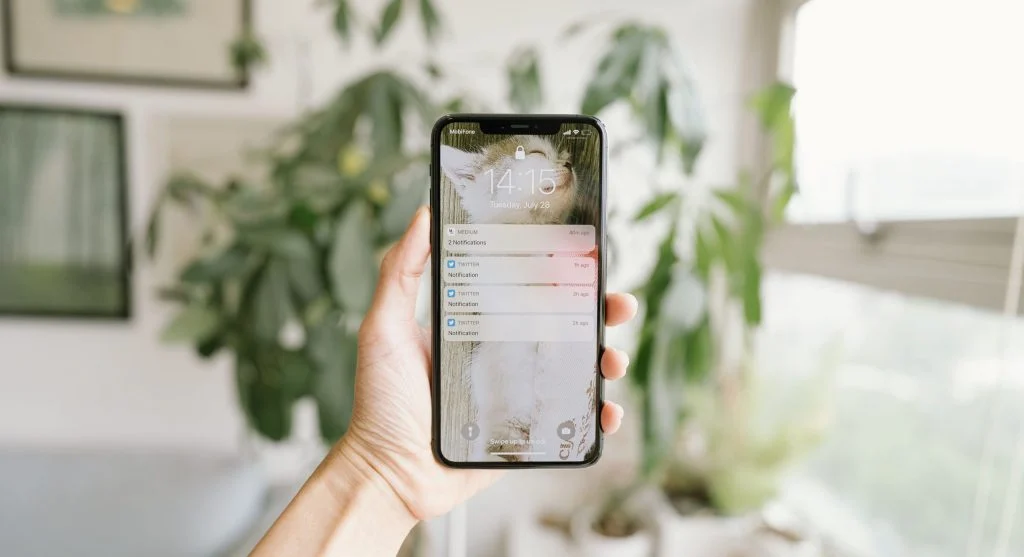
Manage Notifications to Reduce Battery Drain
Every notification can wake up your screen and use power.
If multiple apps send frequent notifications, battery usage increases throughout the day.
Reducing unnecessary notifications can help:
Save battery
Reduce distractions
Improve performance
Use Battery Saver Mode When Needed
Most smartphones include a battery saver mode that limits background activity and slightly reduces performance.
This mode is useful when your battery is low and you need your phone to last longer.
It works by:
Reducing app activity
Lowering performance
Limiting background processes
Avoid Charging Mistakes That Reduce Battery Life
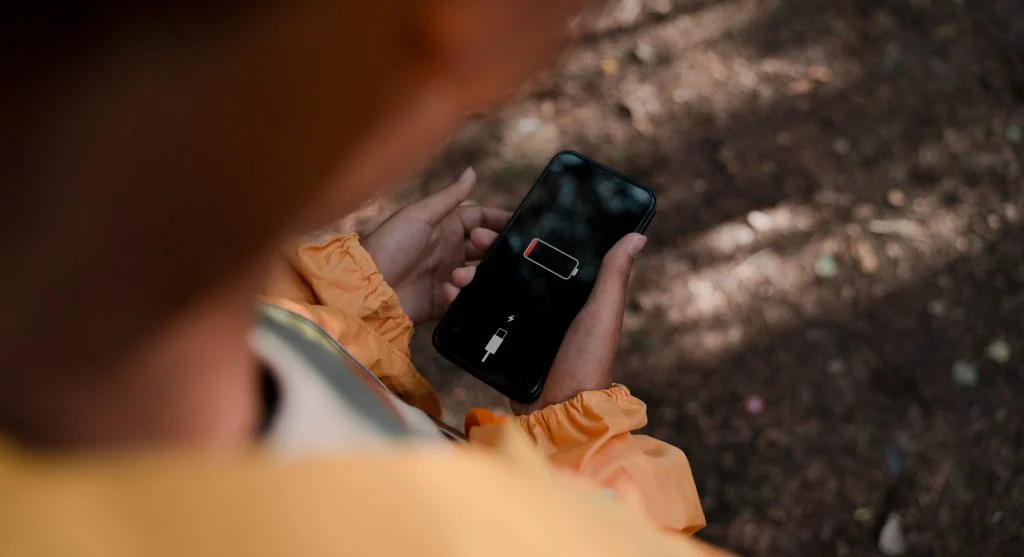
Charging habits can also affect battery performance over time.
Common mistakes include:
Overcharging the device
Using low-quality chargers
Letting the battery drop to 0% frequently
Maintaining healthy charging habits helps protect battery life in the long term.
Keep Your Software Updated
Software updates often include improvements for battery performance.
Updating your phone can provide:
Better optimization
Bug fixes
Improved efficiency
Ignoring updates may lead to unnecessary battery drain.
Create a Daily Battery Saving Routine
Instead of reacting only when the battery is low, build habits that help prevent drain throughout the day.
This includes:
Reducing brightness
Closing unused apps
Turning off unnecessary features
Consistent habits can make a big difference over time.
Frequently Asked Questions
Q: What are smartphone battery tips?
A: They help extend battery life and reduce power usage.
Q: Why does my battery drain fast?
A: Due to background apps, brightness, and connectivity features.
Q: Does battery saver mode help?
A: Yes, it reduces power usage and extends battery life.
Q: How can I improve battery life daily?
A: By managing apps, brightness, and settings.
Key Takeaway
Smartphone battery tips help users extend battery life and reduce daily charging stress. By managing settings, limiting background activity, and following simple habits, you can improve battery performance and keep your phone running longer throughout the day.
Share this content:











Post Comment