Simple Smartphone Overheating Fix Tips Experts Recommend to Keep Your Device Cool and Safe
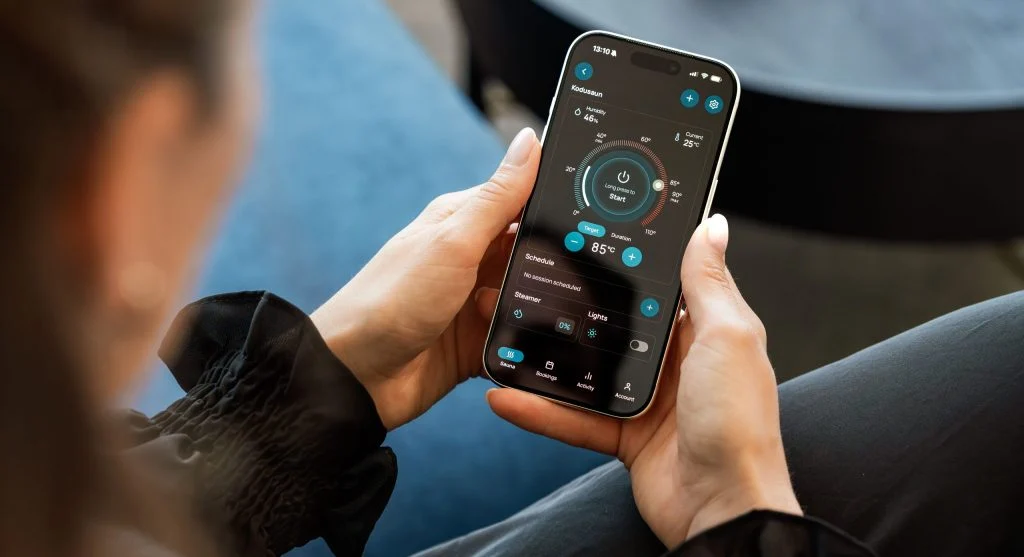
Smartphone overheating is a common problem that many users experience, especially when their device is being used heavily or exposed to hot weather. When a phone gets too warm, it can begin to slow down, lose battery power more quickly, and struggle to perform the way it normally should.
Many people do not pay much attention to overheating at first. They may notice the phone feeling warm in their hand, but they continue using it as usual. Over time, however, repeated overheating can affect the battery, reduce performance, and make the device less reliable.
The good news is that this problem can often be managed with simple habits. By following practical smartphone overheating fix tips, you can help keep your device cool, safe, and running efficiently for longer.
Why Smartphones Overheat
Smartphones overheat when they are forced to work harder than normal.
This extra workload creates more heat inside the device. If the heat builds up faster than the phone can release it, the temperature begins to rise.
Common causes include:
Heavy app usage
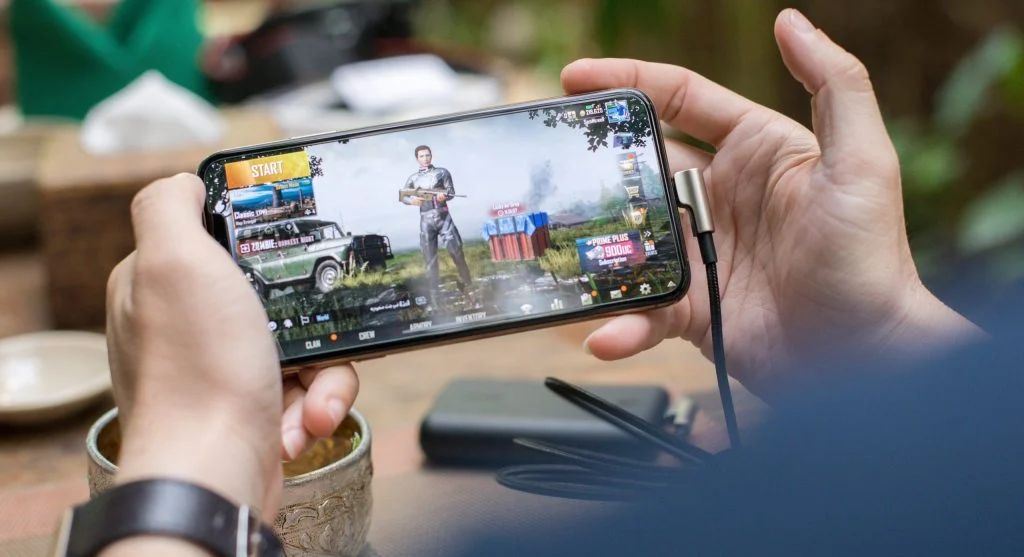
Long gaming sessions
Charging while using the phone
High environmental temperature
Each of these factors can put extra pressure on your smartphone. For example, running multiple apps at the same time can increase system activity. Playing games for a long period can make the processor and screen work harder. Using your phone while charging adds heat from both activity and power input.
Hot surroundings can make the problem worse. If your phone is already warm and then sits in direct sunlight or a hot room, it has a harder time cooling down.
Understanding these causes is the first step toward preventing overheating. Once you know what usually makes your phone heat up, it becomes easier to avoid those habits or manage them better.
Avoid Using Your Phone While Charging
Using your phone while it is charging is one of the most common reasons for extra heat.
Charging already creates warmth because the battery is receiving power. When you use the phone at the same time, especially for heavy tasks, the device has to manage charging and performance together. This can make the temperature rise much faster.
Using your phone during charging can:
Increase temperature quickly
Slow charging speed
Stress the battery
Simple tasks may not always cause a major issue, but heavy use can create noticeable heat. Activities like gaming, watching long videos, video calling, or using several apps while charging can put more strain on the device.
Letting your phone charge without heavy use gives it a better chance to stay cool. It also helps the battery charge more smoothly. If you need to use the phone while it is plugged in, try to keep the activity light and avoid anything that makes the device work too hard.
This small habit can make a big difference, especially if your phone already tends to heat up easily.
Close Background Apps
Apps running in the background can continue using system resources even when you are not actively looking at them.
Many users move from one app to another without closing anything. Over time, several apps may remain active in the background. This can make the phone work harder than necessary.
Background apps can lead to:
Higher CPU usage
Increased heat
Reduced performance
When too many apps are open, your phone has to keep track of them. Some apps may refresh content, sync data, or continue running small processes. While each app may not seem like much on its own, together they can create extra load.
Closing unused apps helps reduce that load. It gives your phone fewer tasks to manage and can help lower the temperature. This is especially useful before gaming, recording videos, joining a video call, or using any app that already requires more power.
You do not need to obsessively close every app all the time, but it is helpful to clear out apps you are no longer using. Keeping your phone’s workload lighter is one of the easiest smartphone overheating fix steps.
Remove Phone Case During Heavy Usage
Phone cases are useful for protection, but they can also trap heat.
A case covers the outside of your phone, which can make it harder for heat to escape. This becomes more noticeable during heavy usage, such as gaming, streaming, charging, or using the camera for a long time.
Removing the case during heavy tasks helps:
Improve heat dissipation
Reduce temperature buildup
Keep the device cooler
This step is simple, but it can be very effective. When the case is removed, the phone can release heat more easily into the surrounding air. This can help slow down temperature buildup and make the device feel cooler.
You do not need to remove the case all day. It is most helpful during moments when the phone is already working harder than usual. For example, if you are charging the phone and it feels hot, removing the case can help. If you are playing a game and the back of the device becomes warm, taking the case off may reduce trapped heat.
This small adjustment can protect performance and make the phone more comfortable to hold.
Reduce Screen Brightness
High screen brightness can also contribute to overheating.
The display is one of the parts of a phone that uses a lot of power. When brightness is set very high, especially for long periods, the screen consumes more energy and generates more heat.
Lowering brightness helps:
Reduce heat
Save battery
Improve efficiency
This is especially important when using the phone outdoors or in bright places. Many users increase brightness to see the screen clearly, but keeping it at maximum for too long can add to the phone’s temperature.
Reducing brightness even slightly can help the device stay cooler. It also helps the battery last longer, which improves overall efficiency.
Automatic brightness can be useful because it adjusts the screen level based on lighting conditions. Instead of keeping brightness high all the time, the phone can lower it when full brightness is not needed.
If your phone often gets warm during normal use, screen brightness is one of the first settings worth checking.
Avoid Direct Sunlight
External heat can raise your phone’s temperature very quickly.
Even if your phone is not doing anything heavy, direct sunlight can heat it up fast. This is especially common when the device is left on a car seat, near a window, on a table outdoors, or in direct sun while being used.
Direct sunlight can:
Raise device temperature quickly
Cause performance issues
Damage internal components
A phone already produces heat during use. When outside heat is added, the device may struggle to cool itself. This can lead to slower performance, faster battery drain, or warning messages if the temperature gets too high.
Keeping your phone in a cool environment is one of the simplest ways to prevent overheating. Try to place it in the shade, keep it away from hot surfaces, and avoid leaving it in closed spaces where heat builds up.
If the phone feels hot because of sunlight, stop using it for a while and let it cool naturally in a cooler place. Avoid putting it in extreme cold, as sudden temperature changes are not ideal. A normal shaded area is usually enough.
Update Apps and System
Outdated apps can sometimes make your phone work harder than necessary.
Apps that are not updated may contain bugs or performance issues. These problems can cause extra background activity, unnecessary load, or inefficient use of system resources.
Updating helps:
Fix bugs
Improve performance
Reduce unnecessary load
System updates can also improve how the phone manages performance and power. When apps and software are current, the device usually runs more smoothly. A smoother system often means less strain, which can help lower overheating risk.
Many users delay updates because they seem inconvenient. However, keeping apps and the operating system updated is an important part of phone maintenance.
You do not have to check every app manually every day, but it is helpful to allow regular updates or review pending updates from time to time. This keeps your device working with the latest fixes and improvements available for your phone.
Limit Heavy Gaming Sessions
Games use a lot of system resources.
Long sessions can:
- Increase heat
- Drain battery
- Reduce performance
Take breaks to let your phone cool down.
Turn Off Unused Features
Features like Bluetooth, GPS, and background syncing consume power.
Turning them off helps:
- Reduce load on system
- Lower temperature
- Improve efficiency
Use only necessary features.
Restart Your Phone Regularly
Restarting clears temporary processes.
This helps:
- Reduce system load
- Fix minor issues
- Improve performance
A simple restart can prevent overheating.
Frequently Asked Questions
Q: Why does my phone overheat?
A: Due to heavy usage or environmental heat.
Q: Is overheating dangerous?
A: Yes, it can affect performance and battery life.
Q: Can I fix overheating?
A: Yes, with simple usage adjustments.
Q: Should I use phone while charging?
A: Avoid heavy usage during charging.
Key Takeaway
Smartphone overheating fix tips help keep your device cool and safe. By managing usage, avoiding heat sources, and maintaining your phone properly, you can prevent overheating and ensure long-term performance.
Share this content:











Post Comment