Simple Battery Health Tips Experts Recommend to Extend Smartphone Life Easily
Battery health tips help users extend the life of their smartphones and maintain performance. Over time, batteries naturally degrade, but proper usage can slow this process.
Technology experts explain that simple charging and usage habits can improve battery health. These battery health tips help users get more life from their devices.
Why Battery Health Matters for Smartphones
Battery condition affects how long a device lasts throughout the day. Poor battery health can lead to faster draining and reduced performance.
Experts note that maintaining battery health improves overall device experience.

How to Improve Battery Health with Simple Steps
Battery health can be improved by adjusting charging habits.
Step 1: Avoid Overcharging
Keeping the battery at 100% for long periods can affect its lifespan.
Step 2: Keep Battery Between 20% and 80%
Moderate charging levels help maintain battery condition.
Step 3: Use Original Chargers
Using compatible chargers ensures safe charging.
Avoid Extreme Temperatures
High heat or cold can damage battery performance.
Experts recommend keeping devices in moderate conditions.
Reduce Screen Brightness and Background Activity
High brightness and active apps can drain battery quickly.
Experts suggest lowering brightness and limiting background processes.
Enable Battery Saver Mode
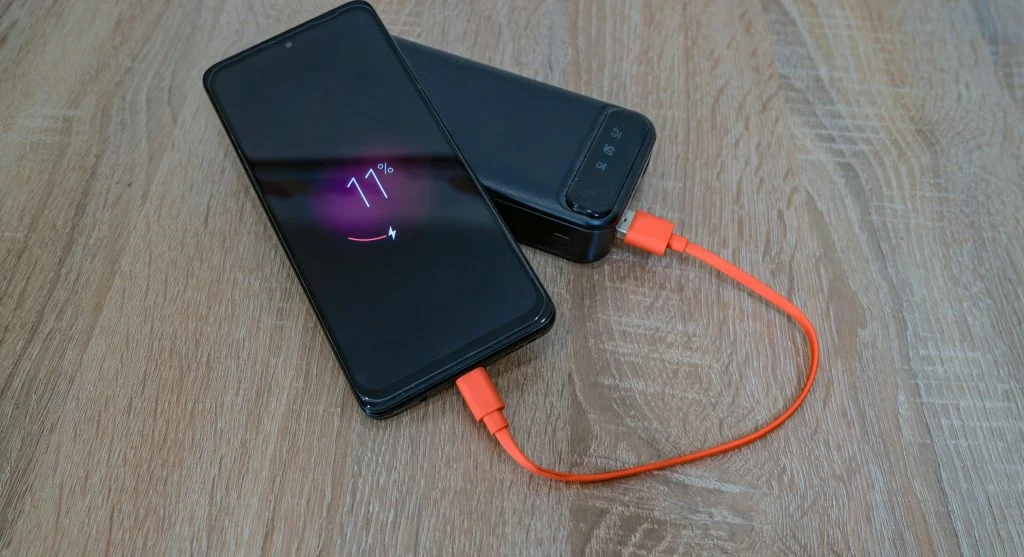
Battery saver mode reduces background activity and extends usage time.
Experts recommend using it when battery is low.
Keep Software Updated
Updates often include improvements for battery efficiency.
Experts suggest keeping systems updated.

Avoid Using Phone While Charging
Using devices during charging can increase heat and reduce efficiency.
Experts recommend letting devices charge without heavy use.
Frequently Asked Questions
Q: What are battery health tips?
A: They help maintain and extend battery life.
Q: What is the best charging range?
A: Between 20% and 80% for better longevity.
Q: Does heat affect battery health?
A: Yes, high temperatures can damage batteries.
Q: Should battery saver mode be used?
A: Yes, it helps extend usage time.
Key Takeaway
Battery health tips help users extend smartphone life and improve performance. Simple habits like proper charging, avoiding heat, and managing usage can protect battery condition. Experts agree that good battery care leads to longer device lifespan.
Share this content:











Post Comment