Simple Internet Speed Tips Experts Recommend to Improve Connection Performance


Credit: www.kaboompics.com / Pexels
How to Improve Wi-Fi Speed with Simple Steps
Improving Wi-Fi speed usually starts with a few practical changes to how your network is set up. Many slowdowns come from signal issues or unnecessary load, not the internet plan itself.
Step 1: Place the Router in a Central Location
Router placement has a big impact on signal strength. Keeping it in a central, open area helps the signal reach all parts of your home more evenly.
Avoid placing it in corners, behind furniture, or inside cabinets.
Step 2: Reduce Interference from Other Devices
Devices like microwaves, cordless phones, and even nearby routers can interfere with Wi-Fi signals.
Keeping your router away from such electronics and slightly elevated can improve signal quality.
Step 3: Limit the Number of Connected Devices
When too many devices are connected, bandwidth gets shared and speed drops.
Disconnecting unused devices or limiting background usage can help improve performance for active tasks.
Update Router and Device Software
Outdated firmware or system software can affect speed and stability.
Experts recommend checking for updates regularly. Updates often include performance improvements and security fixes that keep connections stable.
Use Strong Passwords for Network Security
An unsecured network can allow unknown users to connect, slowing down your connection and creating risks.
Network professionals suggest using a strong password and modern security settings (like WPA2 or WPA3) to keep your network private and efficient.

Credit: Antoni Shkraba Studio / Pexels
Restart Router to Fix Temporary Issues
Restarting your router is one of the simplest and most effective fixes. It clears temporary glitches, refreshes connections, and can resolve sudden slowdowns.
Experts often recommend restarting the router occasionally, especially when you notice unexpected drops in speed or stability.
Use Wired Connections for Better Performance
A wired (Ethernet) connection is usually faster and more stable than Wi-Fi. It avoids interference and signal loss.
Experts suggest using Ethernet for tasks that need consistent speed, like video calls, gaming, or large downloads.
Check Internet Plan and Service Limits
Sometimes the issue isn’t the setup it’s the plan itself. Lower-speed plans may struggle with multiple devices or high-bandwidth activities.
Experts recommend reviewing your internet plan to make sure it matches your usage. Upgrading to a higher-speed plan can make a significant difference if your needs have increased.
Credit: Brett Sayles / Pexels
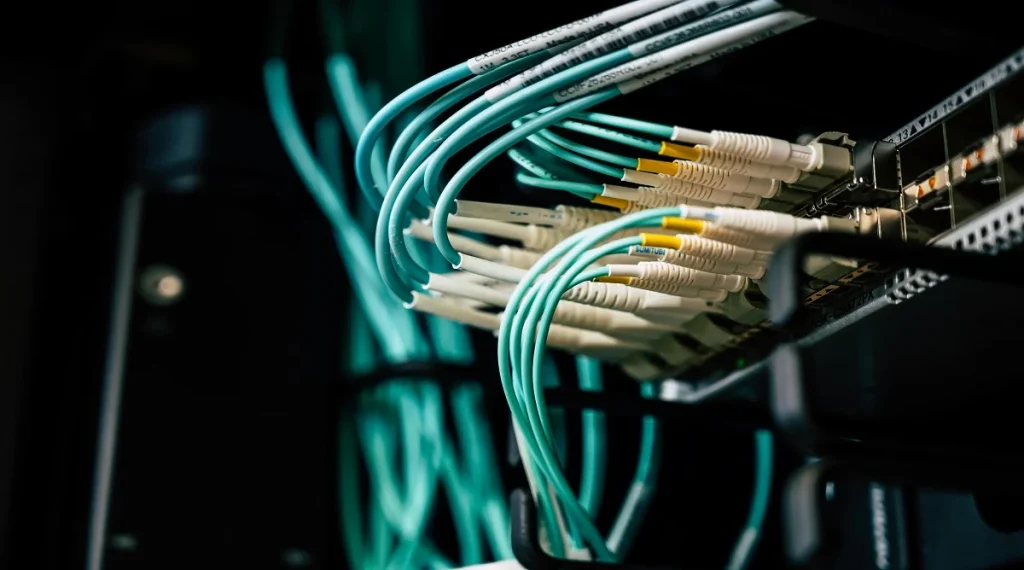
When to Upgrade Networking Equipment
If your internet still feels slow after basic fixes, your router might be the bottleneck. Older routers often can’t handle modern speeds, multiple devices, or newer Wi-Fi standards.
Technology experts usually point out a few clear signs it’s time to upgrade: frequent disconnections, weak signal in parts of your home, slow speeds even near the router, or difficulty handling many connected devices.
Newer routers support faster standards (like Wi-Fi 5 or Wi-Fi 6), better range, and improved handling of multiple devices at once. In many cases, upgrading the router can make a noticeable difference without changing your internet plan.
Frequently Asked Questions
Q: What are the best internet speed tips for beginners?
A: Placing the router correctly, limiting devices, and restarting the router are simple and effective steps.
Q: Why is my Wi-Fi slow even with a strong signal?
A: Network congestion or service limitations can affect speed even if the signal is strong.
Q: Does restarting the router improve speed?
A: Yes, it can fix temporary issues and improve connection stability.
Q: Are wired connections better than Wi-Fi?
A: Wired connections are usually faster and more stable than wireless connections.
Key Takeaway
Internet speed tips can make a real difference in how smoothly your connection performs day to day. Many slowdowns come from setup issues rather than the internet itself.
Simple actions—like placing the router properly, limiting unnecessary devices, and keeping equipment updated can noticeably improve speed and stability.
Experts consistently point out that regular maintenance is key. When you check your setup occasionally and make small adjustments, your network stays more reliable, responsive, and better suited to your needs.
Share this content:














Post Comment