Simple File Organization Tips Experts Recommend to Keep Your Data Easy to Find

File organization tips help users manage digital data and keep files easy to locate. Over time, devices can store large amounts of information, making file management more challenging.
Technology experts explain that proper organization improves productivity and reduces the time spent searching for files. Simple methods can make managing digital data much more efficient.
Why File Organization Tips Matter for Daily Tasks
Disorganized files can slow down work and create unnecessary confusion. Important documents or media may become difficult to find when needed.
Experts note that organized files improve efficiency, save time, and reduce stress.
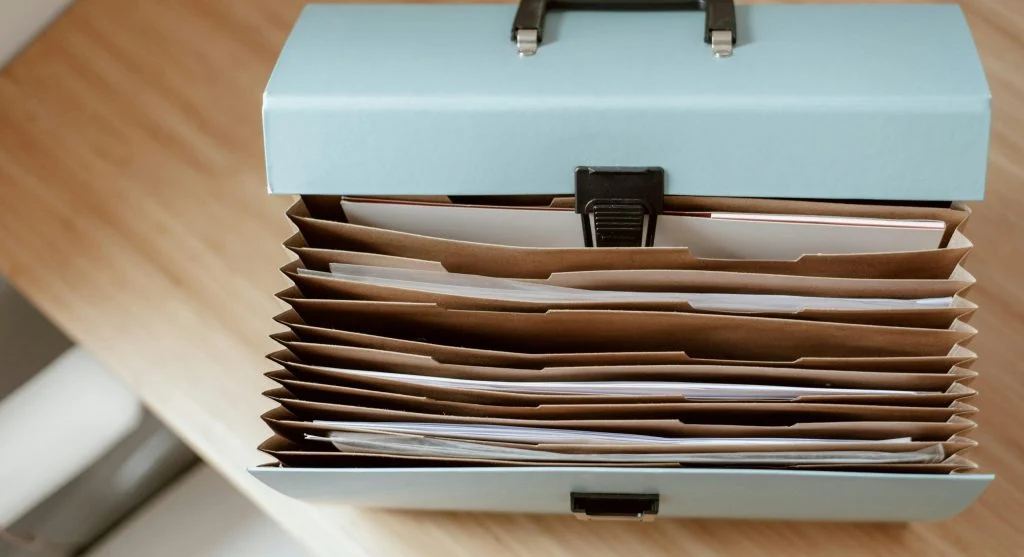
Credit: Anete Lusina / Pexels
How to Organize Files Effectively with Simple Steps
Organizing files involves creating a clear structure and maintaining consistent habits.
Step 1: Create Clear Folder Structures
Grouping files into folders based on category, project, or purpose makes them easier to access and manage.
Step 2: Use Descriptive File Names
Using clear and meaningful file names helps identify content quickly without needing to open each file.
Step 3: Sort Files Regularly
Reviewing and sorting files regularly helps remove unnecessary data and keeps everything organized.
Use Categories to Group Similar Files
Keeping similar files together improves navigation and saves time. Categories can be based on projects, dates, or file types.
Experts recommend using simple and consistent categories for better organization.
Delete Unnecessary Files to Reduce Clutter
Unused files can take up storage space and make it harder to find important information. Removing them helps improve clarity and efficiency.
Experts suggest performing regular cleanups to maintain an organized system.

Credit: Andi sabandi / Pexels
Back Up Organized Files for Safety
Organized files should be backed up regularly to prevent data loss. Backups help ensure that important information can be recovered if needed.
Experts recommend using cloud services or external storage devices for secure backups.
Use Search Tools to Find Files Quickly
Built-in search tools make it easier to locate files quickly. Well-organized files also improve search accuracy and save time.
Experts suggest combining good organization habits with search features for maximum efficiency.

Credit: Dziana Hasanbekava / Pexels
Maintain File Organization Over Time
Consistent habits are important for keeping files organized and easy to manage. Regular updates and cleanup prevent clutter from building up over time.
Experts recommend setting a routine for reviewing, sorting, and organizing files to maintain long-term efficiency.
Frequently Asked Questions
Q: What are the best file organization tips?
A: Creating folders, using clear names, and deleting unnecessary files are key steps.
Q: Why is file organization important?
A: It improves productivity and makes files easier to find.
Q: How often should files be organized?
A: Regular organization helps maintain efficiency.
Q: Should files be backed up?
A: Yes, backups protect data from loss.
Key Takeaway
Share this content:














Post Comment