Simple Email Safety Tips Experts Recommend to Avoid Scams and Protect Data
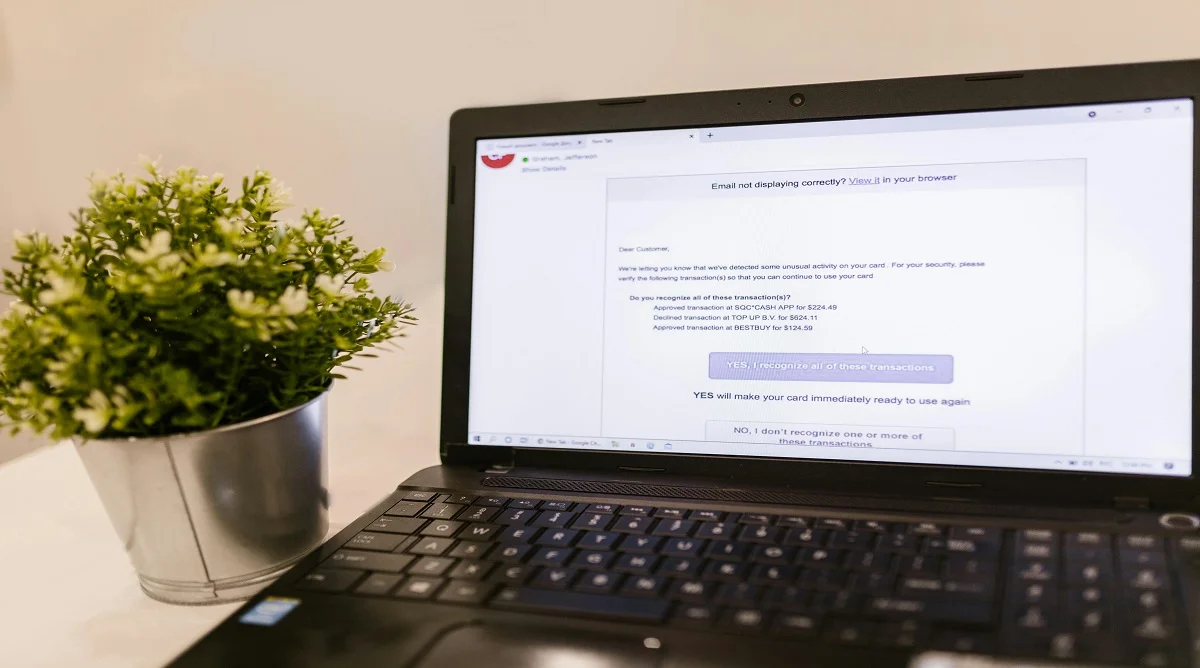
Email safety tips are important for anyone who relies on email for communication, work, or managing online accounts. Because email is so widely used, it’s also one of the most common ways scammers try to reach people.
Cybersecurity experts often explain that many threats don’t rely on advanced hacking they rely on tricking users. That’s why understanding how to spot suspicious emails can go a long way in protecting your data.
Why Email Safety Tips Are Important for Daily Use
Email is part of everyday life, which makes it an easy target for cyber threats like phishing and scams.
Experts point out that many attacks succeed because they look convincing. Messages may appear to come from trusted sources, but their goal is often to get you to share personal information or click harmful links. Staying aware of these tactics is one of the most effective ways to stay safe.
Credit: RDNE Stock project / Pexels
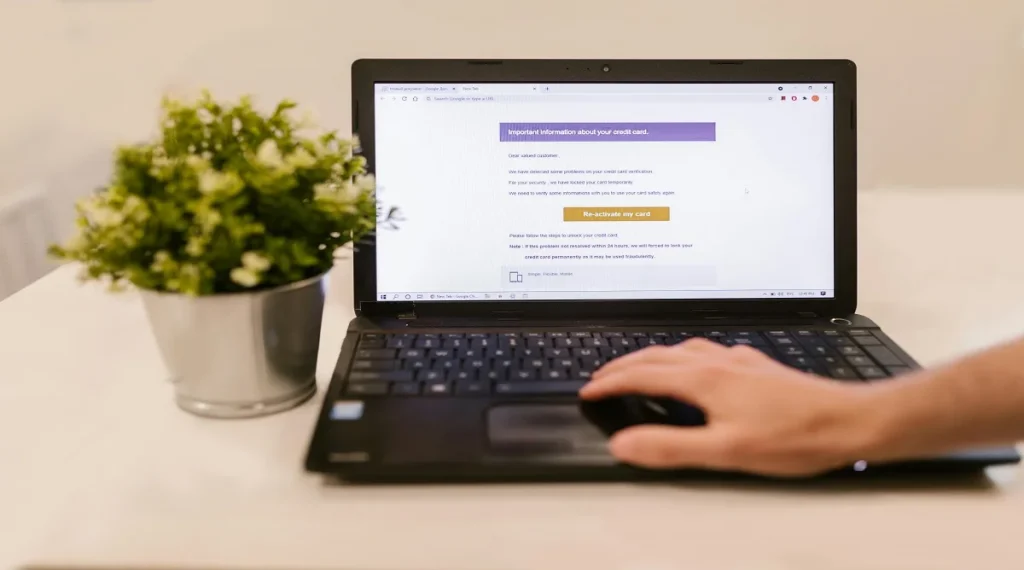
Phishing emails often mimic trusted sources but use slightly altered email addresses. A small change like an extra letter or different domain can be a red flag.
Experts recommend always verifying the sender before replying or taking any action.
Avoid Clicking Suspicious Links or Attachments
Links and attachments in unknown or unexpected emails can carry malware or lead to fake websites.
Cybersecurity professionals advise avoiding clicks unless you are certain the source is legitimate. When in doubt, go directly to the official website instead of using the link.
Look for Signs of Urgency or Pressure
Scam emails often try to rush you. They may claim your account will be locked or that immediate action is required.
Experts suggest slowing down and reviewing the message carefully. Legitimate organizations rarely pressure users into urgent decisions without proper notice.
Credit: Shoper .pl / Pexels
Do Not Share Personal Information Through Email
Legitimate companies almost never ask for sensitive details like passwords, bank information, or verification codes through email. Requests like these are a strong warning sign.
Experts recommend never sharing personal information over email and instead verifying any request through official websites or customer support channels.
Enable Email Security Features
Most email services include built-in protections such as spam filters, phishing detection, and two-factor authentication (2FA).
Experts strongly recommend enabling these features. They add an extra layer of security and can block many threats before they reach you.
Keep Email Apps and Devices Updated
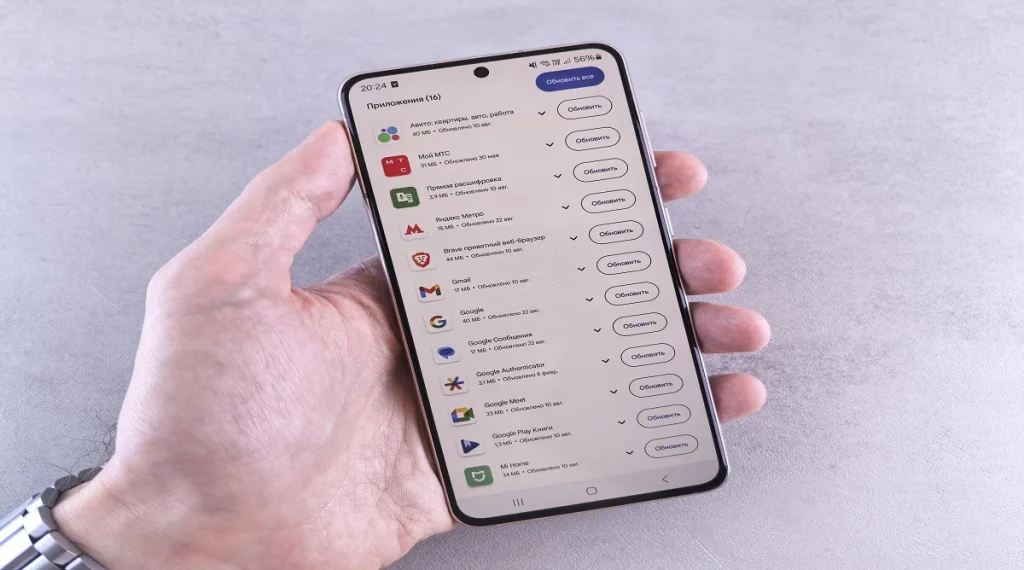
Software updates often include important security fixes that protect against new threats. Using outdated apps or devices can leave you exposed.
Technology professionals emphasize keeping your email apps, browser, and system updated regularly to maintain strong protection.
Credit: Andrey Matveev / Pexels
Frequently Asked Questions
Q: What are the most important email safety tips?
A: Checking sender addresses, avoiding suspicious links, and not sharing personal information are key steps.
Q: How can users identify phishing emails?
A: Phishing emails often contain unusual sender addresses, urgent messages, and suspicious links.
Q: Is it safe to open email attachments?
A: Attachments from unknown senders should be avoided as they may contain harmful content.
Q: Why should suspicious emails be reported?
A: Reporting helps improve security systems and protect other users from scams.
Key Takeaway
Email safety tips make a real difference in protecting your data and avoiding scams. Most threats rely on small mistakes clicking the wrong link or trusting the wrong sender so simple habits go a long way.
Checking sender details, avoiding suspicious links, and using built-in security features like spam filters and two-factor authentication can significantly reduce risk. Staying aware and taking a moment to verify things before acting is often the best defense.
In the end, consistent awareness not complicated tools is what keeps email use safe and secure.
Share this content:













Post Comment