Simple Battery Saving Tips Experts Recommend to Extend Device Life

Battery saving tips can help users extend device usage and reduce the need for frequent charging. Smartphones and other devices rely heavily on battery power throughout the day.
Technology experts explain that simple changes in settings and usage habits can lower power consumption. Understanding these battery saving tips can improve overall device efficiency.
Why Battery Saving Tips Matter for Everyday Devices
Battery performance directly affects how long a device can be used without charging. Poor usage habits can gradually reduce efficiency.
Experts note that managing battery use properly helps maintain performance and can extend the device’s lifespan.

Credit: ClickerHappy / Pexels
Lower Screen Brightness to Save Power
Screen brightness is one of the biggest drains on battery life. Keeping it too high can quickly reduce power.
Experts recommend adjusting brightness to a comfortable level or enabling automatic brightness for better efficiency.
Turn Off Unused Features and Connections
Features like Bluetooth, GPS, and Wi-Fi continue to use battery when they’re turned on. Leaving them active unnecessarily can shorten battery life.
Experts suggest switching off any features you’re not using to conserve power.
Close Background Apps to Reduce Usage
Apps running in the background can keep consuming battery even when you’re not actively using them. Managing these apps can improve efficiency.
Experts recommend closing or limiting background activity for apps that aren’t essential.
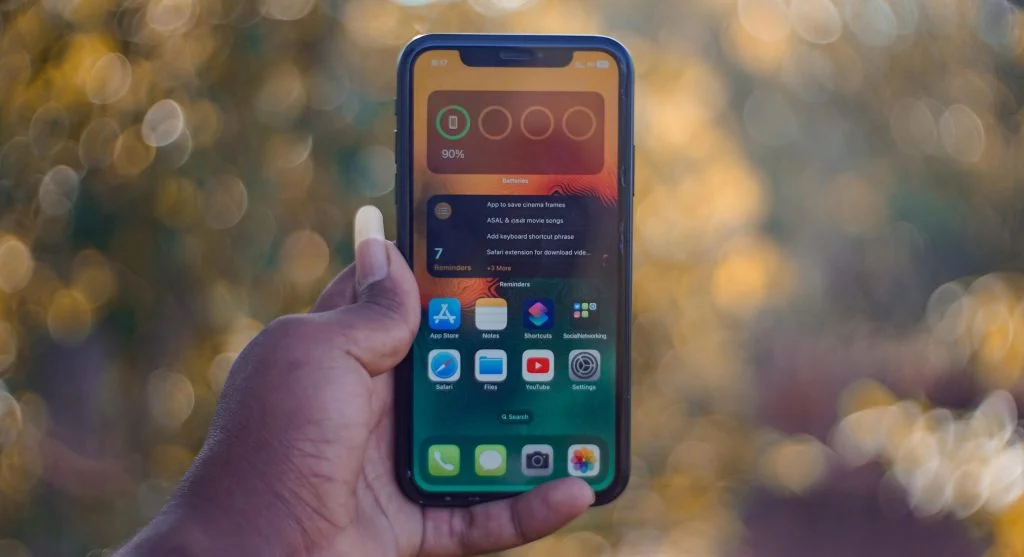
Credit: Soundarapandian MS / Pexels
Use Battery Saver Mode When Needed
Battery saver mode helps conserve power by reducing background activity and limiting certain features.
Experts explain that this option is especially useful when your battery level is low.
Keep Apps and Software Updated
Updates often include improvements that enhance efficiency and fix issues that may cause unnecessary battery drain.
Experts suggest keeping your apps and device software up to date for the best performance.
Avoid Extreme Temperatures
Very high or low temperatures can affect battery health and reduce efficiency.
Experts recommend keeping devices within normal temperature ranges to maintain proper performance.
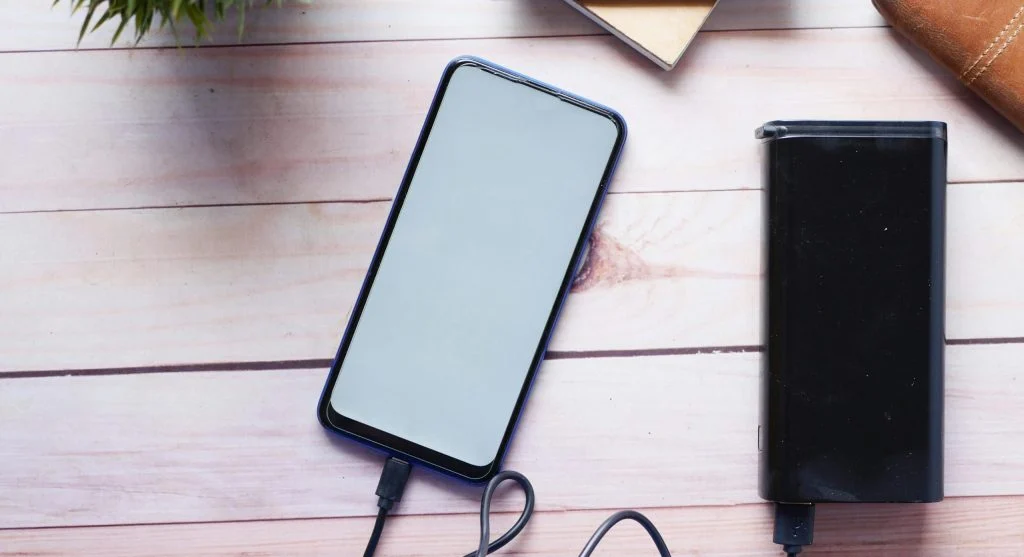
Credit: Towfiqu barbhuiya / Pexels
Frequently Asked Questions
Q: What are the best battery saving tips?
A: Lowering brightness, turning off unused features, and using battery saver mode are effective steps.
Q: Does closing apps improve battery life?
A: Yes, reducing background activity helps conserve battery power.
Q: Is battery saver mode useful?
A: Yes, it helps extend battery life during low power situations.
Q: How can users maintain battery health?
A: Avoid extreme temperatures and follow proper charging habits.
Key Takeaway
Share this content:











Post Comment