Simple Laptop Cooling Tips Experts Recommend to Prevent Overheating and Improve Performance
Credit: KIEU TRUONG / Pexels
How to Keep Laptops Cool with Simple Steps
Keeping a laptop cool mainly comes down to improving airflow and reducing heat buildup.
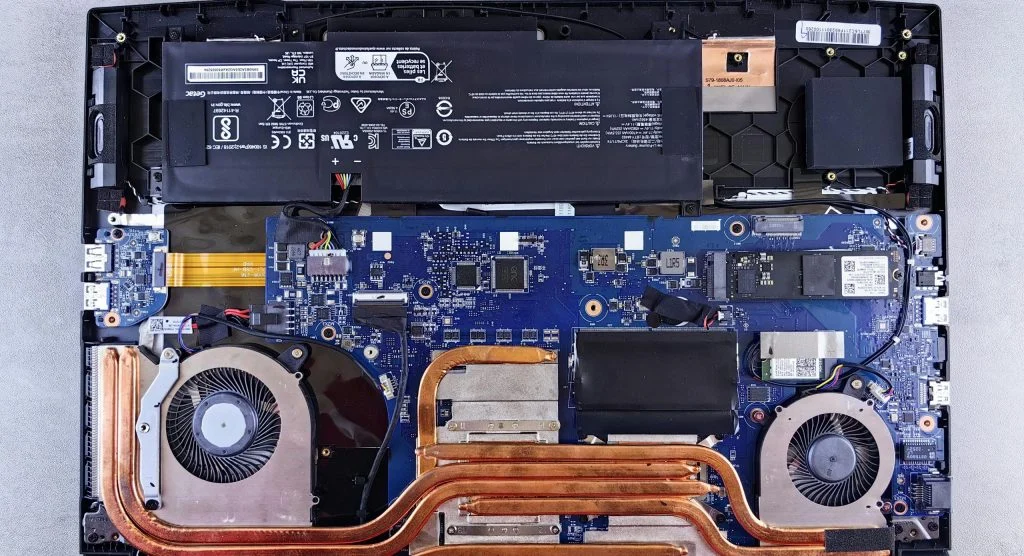
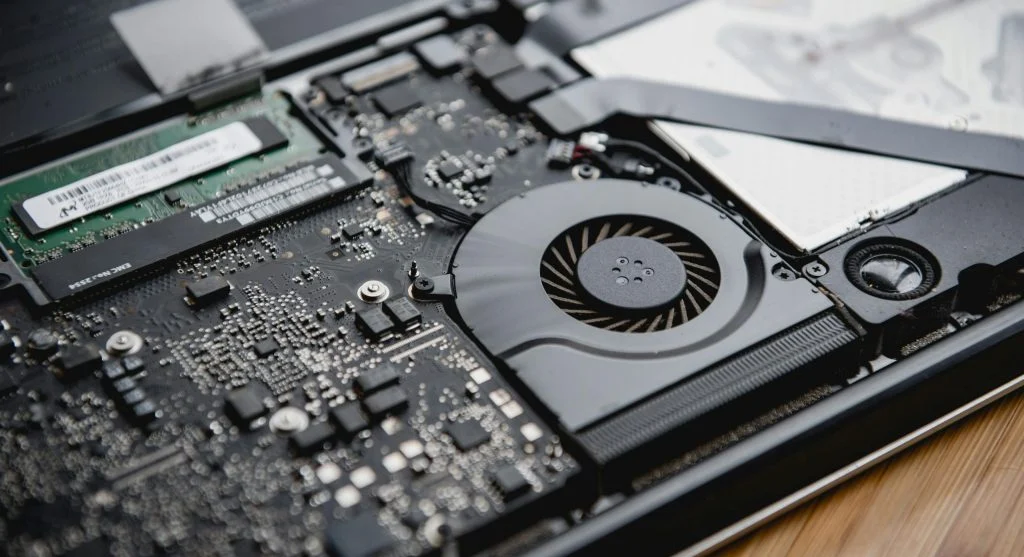
Step 1: Keep Air Vents Clean
Dust can block vents and restrict airflow, leading to overheating. Cleaning the vents regularly helps maintain proper cooling.
Step 2: Use Laptop on Hard Surfaces
Soft surfaces like beds or cushions can block airflow. Placing your laptop on a flat, hard surface allows heat to dissipate more effectively.
Step 3: Avoid Using Laptops in Hot Environments
High ambient temperatures can make overheating worse. Using your laptop in a cooler environment helps maintain better performance.
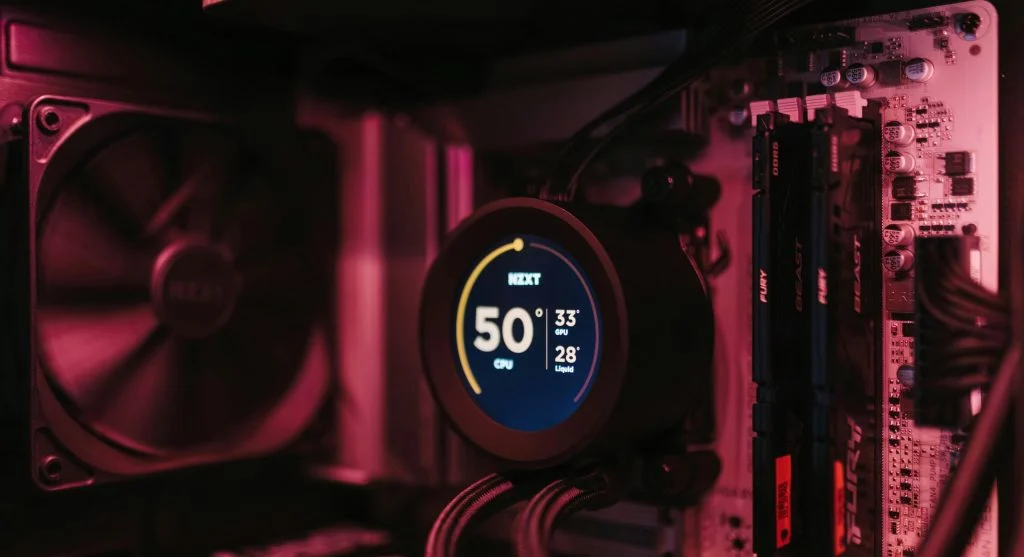
Use Cooling Pads for Extra Support
Cooling pads add extra airflow with built-in fans, helping to keep temperatures down during heavy use.
Experts recommend using cooling pads for activities like gaming or extended work sessions.
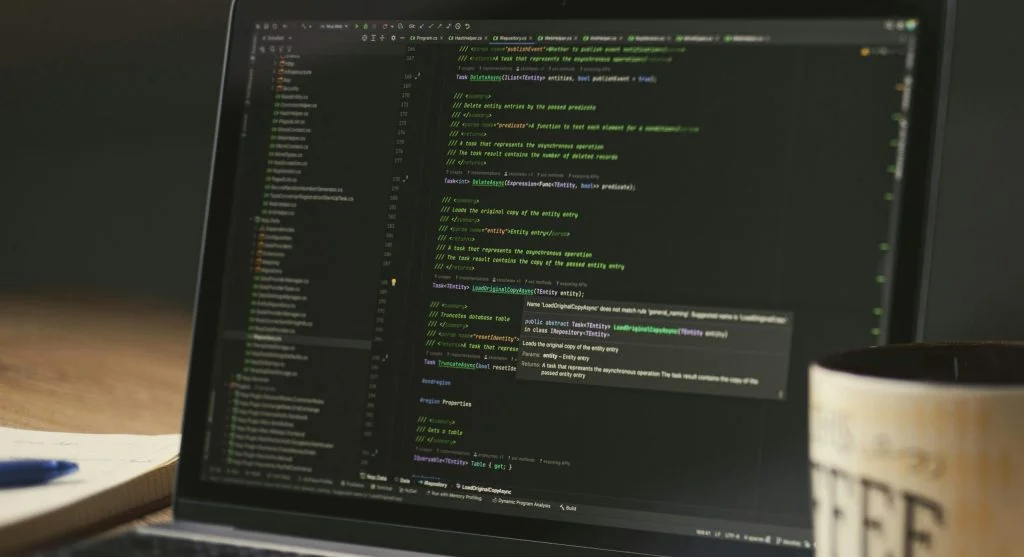
Close Unnecessary Programs
Running too many programs at once increases the workload on the processor, which generates more heat. Closing unused apps can help reduce this.
Experts suggest managing active tasks to keep the system running efficiently.
Credit: Daniil Komov / Pexels
Credit: Matheus Bertelli / Pexels
Frequently Asked Questions
Q: What are the best laptop cooling tips?
A: Cleaning vents, using cooling pads, and managing programs are effective methods.
Q: Why do laptops overheat?
A: Dust buildup, blocked vents, and heavy usage can cause overheating.
Q: Do cooling pads help?
A: Yes, they improve airflow and reduce heat during extended use.
Q: Should laptops be used on beds?
A: No, soft surfaces can block airflow and increase heat.
Key Takeaway
Share this content:














Post Comment