Simple Smartphone Tips Experts Recommend to Improve Performance and Daily Usage

Smartphone tips help users improve performance and get more out of their devices. Smartphones are used every day for communication, work, entertainment, and many other tasks.
Technology experts explain that small changes in settings and daily habits can improve speed, battery life, and overall usability. These smartphone tips help users maximize device performance.
Why Smartphone Tips Matter for Daily Use
Over time, smartphones can become slower or less efficient. Poor usage habits may negatively affect performance and battery life.
Experts note that proper management and regular maintenance help keep devices running smoothly.

Credit: Mateusz Dach / Pexels
How to Improve Smartphone Performance with Simple Steps
Improving smartphone performance often starts with better app and storage management.
Step 1: Close Unused Apps
Running too many apps at the same time can slow down your device and use extra resources.
Step 2: Restart the Device Regularly
Restarting your smartphone helps clear temporary files and refresh system processes.
Step 3: Keep Storage Space Available
Low storage space can reduce speed and affect overall performance.
Save Battery with Smart Usage Habits
Battery life is essential for everyday use, and small adjustments can help extend usage time.
Experts recommend lowering screen brightness and limiting unnecessary background activity.
Update Apps and System Regularly
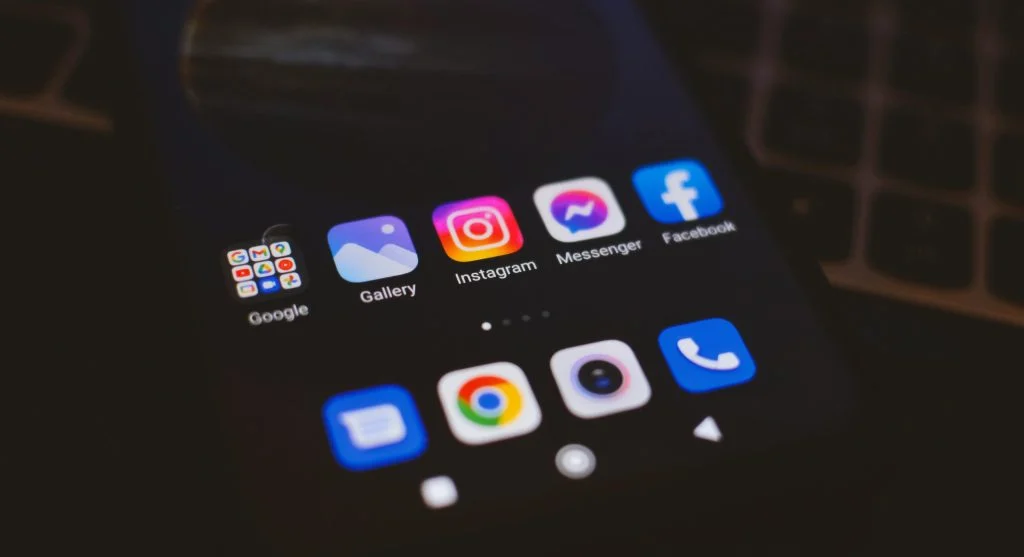
Updates often improve performance and fix software bugs. Outdated apps can sometimes cause issues or instability.
Experts suggest enabling automatic updates to keep devices running smoothly.
Credit: Geri Tech / Pexels
Manage Notifications for Better Focus
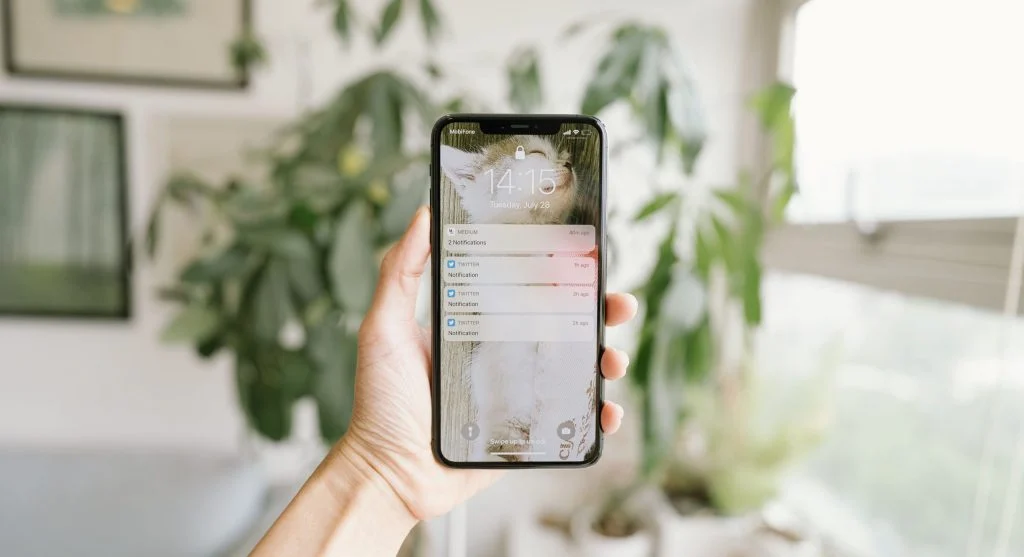
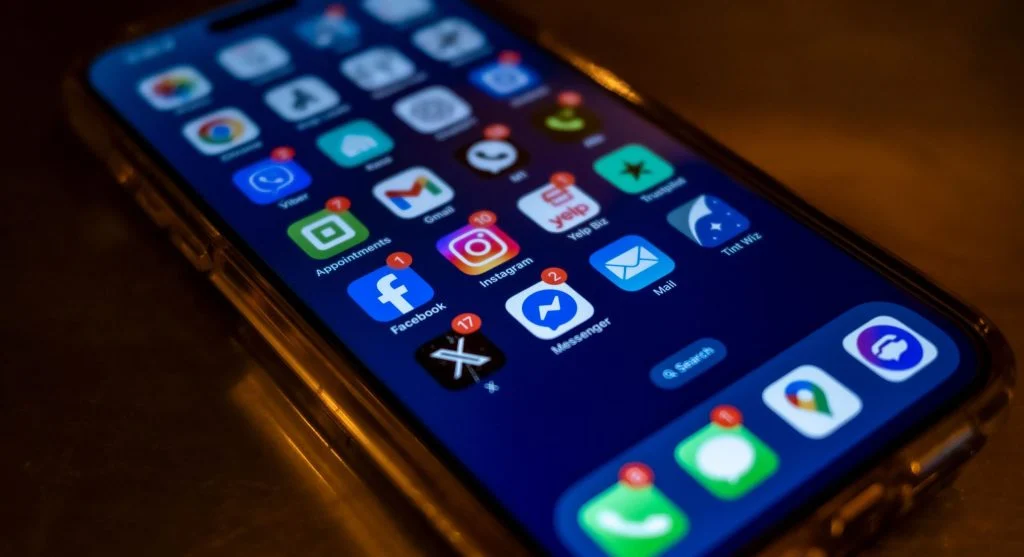
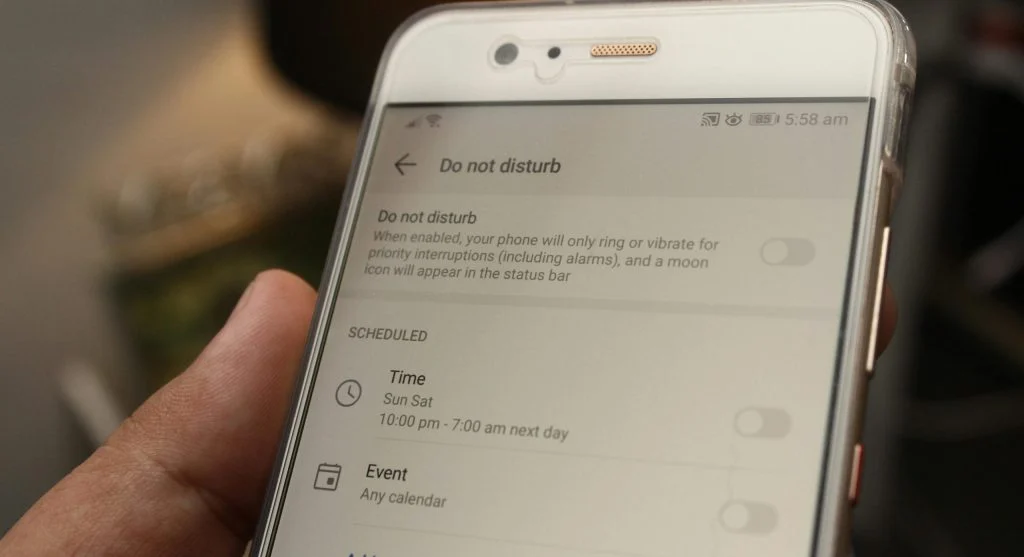
Too many notifications can become distracting and interrupt productivity. Managing alerts helps users stay more focused.
Experts suggest disabling unnecessary notifications and keeping only important alerts active.
Use Built-In Features for Efficiency
Smartphones come with useful features such as voice assistants, shortcuts, and automation tools that can simplify daily tasks.
Experts recommend exploring these built-in features to improve convenience and overall usability.

Credit: cottonbro studio / Pexels
Avoid Overloading the Device
Installing too many apps can slow down a smartphone and reduce overall performance. Keeping only the apps you actually use helps the device run more efficiently.
Experts suggest reviewing installed apps regularly and removing anything unnecessary.
Frequently Asked Questions
Q: What are smartphone tips?
A: They help improve performance and daily usage of mobile devices.
Q: How can phone speed be improved?
A: Closing apps, freeing storage, and restarting the device can help.
Q: How to save battery on smartphones?
A: Reduce brightness and limit background activity.
Q: Should apps be updated regularly?
A: Yes, updates improve performance and fix issues.
Key Takeaway
Share this content:











Post Comment