Simple Internet Speed Tips Experts Recommend to Improve Wi-Fi Performance at Home
Credit: Pascal 📷 / Pexels
How to Improve Internet Speed with Simple Steps
Improving internet speed often comes down to optimizing your setup and managing how the network is used.
Step 1: Place Router in Central Location
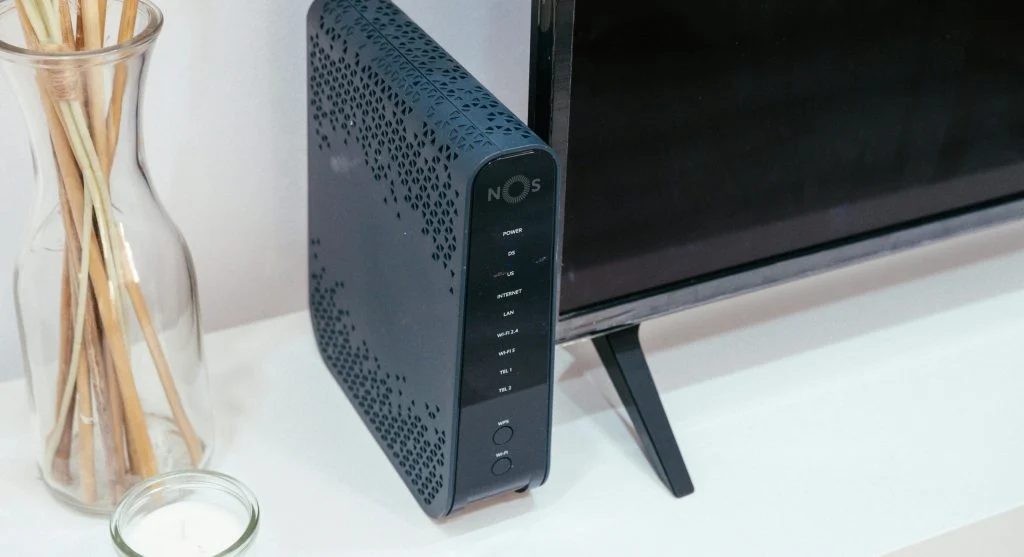
Positioning the router in a central spot helps distribute the Wi-Fi signal more evenly throughout your space.
Step 2: Restart Router Regularly
Restarting the router clears temporary issues and refreshes the connection, which can improve speed.
Step 3: Limit Connected Devices
Having too many devices connected at once can slow down your network.
Use Strong Wi-Fi Signals for Better Performance
Signal strength plays a key role in connection quality. Weak signals can lead to slower speeds and interruptions.
Experts recommend reducing obstacles between the router and your devices to maintain a strong signal.
Switch to Less Congested Channels
In busy areas, multiple Wi-Fi networks can overlap and cause interference. Changing to a less crowded channel can improve performance.
Experts suggest selecting channels with less traffic for better speed and stability.

Credit: Atlantic Ambience / Pexels
Credit: Brett Sayles / Pexels
Monitor Internet Usage Regularly
Keeping track of your internet usage helps you identify which devices or apps are using the most bandwidth.
Experts suggest monitoring usage regularly so you can manage your connection more effectively and maintain better speeds.
Frequently Asked Questions
Q: What are the best internet speed tips?
A: Placing the router centrally, limiting devices, and restarting regularly are key steps.
Q: Why is Wi-Fi slow?
A: Distance, interference, and too many devices can reduce speed.
Q: Are wired connections better?
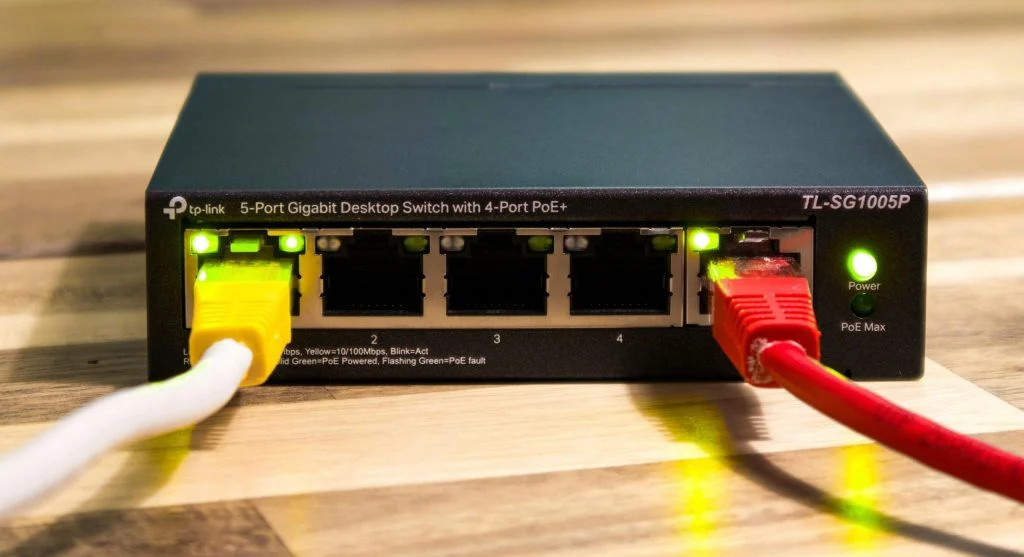
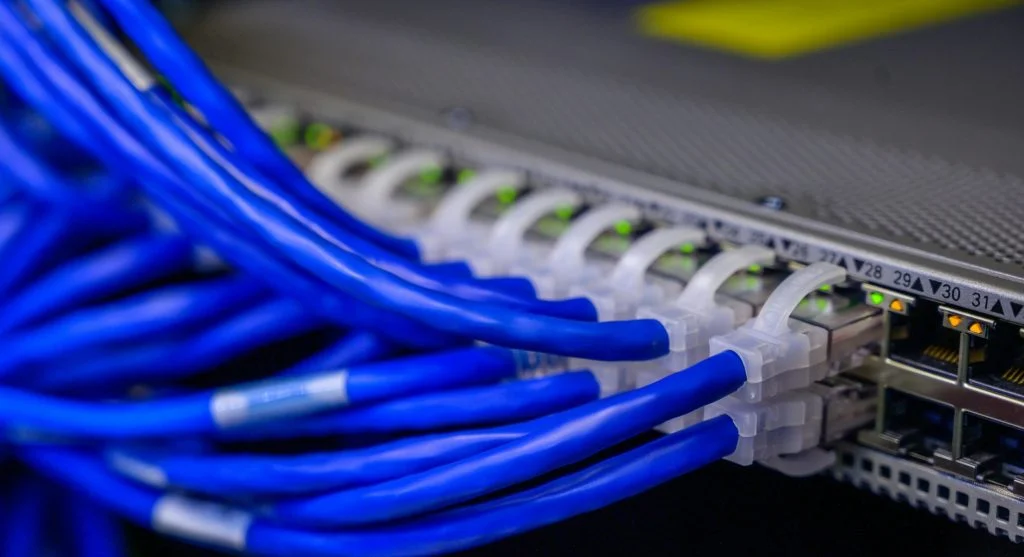
A: Yes, they provide more stable and consistent speeds.
Q: How often should routers be restarted?
A: Restarting occasionally helps maintain performance.
Key Takeaway
Share this content:













Post Comment