Simple Bluetooth Tips Experts Recommend to Improve Connectivity and Avoid Issues
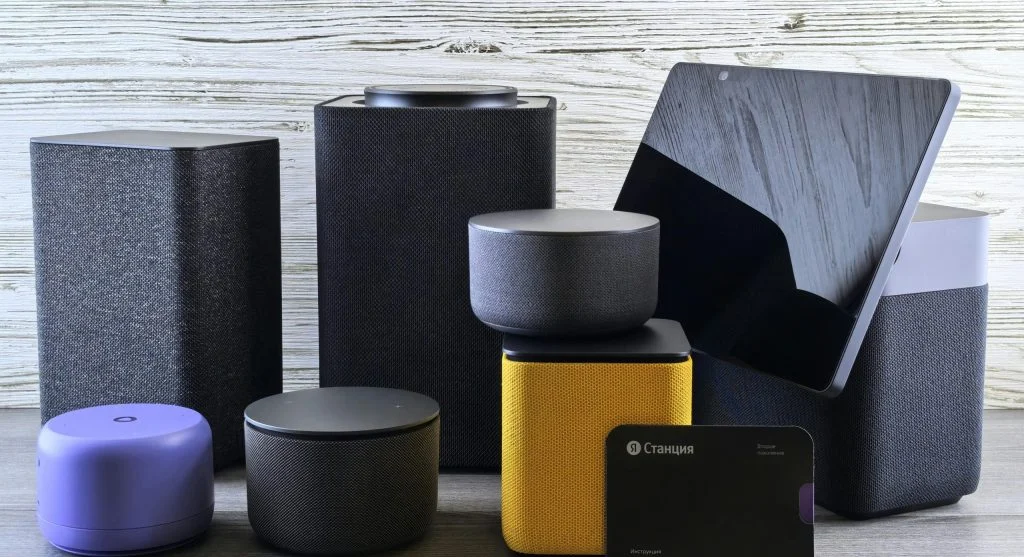
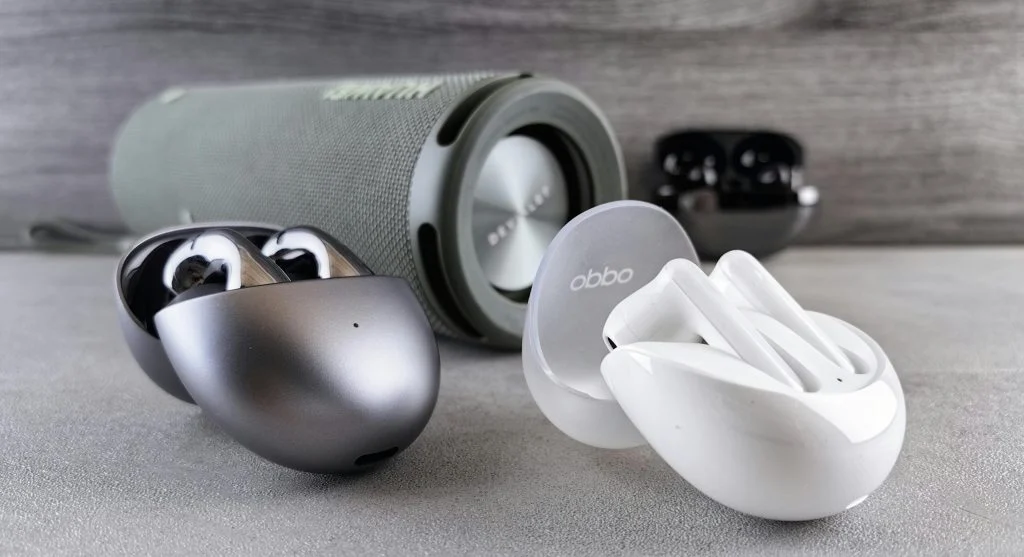
Bluetooth tips help users improve wireless connectivity between devices such as smartphones, headphones, and speakers. Bluetooth technology is widely used for convenient, cable-free communication.
Technology experts explain that simple adjustments can fix common connection issues and improve overall performance. Understanding these Bluetooth tips helps ensure smooth and reliable device pairing.
Why Bluetooth Tips Matter for Everyday Use
Bluetooth connections can sometimes become unstable or fail to connect, which may affect audio quality or device functionality.
Experts note that proper setup and regular maintenance can significantly improve connection reliability.
Credit: Andrey Matveev / Pexels
How to Improve Bluetooth Connectivity with Simple Steps
Improving Bluetooth performance often comes down to simple troubleshooting steps.
Step 1: Turn Bluetooth Off and On Again
Restarting Bluetooth can quickly fix temporary connection issues.
Step 2: Keep Devices Close Together
Bluetooth works best over short distances. Keeping devices nearby helps maintain a strong signal.
Step 3: Remove Old Paired Devices
Clearing unused or old connections can reduce interference and prevent pairing confusion.
Keep Devices Updated for Better Performance
Software updates often include improvements for Bluetooth stability and compatibility.
Experts recommend keeping devices updated to avoid connection problems.
Avoid Interference from Other Devices
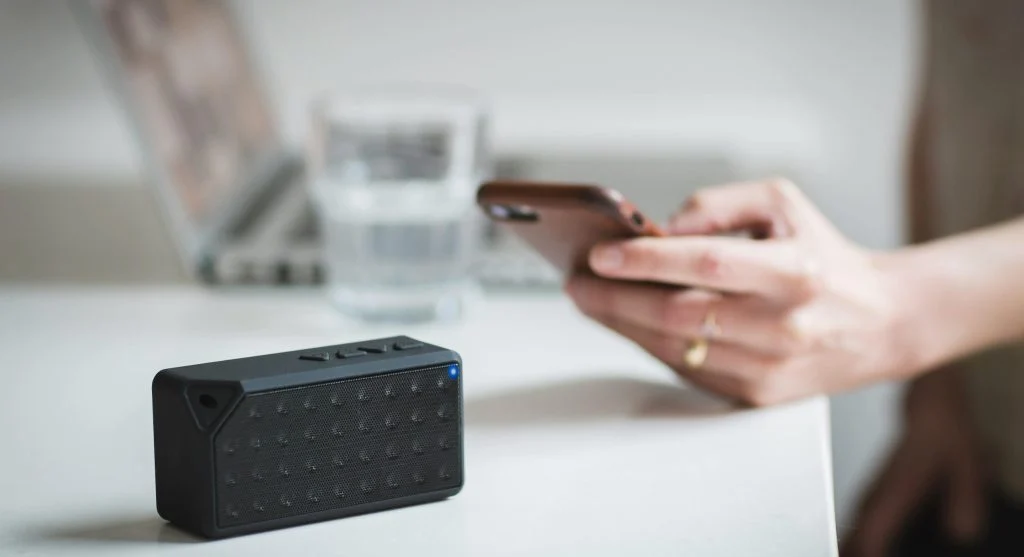
Other wireless devices can interfere with Bluetooth signals, affecting performance.
Experts suggest reducing nearby interference to maintain a stronger and more stable connection.
Credit: Burst / Pexels
Charge Devices Before Use
Low battery levels can affect Bluetooth performance. Devices may disconnect or struggle to pair properly.
Experts recommend ensuring your devices are adequately charged before using Bluetooth features.
Reset Bluetooth Settings When Needed
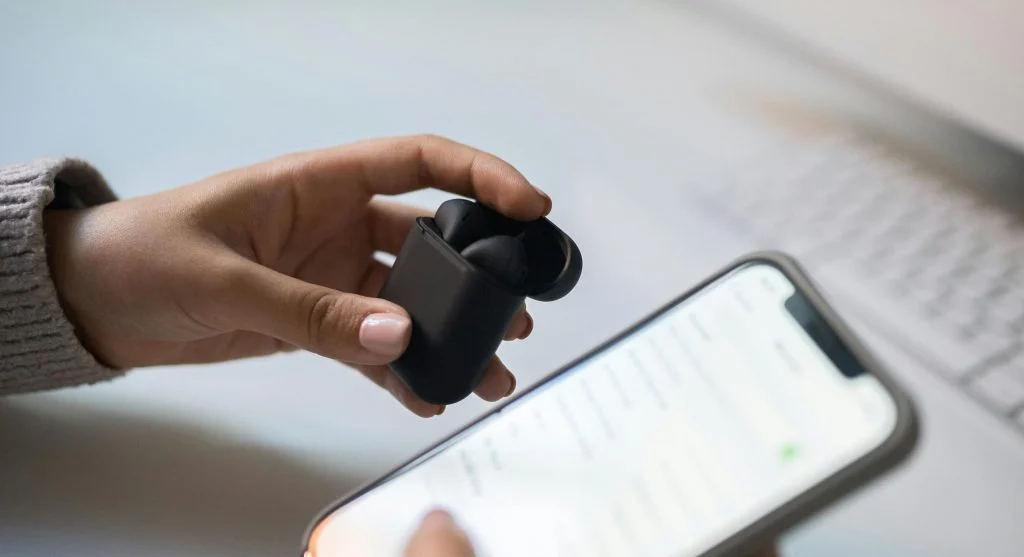
Resetting Bluetooth settings can help fix ongoing connection issues. This clears stored pairings and restores default settings.
Experts suggest using this option if other troubleshooting steps do not resolve the problem.
Credit: Dario Fernandez Ruz / Pexels
Use Compatible Devices for Best Results
Device compatibility plays a key role in Bluetooth performance. Older devices may not support newer features or standards.
Experts recommend using compatible devices to ensure smoother and more reliable connections.
Frequently Asked Questions
Q: What are the best Bluetooth tips?
A: Restarting connections, keeping devices close, and updating software are key steps.
Q: Why does Bluetooth disconnect frequently?
A: Distance, interference, or low battery may cause connection issues.
Q: How can pairing problems be fixed?
A: Removing old connections and restarting Bluetooth can help.
Q: Does battery level affect Bluetooth?
A: Yes, low battery can reduce connection stability.
Key Takeaway
Share this content:












Post Comment