Simple Device Maintenance Tips Experts Recommend to Keep Gadgets Running Smoothly
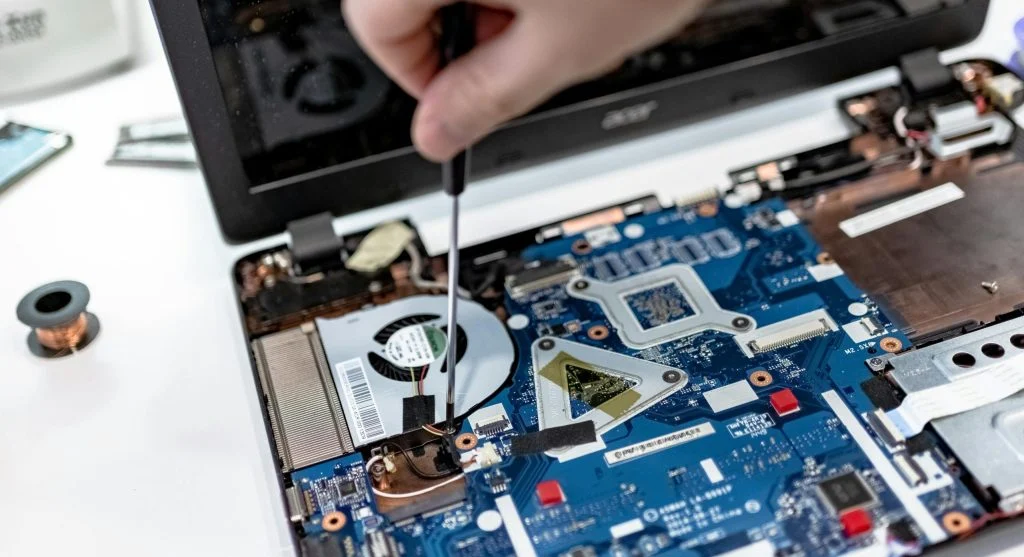
Device maintenance tips help users keep their gadgets running smoothly and efficiently. Smartphones, laptops, and tablets all need regular care to maintain performance and extend their lifespan.
Technology experts explain that simple maintenance routines can prevent many common issues. Taking care of your device regularly improves speed, reliability, and overall health.
Why Device Maintenance Tips Are Important
Over time, devices collect dust, store large amounts of data, and run multiple processes. Without proper maintenance, performance can start to decline.
Experts note that regular care helps prevent slowdowns and reduces the risk of both hardware and software problems.
Credit: Erik Mclean / Pexels
Keep Devices Clean for Better Performance
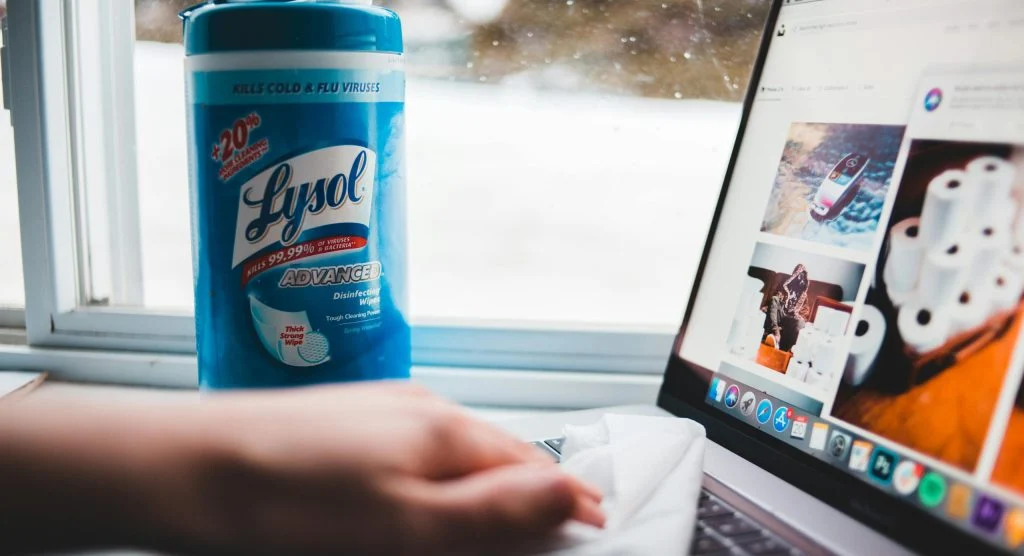
Dust and dirt can build up on components like keyboards, screens, and cooling systems, affecting how well a device works.
Experts recommend cleaning devices regularly with the right tools to keep everything functioning properly.
Update Software and Apps Regularly
Software updates often fix bugs and improve performance. Running outdated systems can lead to various issues.
Experts suggest keeping both your operating system and apps up to date for smoother operation.
Manage Storage and Remove Unused Files
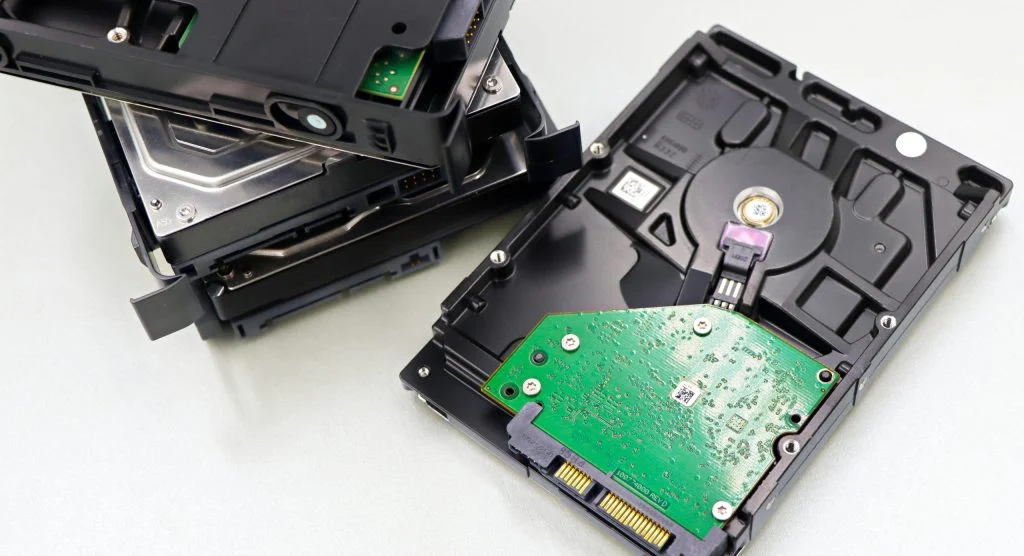
Over time, storage can fill up with unused files and apps, which can slow down performance.
Experts recommend removing unnecessary data and organizing files to free up space.
Credit: Marta Branco / Pexels
Restart Devices to Refresh Performance
Restarting your device clears temporary data and refreshes system processes.
Experts explain that regular restarts can fix minor issues and help improve overall speed.
Protect Devices from Physical Damage
Physical damage can impact both performance and lifespan. Using protective cases and handling devices with care can help prevent problems.
Experts suggest avoiding drops, spills, and exposure to extreme conditions.
Monitor Battery Health
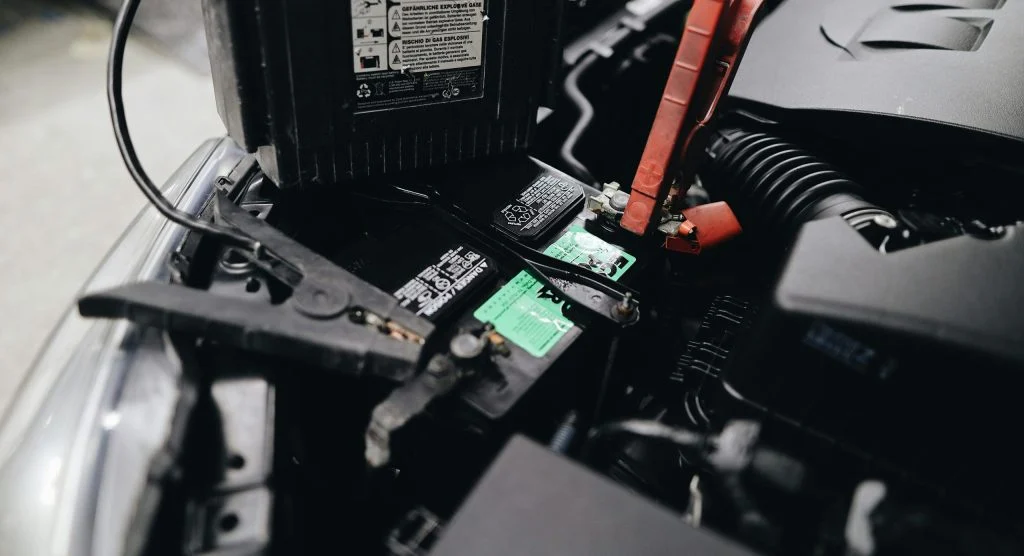
Battery performance naturally declines over time, but proper charging habits can help maintain it.
Experts recommend avoiding overcharging and using reliable charging accessories to support long-term battery health.
Credit: Julia Avamotive / Pexels
Avoid Overloading Devices with Too Many Tasks
Running too many apps or processes at the same time can slow your device down. Managing what’s active helps keep performance steady.
Experts suggest focusing on essential tasks and limiting unnecessary multitasking.
Frequently Asked Questions
Q: What are the best device maintenance tips?
A: Cleaning devices, updating software, and managing storage are key steps.
Q: How often should devices be cleaned?
A: Regular cleaning, such as weekly or monthly, helps maintain performance.
Q: Does restarting improve device performance?
A: Yes, restarting refreshes processes and resolves minor issues.
Q: Why is storage management important?
A: Free storage helps devices run faster and more efficiently.
Key Takeaway
Share this content:












Post Comment