Simple Data Usage Tips Experts Recommend to Save Internet and Reduce Costs
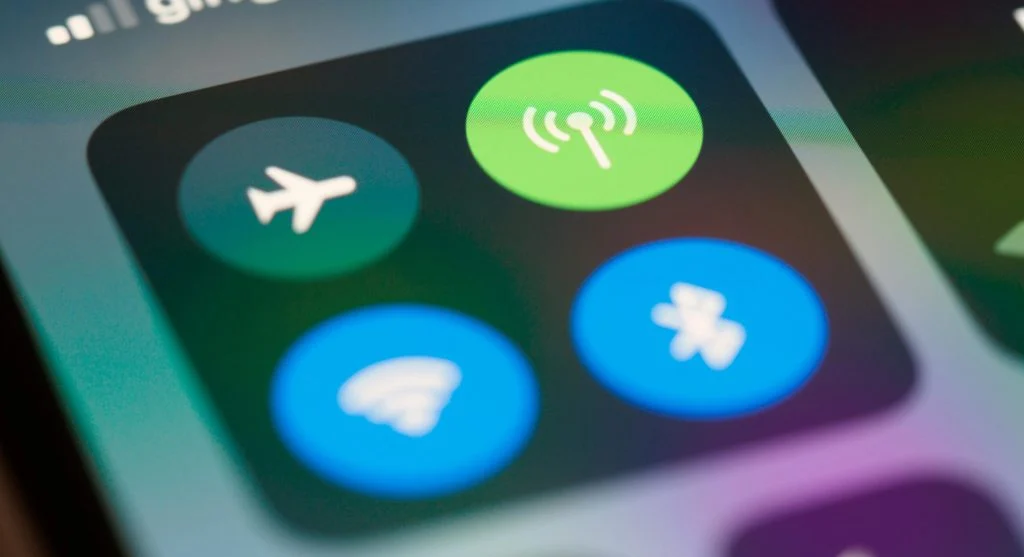
Data usage tips help users manage their internet consumption and avoid unnecessary costs. Mobile data and Wi-Fi are used every day for browsing, streaming, and communication.
Technology experts explain that a few simple changes in settings and habits can significantly reduce data usage. Understanding these data usage tips can improve efficiency and help save resources.
Why Data Usage Tips Matter for Everyday Users
Internet data is often limited, especially on mobile plans. Excessive usage can lead to extra charges or slower speeds.
Experts note that managing data wisely helps users stay within their limits and avoid interruptions.

Credit: Markus Winkler / Pexels
How to Reduce Data Usage with Simple Steps
Reducing data usage starts with controlling how apps and services use the internet.
Step 1: Turn Off Background Data for Apps
Many apps continue to use data in the background. Disabling this feature can help save a significant amount of data.
Step 2: Use Wi-Fi Whenever Possible
Connecting to Wi-Fi instead of mobile data reduces overall usage and helps avoid extra charges.
Step 3: Monitor Data Usage Regularly
Checking your data usage helps you identify which apps are consuming the most.
Reduce Streaming Quality to Save Data
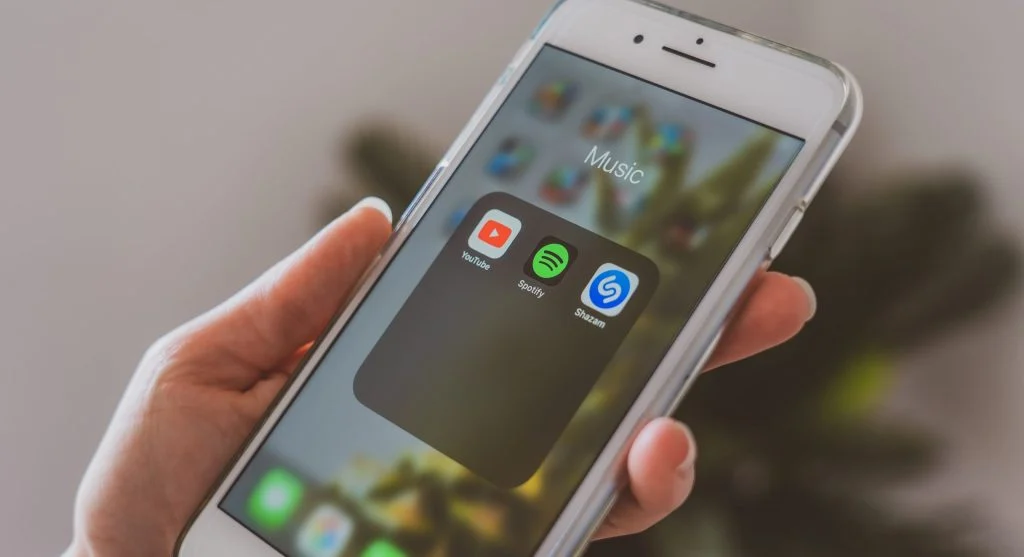
Streaming videos and music can use large amounts of data. Lowering the quality settings helps reduce consumption.
Experts recommend adjusting streaming quality based on your available data.
Download Content for Offline Use
Downloading content over Wi-Fi lets you access it later without using mobile data.
Experts suggest downloading videos, maps, or music in advance, especially before traveling.
Credit: AS Photography / Pexels
Limit Automatic Updates on Mobile Data
Automatic updates can consume a large amount of data. Setting updates to run only over Wi-Fi helps reduce unnecessary usage.
Experts recommend adjusting update settings to maintain better control over data consumption.
Use Data Saver Modes on Devices
Many devices offer built-in data saver features that limit background activity and reduce data usage.
Experts explain that enabling these modes can help make your data plan last longer.
Credit: Leeloo The First / Pexels
Avoid Data-Heavy Apps When Not Needed
Some apps use significantly more data than others. Limiting their use can help keep overall consumption under control.
Experts suggest switching to lighter alternatives whenever possible to reduce data usage.
Frequently Asked Questions
Q: What are the best data usage tips?
A: Turning off background data, using Wi-Fi, and monitoring usage are effective methods.
Q: How can users save mobile data?
A: Reducing streaming quality and downloading content offline can help save data.
Q: Is data saver mode useful?
A: Yes, it limits background usage and reduces data consumption.
Q: Why monitor data usage regularly?
A: It helps identify apps that use the most data and allows better control.
Key Takeaway
Share this content:













Post Comment