Simple App Management Tips Experts Recommend to Improve Performance and Free Space

App management tips help users keep their devices running smoothly by organizing and controlling installed applications. Smartphones often accumulate many apps over time, which can affect performance.
Technology experts explain that managing apps properly can improve speed, free up storage, and reduce battery usage. Simple habits can make devices more efficient.
Why App Management Tips Matter for Devices
Having too many apps can slow down a device and take up valuable storage space. Background activity from these apps may also drain the battery.
Experts note that proper app management plays a key role in maintaining overall device performance.

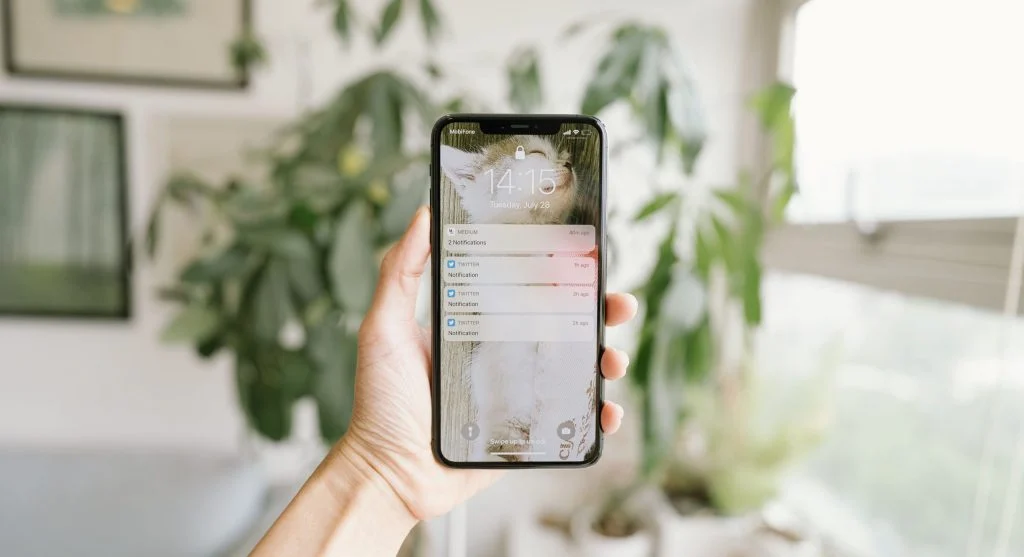
Credit: Abdulkadir Emiroğlu / Pexels
How to Manage Apps Effectively with Simple Steps
Managing apps involves removing unnecessary ones and controlling how they run in the background.
Step 1: Remove Unused Apps
Deleting apps you no longer use helps free up storage and can improve device speed.
Step 2: Update Apps Regularly
App updates fix bugs and enhance performance, helping everything run more smoothly.
Step 3: Limit Background Activity
Restricting background activity reduces battery drain and improves overall efficiency.
Organize Apps for Better Accessibility
Grouping apps into folders or categories makes them easier to locate and use.
Experts suggest organizing apps based on how often you use them or their purpose.
Clear App Cache to Improve Performance
Apps store temporary data that can build up over time and affect performance. Clearing the cache helps free up space.
Experts recommend doing this periodically to keep your device running smoothly.

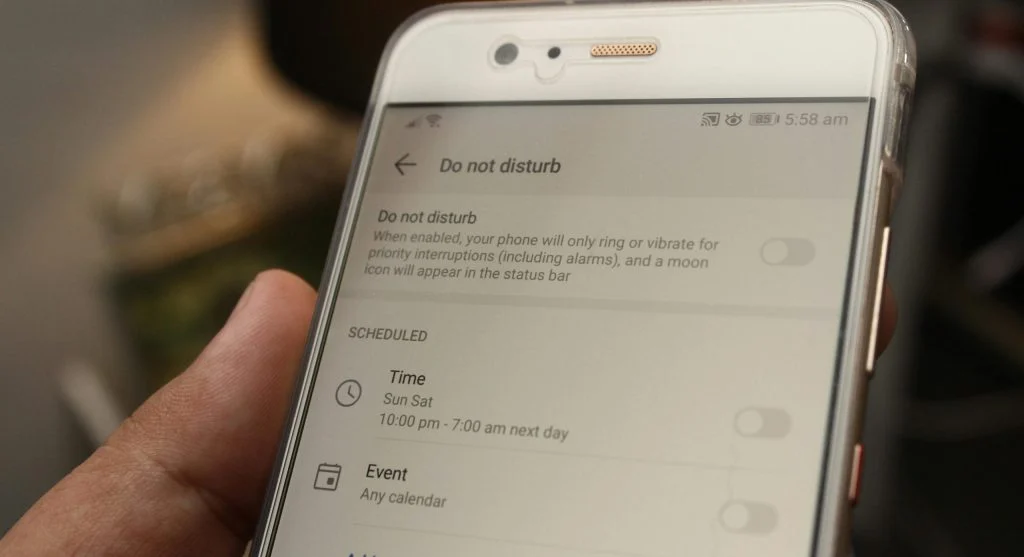
Credit: Brett Jordan / Pexels
Control App Permissions for Privacy
Apps often request access to features like the camera, microphone, or location. Managing these permissions helps protect your privacy.
Experts suggest reviewing app permissions regularly and allowing only what is necessary for the app to function.
Use Built-In Tools to Monitor App Usage
Most devices include tools that track app usage and performance. These features help identify apps that consume excessive resources.
Experts recommend using these tools to better manage storage, battery, and overall performance.

Credit: Nothing Ahead / Pexels
Avoid Installing Too Many Apps
Installing too many apps can clutter your device and slow down performance over time.
Experts advise keeping only essential apps to maintain better speed and efficiency.
Frequently Asked Questions
Q: What are the best app management tips?
A: Removing unused apps, clearing cache, and updating apps regularly are key steps.
Q: How can apps slow down devices?
A: Too many apps and background activity can reduce performance.
Q: Is clearing cache helpful?
A: Yes, it frees storage and improves speed.
Q: Why manage app permissions?
A: It improves privacy and controls data access.
Key Takeaway
Share this content:












Post Comment