Simple USB Safety Tips Experts Recommend to Protect Devices and Data
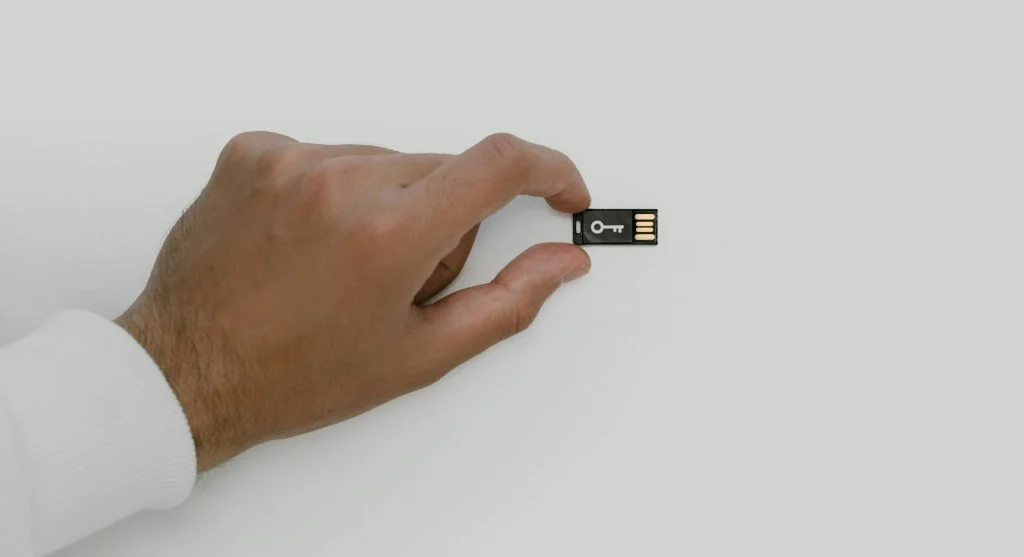
USB safety tips help users protect their devices and data when using flash drives and external storage. While USB devices are convenient for transferring files, they can also introduce risks if not handled carefully.
Cybersecurity experts explain that a few simple precautions can prevent data loss and reduce exposure to harmful software. Understanding these USB safety tips helps strengthen overall device security.
Why USB Safety Tips Are Important for Everyday Use
USB drives can move files between devices, but they can also carry malware or harmful programs. Using them without caution can put your system at risk.
Experts note that following safe usage practices helps protect both your data and your devices.

Credit: www.kaboompics.com / Pexels
Avoid Using Unknown USB Devices
Unknown USB drives can contain harmful files or malware. Plugging them into your device may expose it to security risks.
Experts recommend using only trusted USB devices from reliable sources.
Scan USB Drives Before Opening Files
Scanning a USB drive helps detect potential threats before they can cause harm. Security software can identify and block malicious files.
Experts advise scanning every USB device before accessing its contents.
Safely Remove USB Devices After Use
Disconnecting a USB drive without proper steps can lead to data corruption or loss.
Experts suggest using the “safe removal” option before unplugging the device.

Credit: www.kaboompics.com / Pexels

Credit: www.kaboompics.com / Pexels
Frequently Asked Questions
Q: What are the best USB safety tips?
A: Avoid unknown devices, scan drives, and use safe removal practices.
Q: Why should USB drives be scanned?
A: Scanning helps detect malware and protects devices.
Q: Is it safe to use USB drives on public computers?
A: It is not recommended due to potential security risks.
Q: How can USB data be protected?
A: Using passwords and backups helps secure data.
Key Takeaway
Share this content:













Post Comment