Simple Phone Settings Experts Recommend to Improve Security and Privacy
Credit: Nothing Ahead / Pexels
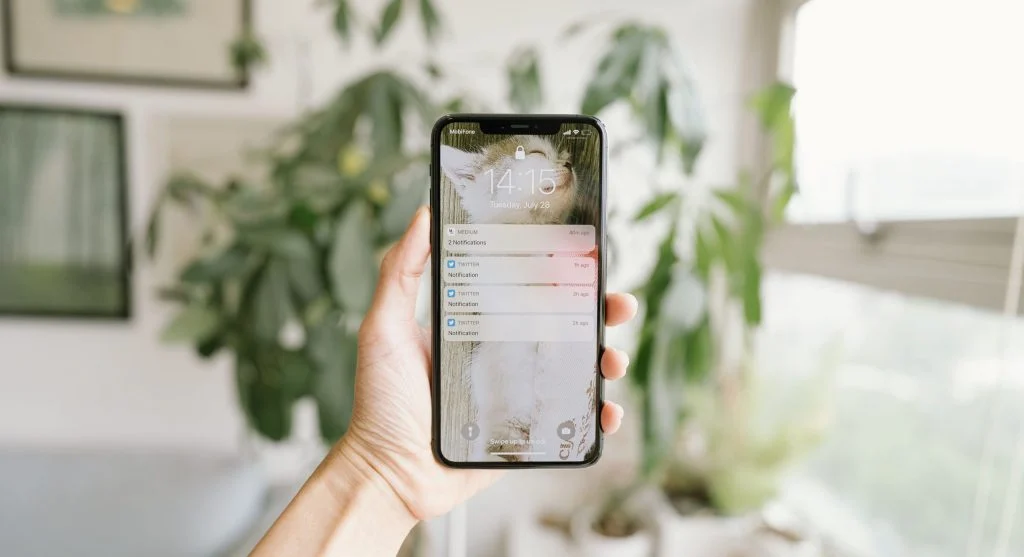
Enable Strong Screen Lock for Device Protection
A strong screen lock is your first line of defense. Without it, anyone who picks up your phone can access your data.
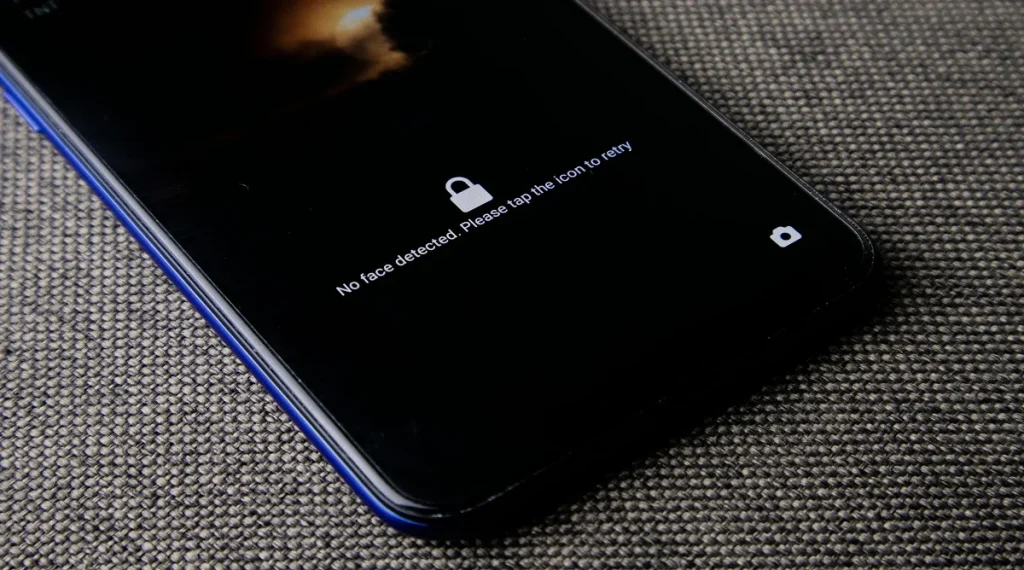
Experts recommend using a secure passcode (not simple patterns), along with biometric options like fingerprint or face unlock for convenience. This keeps access limited to you.
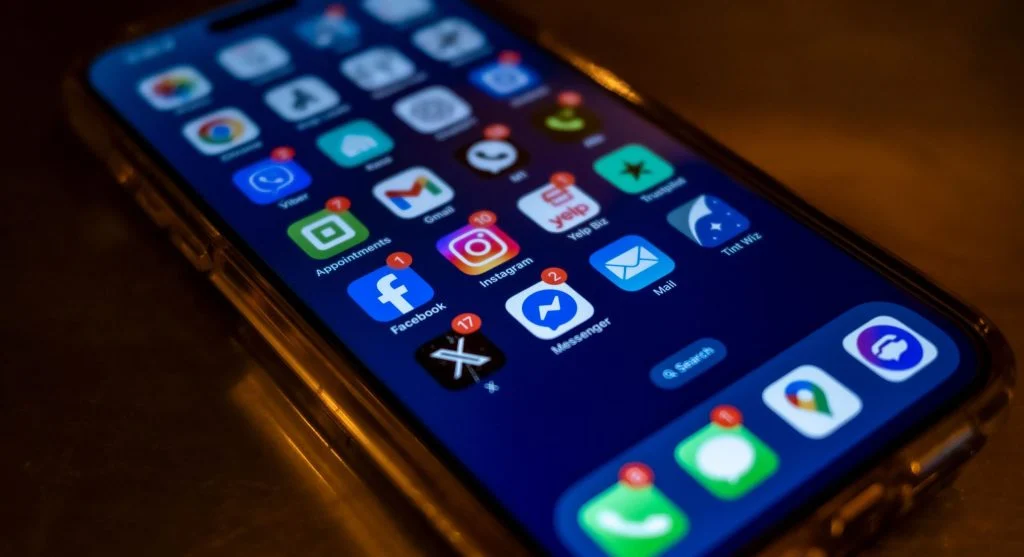
Manage App Permissions Carefully
Apps often ask for access to things like your camera, location, or contacts even when it’s not necessary.
Privacy specialists suggest reviewing permissions regularly and turning off anything that isn’t needed. This helps reduce unnecessary data sharing.
Turn On Automatic Software Updates
Updates don’t just add features they fix security vulnerabilities.
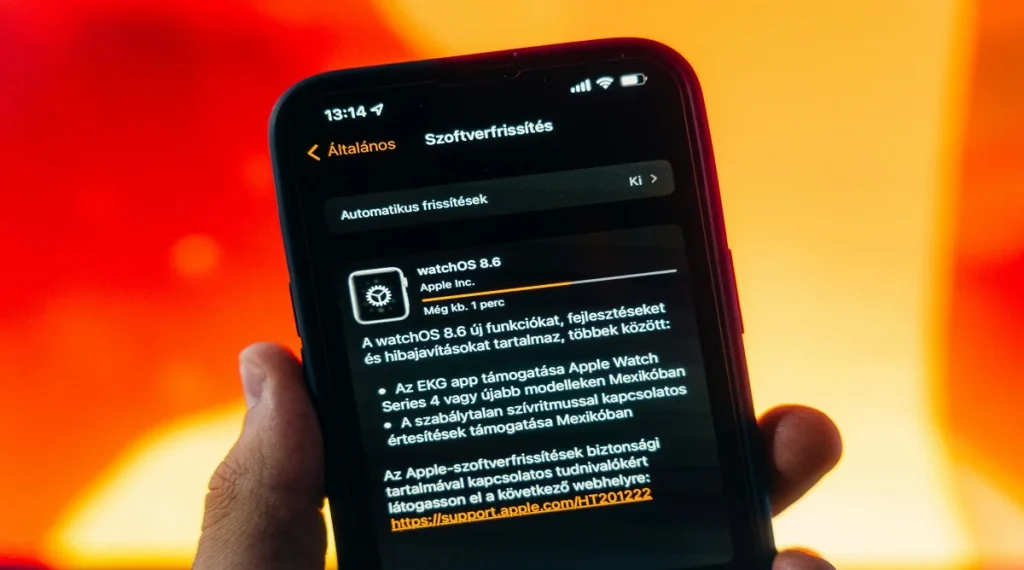
Experts strongly recommend enabling automatic updates so your device always has the latest protections without needing to remember to install them manually.
Credit: Szabó Viktor / Pexels
Disable Location Sharing When Not Needed
Location services are useful, but keeping them on all the time can expose your movement patterns. Many apps request location access even when it’s not necessary.
Experts recommend turning off location access for non-essential apps or setting it to “only while using the app.” This helps reduce unnecessary data tracking.
Enable Find My Device Feature
The “Find My Device” feature is a simple but powerful safety tool. It allows you to locate your phone, lock it remotely, or even erase data if it’s lost or stolen.
Security professionals strongly recommend enabling this setting in advance. It can prevent serious data loss if something goes wrong.
Use Secure Wi-Fi and Network Settings
Your network connection plays a big role in security. Public or unknown Wi-Fi networks can expose your data to risks.
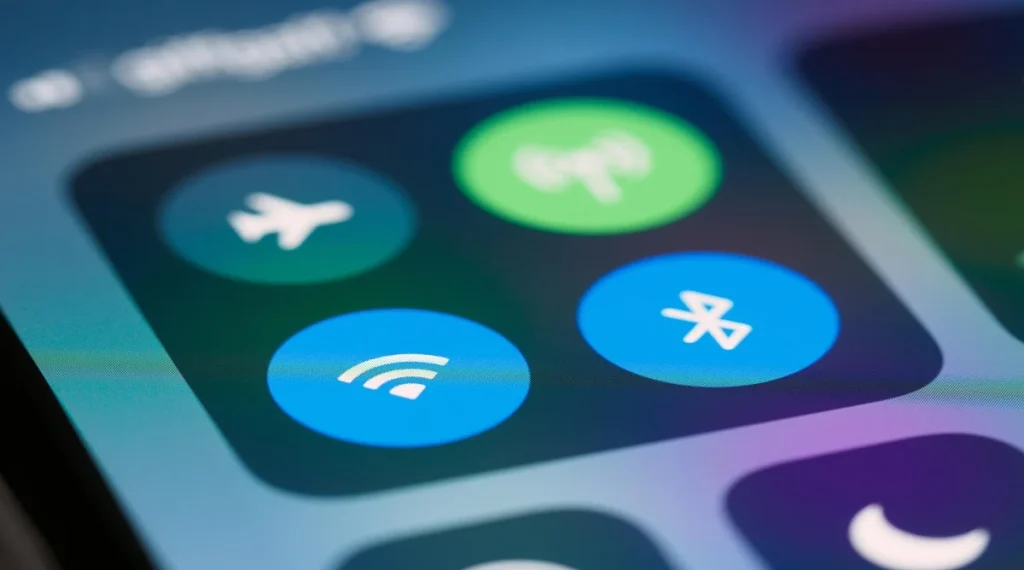
Experts advise using trusted networks for important activities like banking or logging into accounts. If you must use public Wi-Fi, avoid sensitive tasks or use additional protection like a VPN.
Credit: Brett Jordan / Pexels
Frequently Asked Questions
Q: What are the most important phone settings for security?
A: Screen lock, app permissions, and software updates are key settings for better security.
Q: How can users improve privacy on smartphones?
A: Limiting permissions, disabling location sharing, and reviewing privacy settings can improve privacy.
Q: Are automatic updates necessary?
A: Yes, they provide important security fixes and keep devices protected.
Q: What is the benefit of find my device feature?
A: It helps locate lost phones and allows remote protection of data.
Key Takeaway
Share this content:











Post Comment