Smartphone tips can help users improve performance and extend battery life. Many people experience slow apps or rapid battery drain over time, but small changes can make a noticeable difference.
Technology experts explain that most performance issues are tied to everyday usage habits. With a few simple adjustments, devices can run more smoothly and remain efficient for longer.
Why Smartphone Tips Matter for Daily Use
Modern smartphones handle a wide range of tasks, from communication to entertainment. Over time, storage fills up and background processes increase, which can impact speed.
Mobile specialists note that basic maintenance and smart settings can help prevent common issues. These changes support device health without requiring advanced technical knowledge.
Credit: Emmanuel Jason Eliphalet / Pexels
Close Unused Apps to Improve Smartphone Performance
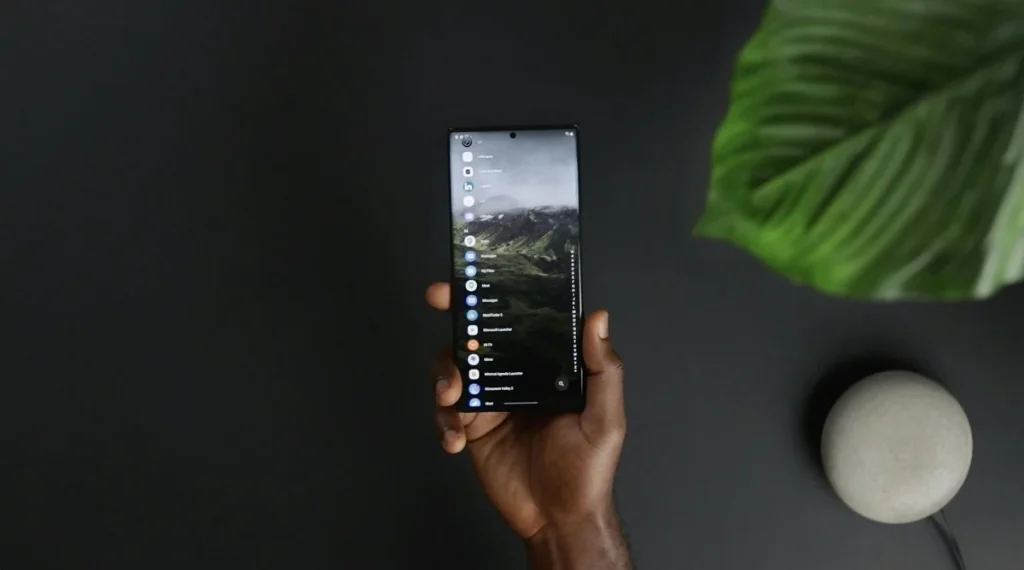
Keeping too many apps open can slow down a device. Even when not in use, background apps continue to consume memory and battery.
Experts recommend closing apps that are no longer needed. This simple step can improve performance and help reduce battery drain.
Adjust Screen Brightness and Display Settings
The display is one of the biggest sources of battery consumption. High brightness levels can quickly use up power.
Battery-saving tips often include lowering brightness or enabling automatic adjustment. Using dark mode can also help reduce battery usage on certain devices.
Keep Storage Space Free for Better Speed
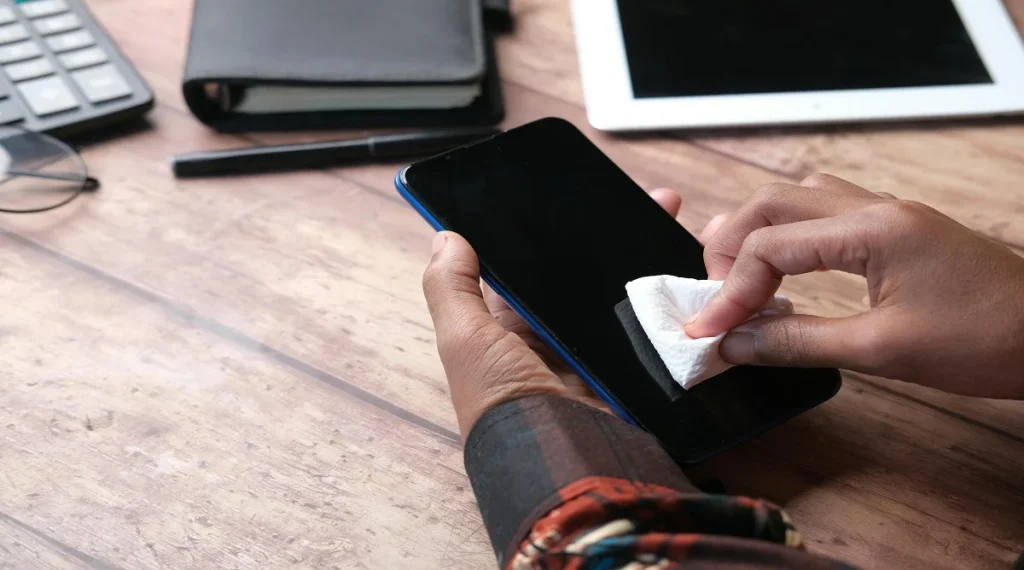
Limited storage can affect how smoothly a phone runs. When storage is nearly full, apps may take longer to load or may crash.
Mobile optimization experts suggest removing unused apps, photos, and files. Keeping some free space helps the system operate more efficiently.
Credit: Towfiqu barbhuiya / Pexels
Turn Off Unnecessary Notifications
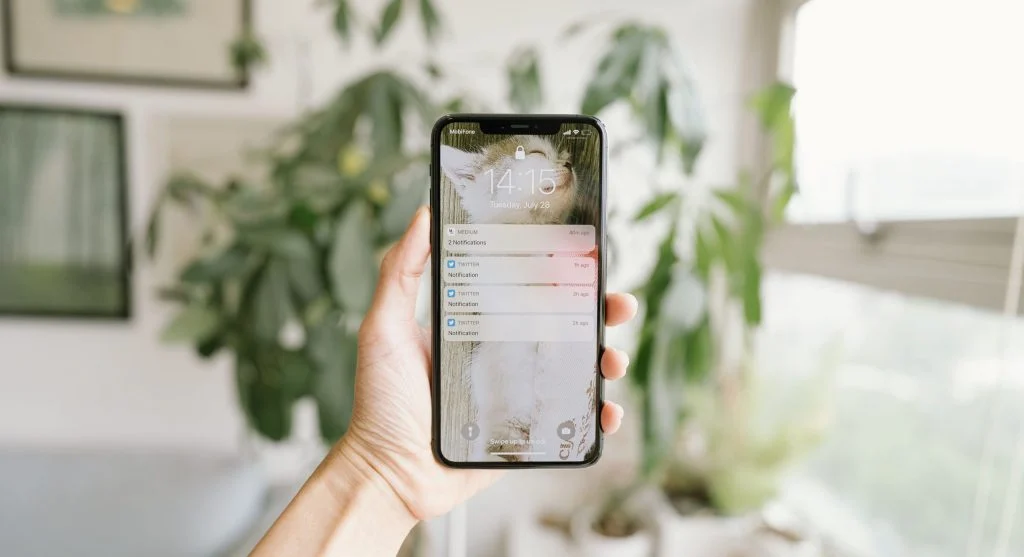
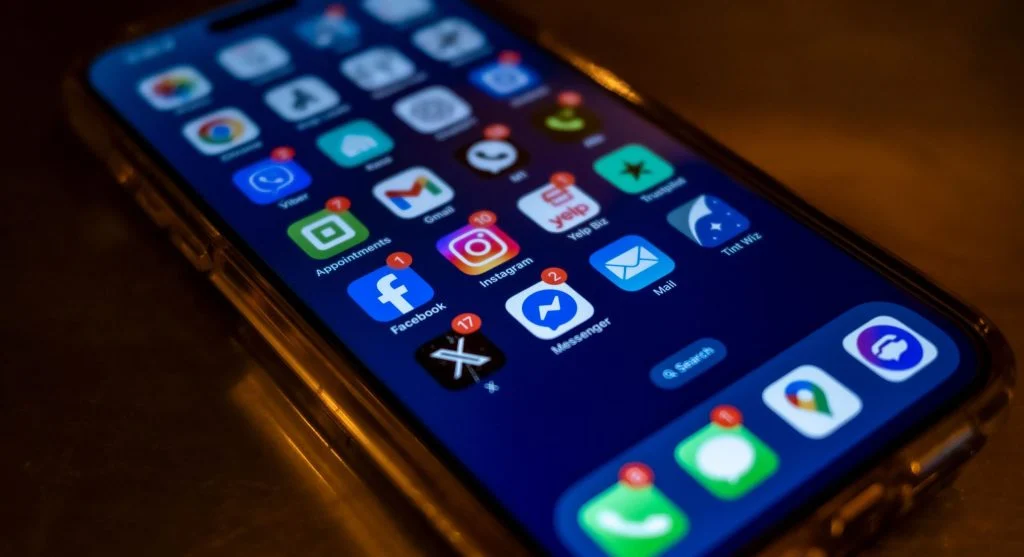
Frequent notifications can wake the screen and consume battery power. They may also have a small impact on overall performance.
Experts recommend turning off notifications for apps that aren’t essential. This helps reduce distractions while conserving energy.
Update Apps and System Software Regularly
Updates often include performance improvements and bug fixes. Outdated apps may not run as efficiently.
Technology professionals advise keeping both apps and system software up to date. This helps maintain better performance and improves security.
Use Battery Saver Mode When Needed
Battery saver mode reduces background activity and lowers power consumption. It can help extend battery life during long periods without charging.
Experts suggest turning on this feature when the battery is low or when access to charging is limited.

Credit: cottonbro studio / Pexels
Limit Widgets and Background Features
Widgets and live features can use system resources. While they are helpful, having too many active at once can slow down the device.
Mobile experts recommend keeping only the essential widgets enabled. Reducing background activity can improve both performance and battery life.
Restart Your Phone Regularly
Restarting your phone clears temporary data and refreshes system processes. This simple action can fix minor issues.
Experts suggest restarting devices every few days to keep performance smooth and prevent slowdowns.
Frequently Asked Questions
Q: What are the best smartphone tips to improve battery life?
A: Lowering brightness, closing background apps, and using battery saver mode are effective ways to extend battery life.
Q: How often should a smartphone be restarted?
A: Experts suggest restarting a phone every few days to refresh system processes and improve performance.
Q: Does storage space affect phone performance?
A: Yes, low storage can slow down apps and system functions. Keeping free space improves performance.
Q: Are software updates necessary for smartphones?
A: Updates improve performance, fix bugs, and enhance security, making them important for device health.
Key Takeaway
Smartphone tips can make a noticeable difference in device performance and battery life. Simple actions like managing apps, keeping software updated, and adjusting settings help maintain efficiency. Experts agree that consistent habits are key to keeping smartphones running smoothly over time.












Post Comment