Simple Cybersecurity Tips Experts Recommend to Protect Your Online Data


Credit: Olha Ruskykh / Pexels
Use Strong Passwords and Keep Them Updated
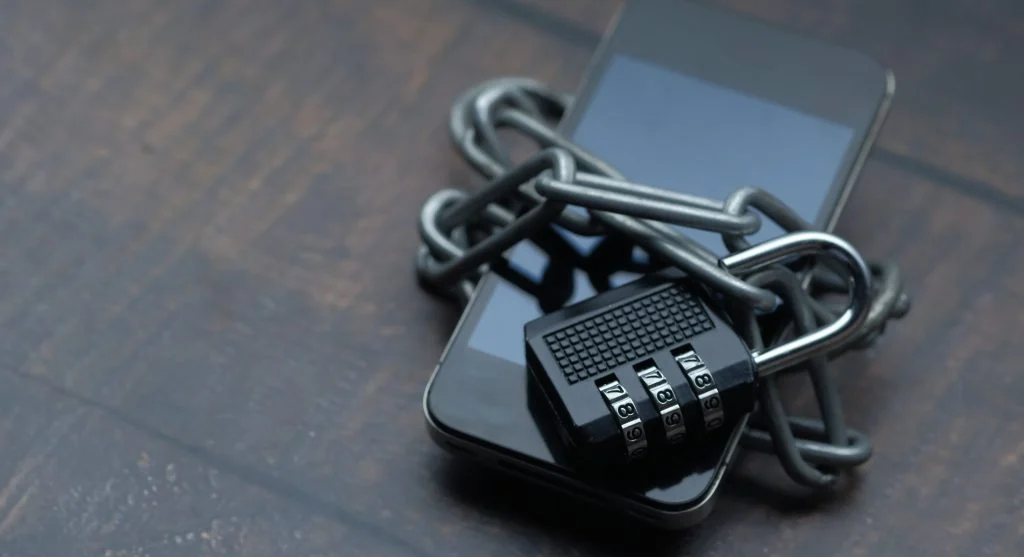
One of the most important cybersecurity tips is creating strong passwords. Weak passwords are easier to guess and can leave accounts vulnerable to attackers.
Experts recommend using a combination of letters, numbers, and symbols. Each account should have its own unique password, and updating passwords regularly can help reduce risks if one is exposed.
Enable Two-Factor Authentication for Better Protection
Two-factor authentication adds an extra layer of security to your accounts. Even if a password is compromised, the second verification step helps block unauthorized access.
Security researchers note that enabling this feature on email, banking, and social media accounts can significantly improve data protection.
Be Careful with Emails and Links
Many cyberattacks begin with phishing emails. These messages often look legitimate but are designed to steal personal information.
Experts advise checking the sender’s address carefully and avoiding links from unknown sources. If something seems unusual, it’s safer to ignore the message or verify it through official channels.

Credit: Tima Miroshnichenko / Pexels
Avoid Using Public Wi-Fi Without Protection
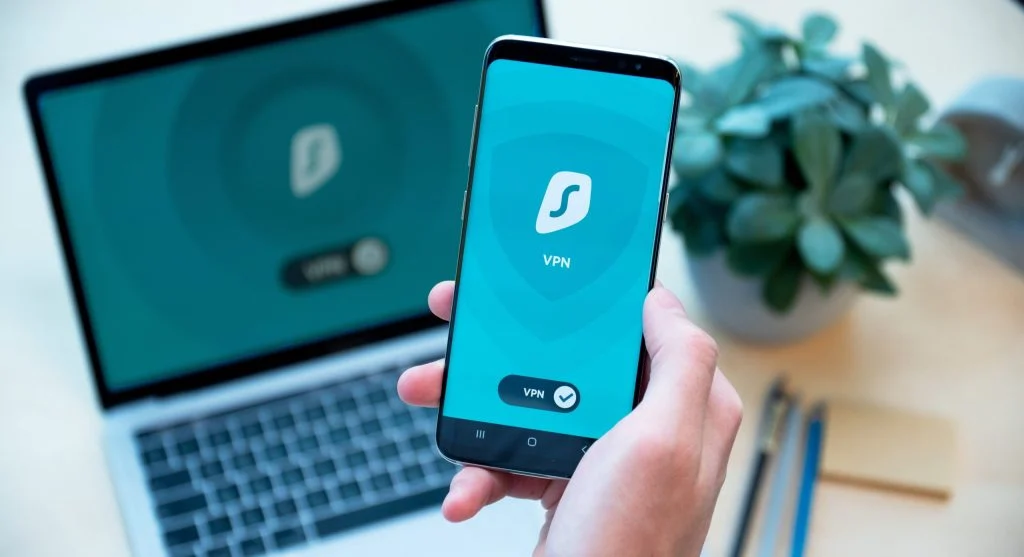
Public Wi-Fi networks can put user data at risk if they are not secure. Hackers may monitor these connections to collect sensitive information.
Technology experts recommend avoiding important activities, such as online banking, on public Wi-Fi. Using a secure connection or mobile data is a safer option.
Keep Devices and Apps Updated Regularly
Software updates often include important security fixes. Skipping updates can leave devices vulnerable to known threats.
Cybersecurity specialists explain that updates address weaknesses that hackers might exploit. Keeping devices and apps up to date is a simple yet effective way to stay protected.

Credit: Olha Ruskykh / Pexels
Limit the Information Shared Online
Sharing too much personal information online can increase your risk. Details like location, phone number, or daily habits can be misused if they fall into the wrong hands.
Online safety experts suggest reviewing privacy settings on apps and social platforms regularly. Limiting what you share publicly helps reduce exposure.
Install Apps Only from Trusted Sources
Downloading apps from unknown sources can introduce malware. These apps may collect data without permission or harm your device.
Experts recommend using official app stores and checking reviews before installing anything. This simple step helps reduce the risk of unsafe applications.
Frequently Asked Questions
Q: What are the most important cybersecurity tips for beginners?
A: Basic cybersecurity tips include using strong passwords, avoiding suspicious links, and keeping devices updated. These steps improve online safety and data protection.
Q: How can users protect personal data online?
A: Users can protect data by enabling two-factor authentication, limiting shared information, and using secure networks for browsing.
Q: Is public Wi-Fi safe for everyday use?
A: Public Wi-Fi can be risky. Experts advise avoiding sensitive tasks on these networks and using secure alternatives.
Q: Why are software updates important for security?
A: Updates fix security flaws and protect devices from known threats. Regular updates are a key part of internet security.
Key Takeaway
Share this content:












Post Comment