Simple Printer Tips Experts Recommend to Improve Print Quality and Avoid Issues
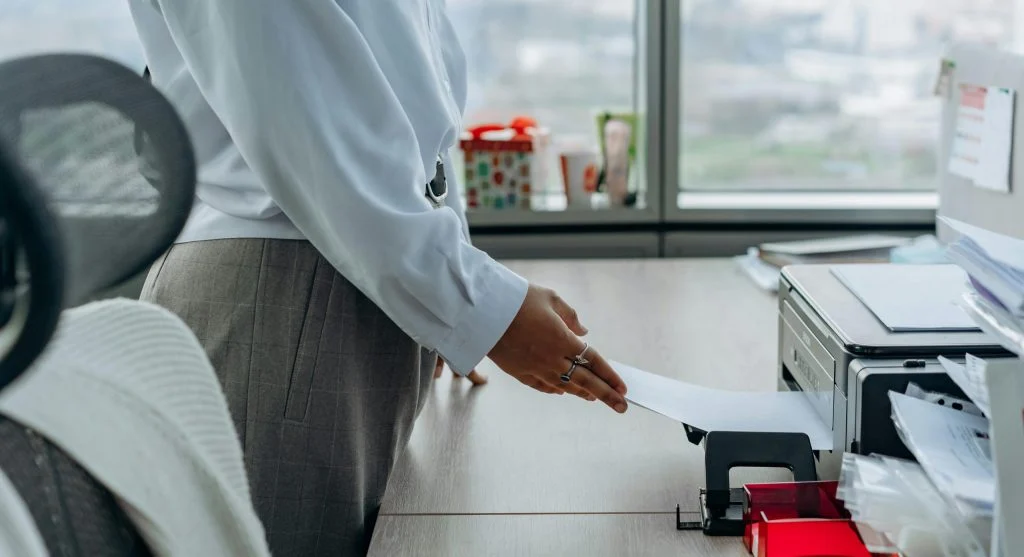
Printer tips help users improve print quality and avoid common issues. Printers are used for documents, photos, and everyday office tasks, so proper maintenance is essential.
Technology experts explain that simple adjustments and regular care can prevent many printing problems. Following these printer tips helps ensure smooth and reliable performance.
Why Printer Tips Matter for Everyday Use
Printers can face issues like poor print quality, paper jams, or slow performance. These problems often come from improper use or lack of maintenance.
Experts note that regular care improves reliability and helps extend the lifespan of printers.
Credit: Phi Phạm / Pexels
How to Improve Print Quality with Simple Steps
Improving print quality involves managing ink, paper, and printer settings.
Step 1: Use High-Quality Paper
The type of paper you use can affect the final result. Choosing suitable paper helps improve clarity and color accuracy.
Step 2: Check Ink or Toner Levels
Low ink or toner can lead to faded or uneven prints. Replacing cartridges when needed ensures consistent quality.
Step 3: Adjust Print Settings
Settings like resolution and color mode can make a big difference. Adjusting them properly can enhance overall output.
Keep Printer Clean for Better Performance
Dust and debris can build up inside the printer and affect its performance. Regular cleaning helps keep everything working smoothly.
Experts recommend cleaning both the internal and external parts of the printer.
Avoid Paper Jams with Proper Handling
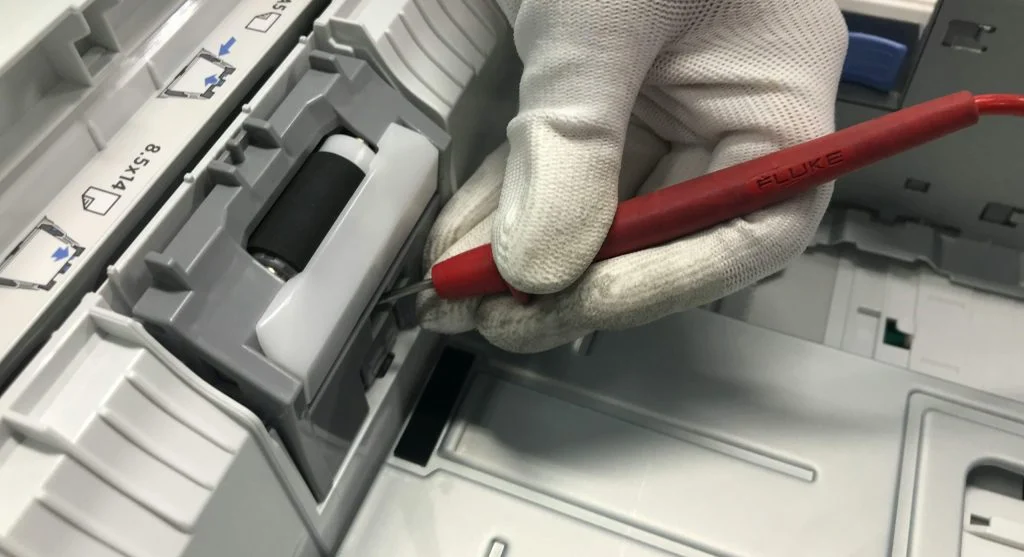
Incorrect paper loading or damaged sheets can cause jams and interruptions.
Experts suggest loading paper correctly and using the right size and type for your printer.

Credit: cottonbro studio / Pexels
Update Printer Drivers Regularly
Printer drivers allow your device and printer to communicate effectively. Outdated drivers can lead to errors or reduced performance.
Experts recommend keeping drivers updated to ensure better compatibility and smoother operation.
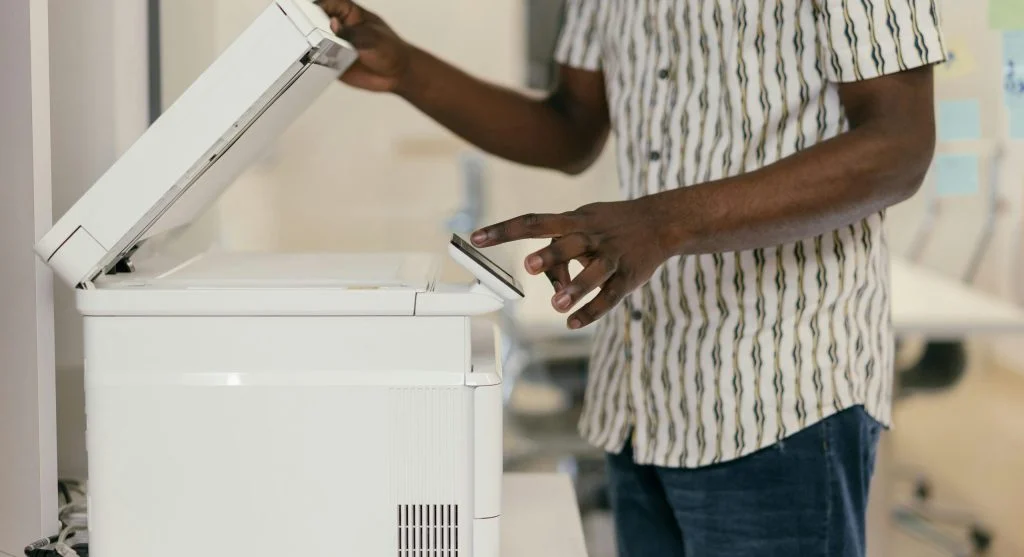
Turn Off Printer When Not in Use
Turning off the printer when it’s not needed helps save energy and reduces wear on internal components.
Experts suggest powering down devices to extend their lifespan and maintain efficiency.
Credit: Mikhail Nilov / Pexels
Use Printer Regularly to Prevent Issues
Not using a printer for long periods can cause ink to dry out or components to become less efficient.
Experts recommend printing occasionally to keep the system active and functioning properly.
Frequently Asked Questions
Q: What are the best printer tips?
A: Using quality paper, checking ink levels, and cleaning the printer are key steps.
Q: Why is print quality poor?
A: Low ink, incorrect settings, or poor paper quality may affect results.
Q: How can paper jams be avoided?
A: Proper paper loading and using suitable paper sizes help prevent jams.
Q: Should printers be used regularly?
A: Yes, regular use helps maintain functionality and prevent issues.
Key Takeaway
Share this content:














Post Comment