Simple Notification Tips Experts Recommend to Reduce Distractions and Improve Focus

Notification tips can help users reduce distractions and improve focus in daily life. Smartphones and apps send frequent alerts, which can interrupt tasks and affect productivity.
Technology and productivity experts explain that managing notifications helps create a more controlled digital environment. Small adjustments can improve concentration and efficiency.
Why Notification Tips Matter for Focus and Productivity
Frequent notifications can break attention and reduce work quality. Even short interruptions can affect task completion.
Experts note that limiting unnecessary alerts helps users stay focused and complete tasks more efficiently.

Credit: Norma Mortenson / Pexels
How to Manage Notifications with Simple Steps
Managing notifications involves reviewing settings and limiting alerts to important apps.
Step 1: Turn Off Non-Essential Notifications
Many apps send alerts that are not necessary. Disabling them reduces interruptions.
Step 2: Prioritize Important Apps
Allow notifications only from apps that require immediate attention, such as messages or calls.
Step 3: Use Silent or Do Not Disturb Modes
These modes limit alerts during work or rest periods, helping maintain focus.
Use Notification Grouping for Better Organization
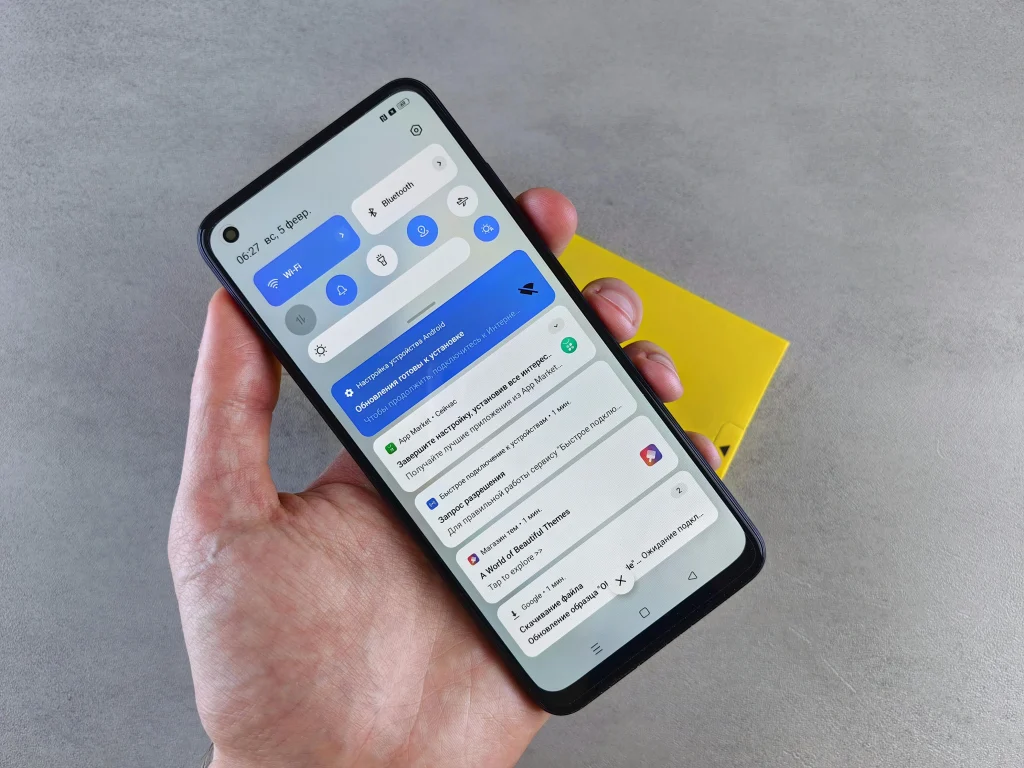
Grouping notifications keeps alerts organized and easier to manage. This reduces clutter on the screen.
Experts suggest enabling grouping features to improve visibility and reduce stress.
Schedule Notification Times
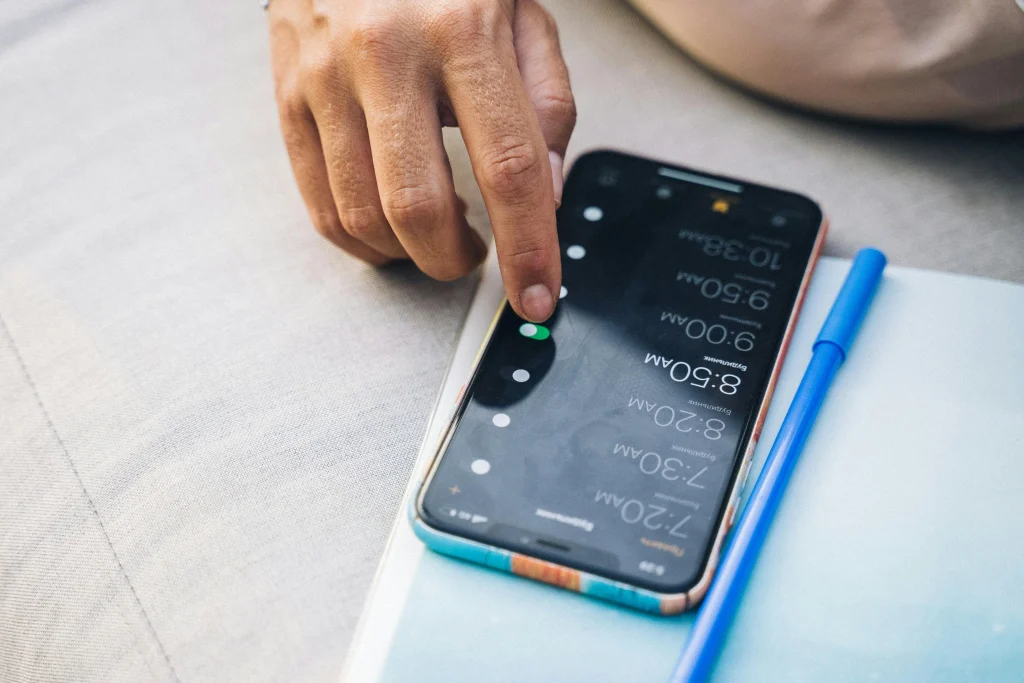
Some devices allow users to schedule when notifications appear. This helps control when alerts are received.
Experts recommend setting specific times for checking notifications instead of responding immediately.
Credit: Anna Tarazevich / Pexels
Reduce Visual and Sound Alerts
Visual pop-ups and sounds can be distracting. Adjusting these settings can create a calmer environment.
Experts suggest using vibration or silent alerts for non-critical notifications.
Review Notification Settings Regularly
Apps may change notification settings over time. Regular reviews ensure that alerts remain relevant.
Experts recommend checking settings every few weeks to maintain control.
Credit: Andrey Matveev / Pexels
How Notification Management Improves Daily Life
Managing notifications helps reduce stress and improve productivity. It allows users to focus on important tasks without constant interruptions.
Experts explain that better notification control leads to improved digital habits and balanced technology use.
Frequently Asked Questions
Q: What are the best notification tips for reducing distractions?
A: Turning off non-essential alerts and using focus modes are effective strategies.
Q: How can notifications affect productivity?
A: Frequent alerts can interrupt tasks and reduce focus.
Q: Is it helpful to schedule notifications?
A: Yes, scheduling helps control when alerts are received and reduces interruptions.
Q: How often should notification settings be reviewed?
A: Regular reviews, such as monthly checks, help maintain control over alerts.
Key Takeaway
Notification tips help users reduce distractions and improve focus by managing alerts effectively. Simple steps like limiting notifications, using focus modes, and reviewing settings can create a better digital experience. Experts agree that controlled notifications improve productivity and daily routines.
Share this content:













Post Comment