Simple File Sharing Tips Experts Recommend to Send Data Safely and Quickly

File sharing tips help users send data safely and efficiently between devices. Documents, photos, and videos are commonly shared for both work and personal use.
Technology experts explain that choosing the right method ensures faster transfers and better security. Following a few simple practices can help protect data during the process.
Why File Sharing Tips Are Important for Everyday Use
Sharing files without proper precautions can put sensitive information at risk. Using unsafe methods may lead to unauthorized access or even data loss.
Experts note that secure file sharing helps protect information while still maintaining convenience.

Credit: Julio Lopez / Pexels
How to Share Files Safely Using Simple Methods
There are several ways to share files, depending on their size and purpose.
Step 1: Use Cloud Storage Services
Cloud platforms let users upload files and share them through secure links. This option works well for large files.
Step 2: Use Email for Small Files
Email is a convenient choice for sending smaller attachments, such as documents and images.
Step 3: Use Secure Transfer Apps
Specialized file transfer apps offer encryption, making it safer to share files between devices.
Choose the Right File Sharing Method
Different sharing methods are suited to different situations. Large files are better handled through cloud storage, while smaller ones can be sent via email.
Experts recommend choosing the method based on file size and how sensitive the content is.
Protect Files with Passwords and Permissions
Adding passwords or restricting access can help protect shared files. This prevents unauthorized users from viewing the data.
Experts suggest using permission settings, especially when sharing sensitive information.

Credit: indra projects / Pexels
Avoid Using Public Networks for File Sharing
Public Wi-Fi networks are often not secure, and sharing files over them can put your data at risk.
Experts recommend using trusted networks or secure connections when transferring files.
Check File Size and Format Before Sending
Many platforms have limits on file size or support only certain formats. Checking these details beforehand can help prevent issues.
Experts advise compressing large files when needed to ensure a smoother transfer process.
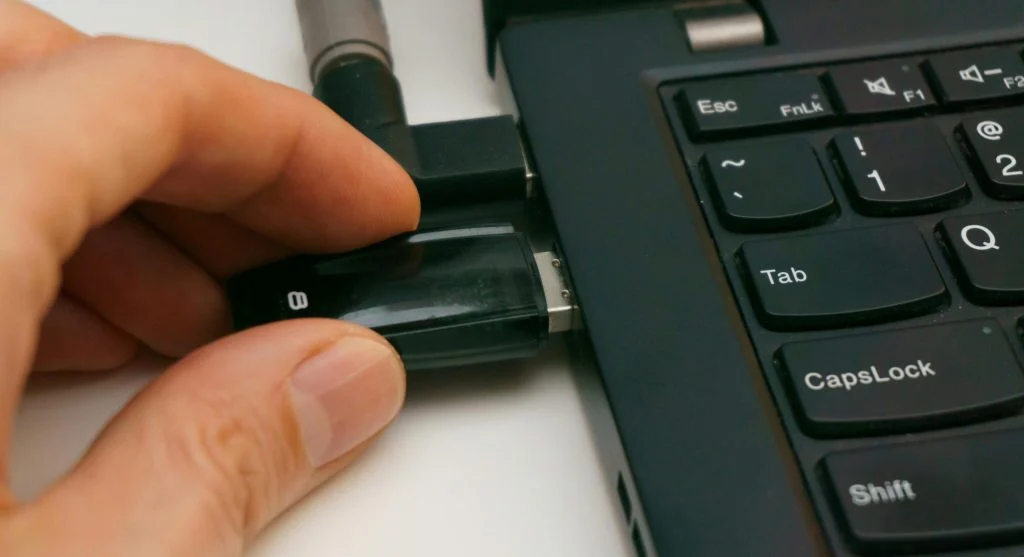
Credit: Aleksander Dumała / Pexels
Keep Shared Files Organized
Organizing files before sharing makes it easier for recipients to understand the content. Using clear and descriptive names improves communication.
Experts suggest labeling files properly to avoid confusion and ensure everything is easy to identify.
Frequently Asked Questions
Q: What are the best file sharing tips?
A: Using secure platforms, protecting files with passwords, and choosing the right method are key steps.
Q: Is cloud storage safe for file sharing?
A: Yes, when proper security settings are used, cloud storage is a safe option.
Q: Can large files be shared through email?
A: Large files may need to be compressed or shared through cloud services.
Q: Why avoid public Wi-Fi for file sharing?
A: Public networks may expose data to security risks.
Key Takeaway
Share this content:














Post Comment