Simple Screen Care Tips Experts Recommend to Protect Displays and Improve Visibility
Screen care tips help users protect their device displays and keep them clear and easy to use. Screens are among the most frequently used parts of smartphones, laptops, and tablets, so proper care is essential.
Technology experts explain that a few simple maintenance habits can prevent scratches, improve clarity, and extend the lifespan of screens.
Why Screen Care Tips Matter for Devices
Screens are delicate and can quickly collect dust, fingerprints, and scratches. Poor maintenance can affect both visibility and overall performance.
Experts note that regular care helps keep displays clean, clear, and fully functional.

Credit: cottonbro studio / Pexels
How to Clean Screens Safely with Simple Steps
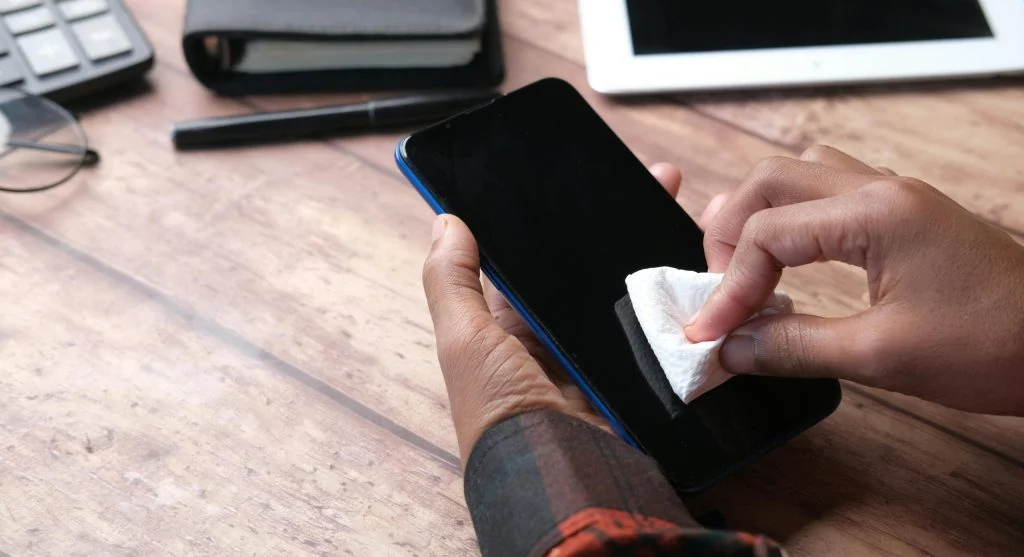
Cleaning screens the right way helps prevent damage and keeps them clear.
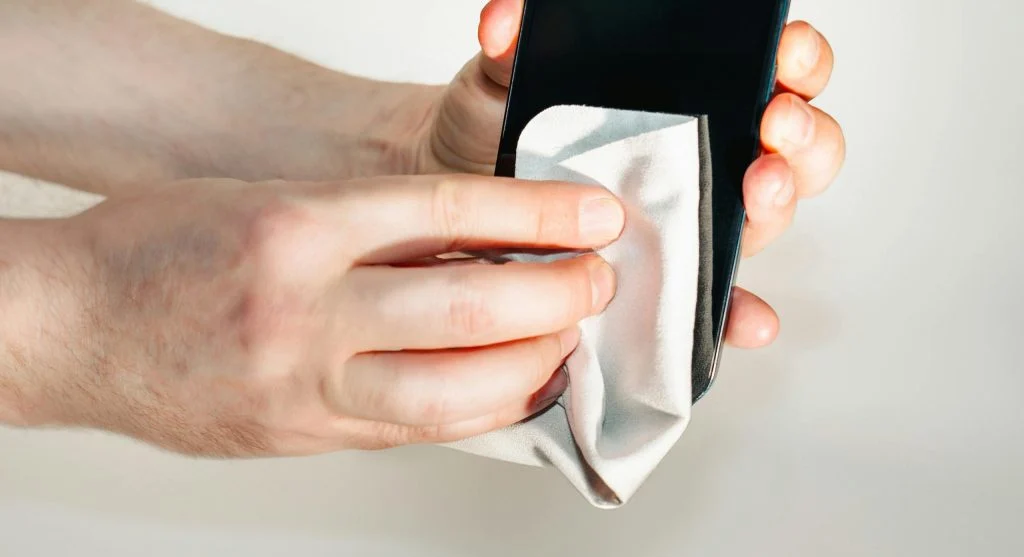
Step 1: Use a Microfiber Cloth
Microfiber cloths are ideal for removing dust and smudges without scratching the surface.
Step 2: Avoid Harsh Chemicals
Strong cleaning agents can damage protective coatings on screens. Experts recommend using gentle cleaning solutions if needed.
Step 3: Turn Off Devices Before Cleaning
Turning off your device helps prevent accidental inputs and makes it easier to see dirt and smudges.
Protect Screens with Covers and Guards
Screen protectors can reduce scratches and minor damage, while protective cases help shield devices from impacts.
Experts suggest choosing high-quality protectors for better durability.
Avoid Excessive Pressure on Screens
Applying too much pressure can damage screens over time. Using devices gently helps maintain their condition.
Experts recommend handling devices with care during everyday use.

Credit: Ketut Subiyanto / Pexels
Adjust Brightness for Better Visibility
Setting the right brightness level can improve visibility and make screens more comfortable to use.
Experts suggest enabling automatic brightness or adjusting it based on your surroundings.
Keep Screens Away from Extreme Conditions
Exposure to heat, cold, or moisture can affect screen performance and may damage internal components.
Experts recommend using devices within normal temperature ranges to protect the display.
Credit: Towfiqu barbhuiya / Pexels
Frequently Asked Questions
Q: What are the best screen care tips?
A: Using microfiber cloths, avoiding harsh chemicals, and applying screen protectors are effective methods.
Q: How often should screens be cleaned?
A: Regular cleaning, such as weekly, helps maintain clarity and hygiene.
Q: Are screen protectors necessary?
A: They are not required but help reduce scratches and minor damage.
Q: Can brightness settings affect screen performance?
A: Yes, proper brightness improves visibility and reduces strain.
Key Takeaway
Share this content:












Post Comment