Simple Storage Tips Experts Recommend to Manage Files and Free Space
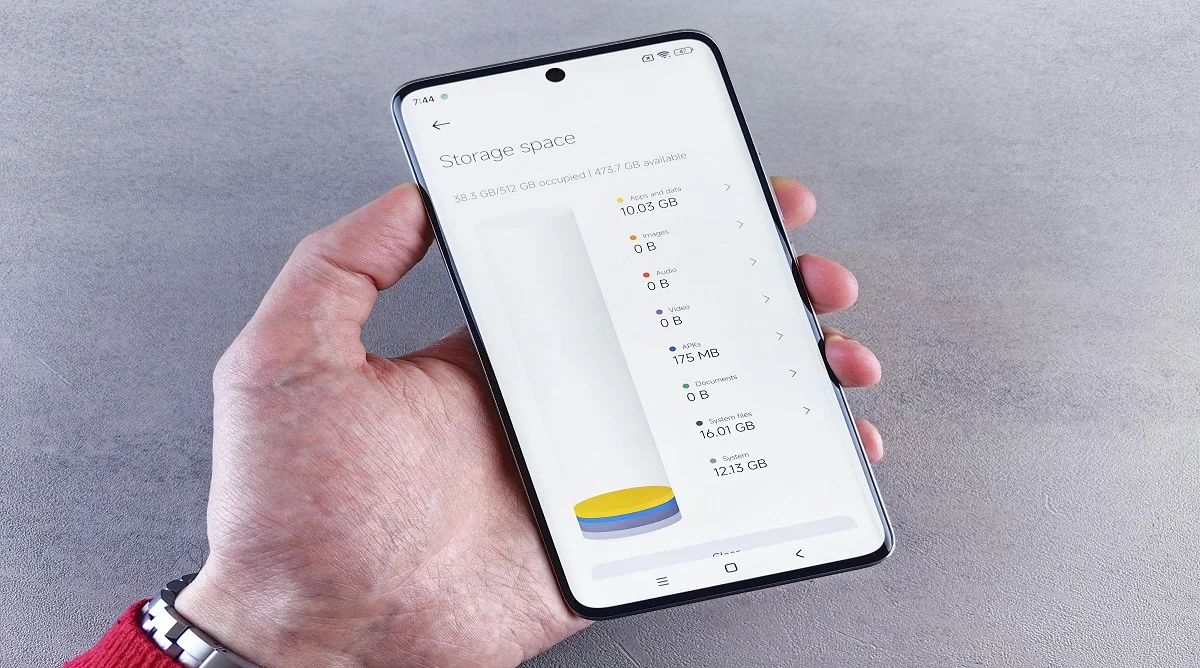
Storage tips can make a noticeable difference in how smoothly your device runs. When storage gets close to full, performance often drops apps may lag, updates fail, and everyday tasks feel slower.
Technology experts usually point out that regular file cleanup is one of the easiest ways to keep a device efficient. You don’t need advanced tools just consistent, simple habits.
Why Storage Management Matters for Devices
Your device stores everything from photos and videos to apps and system data. Over time, unused files, duplicates, and temporary data quietly take up space.
Experts note that when storage is limited, the system has less room to operate efficiently. Keeping storage organized helps maintain speed, improves reliability, and reduces common issues like slow loading or app crashes.

Credit: Budget Bizar / Pexels
How to Free Storage Space with Simple Steps
Freeing up storage is one of the quickest ways to improve device performance. A few simple actions can make a noticeable difference.
Step 1: Delete Unused Files and Apps
Old files, duplicate photos, and unused apps take up space without adding value. Reviewing storage regularly and removing what you don’t need can quickly free up space.
Step 2: Clear Temporary Data and Cache
Apps store temporary data to load faster, but over time this builds up and becomes unnecessary.
Clearing cache helps recover space and can also fix minor app slowdowns.
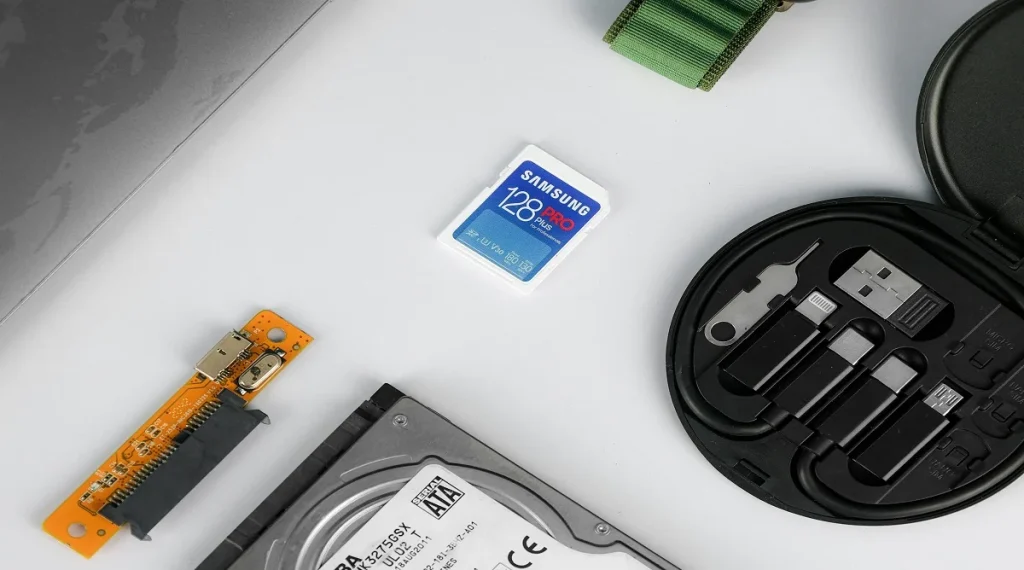
Step 3: Move Files to External Storage
Using external drives or memory cards helps reduce the load on your device.
This is especially useful for large files like videos or backups that don’t need to stay on your phone all the time.
Organize Files for Better Management
Keeping files organized makes everything easier to manage. Creating folders for photos, documents, and videos helps you find things quickly and avoid clutter.
Experts often recommend a simple folder system so storage stays clean and structured.
Use Cloud Storage for Flexible Access
Cloud storage lets you store files online instead of directly on your device.
It not only frees up space but also allows access from multiple devices. This is especially helpful for large files like photos, videos, and important documents.

Credit: Zulfugar Karimov / Pexels
Avoid Common Storage Mistakes
A lot of storage problems come from simple habits like keeping duplicate files, never clearing old data, or forgetting to review downloads.
Experts usually recommend checking storage settings from time to time. Removing duplicates, old media, and unused files helps keep space available and prevents slowdowns.
How Storage Affects Device Performance
When storage is nearly full, devices struggle to run efficiently. Apps may take longer to open, updates can fail, and overall responsiveness drops.
Technology specialists often explain that devices need some free space to function properly. Keeping storage partially free helps maintain speed, stability, and smoother everyday use.
Credit: ALOK DAS / Pexels
When to Consider Upgrading Storage
If your storage keeps filling up even after regular cleanup, it’s usually a sign that your current capacity no longer matches your needs. Constantly deleting files just to make space can become frustrating and inefficient.
Some devices allow storage expansion through memory cards or external drives, while others rely on cloud storage as an alternative. In cases where expansion isn’t possible, upgrading to a device with higher storage may be the better long-term solution.
Experts recommend looking at how you use your device photos, videos, apps, and downloads before upgrading. This helps you choose a storage option that fits your usage and avoids running into the same issue again.
Frequently Asked Questions
Q: What are the best storage tips for beginners?
A: Deleting unused files, clearing cache, and using cloud storage are simple and effective methods.
Q: How often should storage be cleaned?
A: Regular checks, such as once a month, help maintain free space and performance.
Q: Does low storage affect device speed?
A: Yes, low storage can slow down apps and system functions.
Q: Is cloud storage better than device storage?
A: Cloud storage offers flexibility and saves device space, but both methods can be used together.
Key Takeaway
Storage tips are less about one-time cleanup and more about keeping a simple system that works over time. When storage is managed regularly, devices stay faster, apps run more smoothly, and you avoid those sudden “storage full” problems.
Clearing unused files, organizing data into folders, and moving large items like photos or videos to cloud or external storage all help keep things under control. These small habits prevent clutter from building up again.
Experts tend to agree on one thing: consistent maintenance matters more than occasional big cleanups. When you keep storage in check, your device stays responsive, reliable, and much easier to use day to day.
Share this content:














Post Comment