Simple Smartphone Basics Guide Experts Recommend to Understand Your Phone Better

Smartphones are part of everyday life for millions of people, yet many users only take advantage of a small portion of what their devices can do. While most people use their phones for calls, messaging, and browsing, understanding the basics can help unlock features that improve convenience, efficiency, and overall performance.
Learning smartphone basics is valuable because it allows you to use your device more effectively, avoid common problems, and get the most from the technology you use every day.
This guide covers the essential smartphone basics that every user should know.
What Makes a Smartphone Work
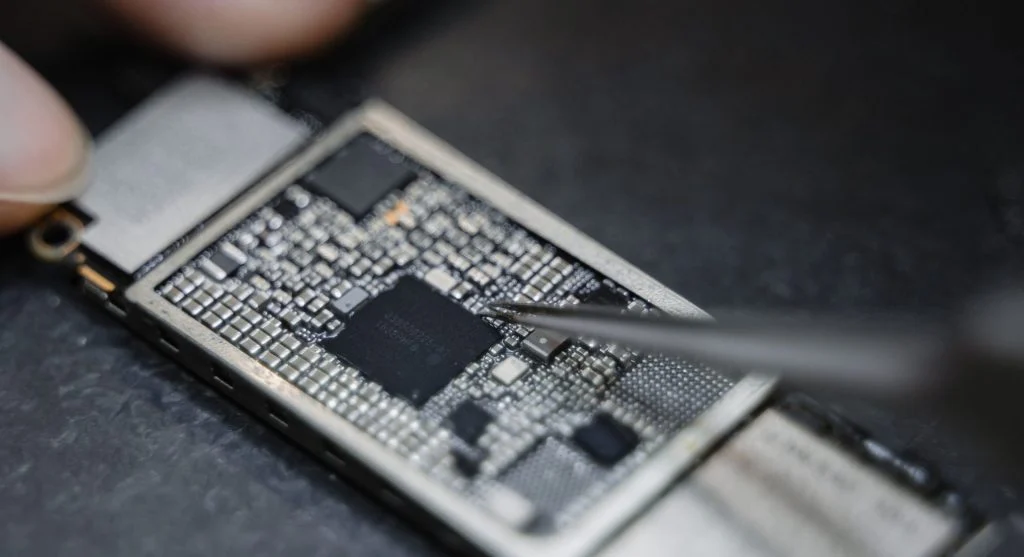
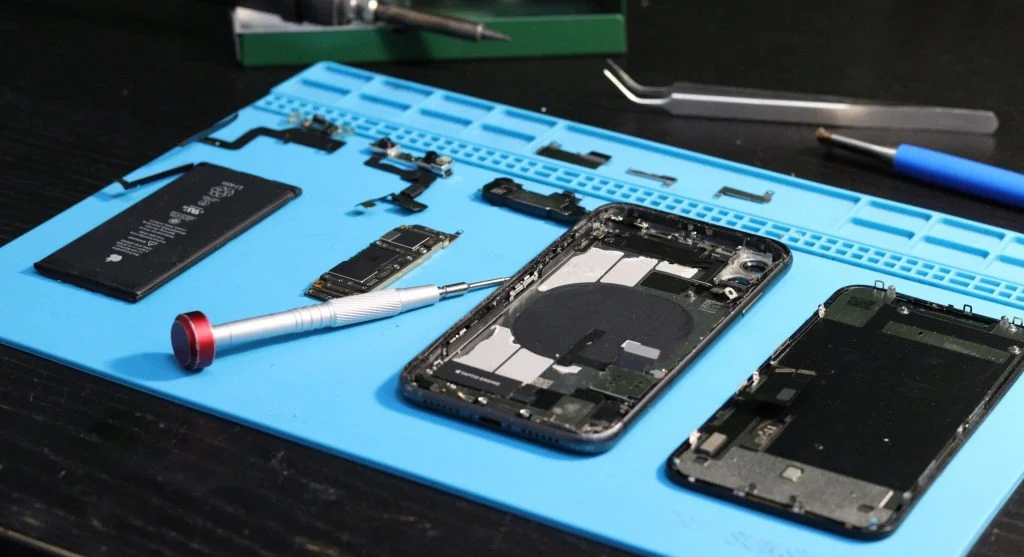
A smartphone operates through a combination of hardware and software working together seamlessly.
Some of the key components include:
- The processor, which handles performance and processing tasks
- The battery, which provides power to the device
- Storage, where apps, files, and media are saved
- The operating system, which controls how the phone functions
Understanding these core components can help you make better decisions about how you use and maintain your smartphone.
Understanding the Home Screen
The home screen serves as the central hub of your smartphone.
From the home screen, you can:
- Access your favorite apps quickly
- View notifications and updates
- Use widgets for useful information at a glance
Keeping your home screen organized makes navigation easier and improves your overall user experience.
How Apps Work on Your Phone
Apps are software programs designed to perform specific functions.
They allow you to:
- Communicate with others
- Browse the internet
- Access services and productivity tools
- Enjoy entertainment and media
Managing apps properly by keeping them updated and removing those you no longer need can help maintain smooth performance.
Understanding Storage and Memory
Storage and memory play different but equally important roles in smartphone performance.
Storage is used to save:
- Photos and videos
- Applications
- Documents and other files
Memory, often referred to as RAM, helps your phone run apps and processes efficiently.
Having sufficient storage and memory contributes to a smoother and more responsive experience.

Exploring the Settings Menu
The settings menu gives you control over how your smartphone operates.
Through settings, you can:
- Adjust display and sound preferences
- Manage applications
- Configure privacy and security options
- Customize various device features
Taking time to explore the settings menu can help you personalize your smartphone and improve usability.
Battery Basics Every User Should Know
The battery is responsible for powering every function on your smartphone.
Some simple battery practices include:
- Charging the device regularly
- Avoiding unnecessary strain on the battery
- Monitoring battery usage
Understanding basic battery management can help maintain performance and support long-term battery health.
Internet and Connectivity Fundamentals
Smartphones connect to the internet through WiFi networks or mobile data connections.
This connectivity allows you to:
- Browse websites
- Use online applications
- Communicate with others
- Access cloud-based services
A stable internet connection plays an important role in delivering a smooth smartphone experience.

Why Software Updates Matter
Software updates are an essential part of smartphone maintenance.
Updates often provide:
- Bug fixes
- New features
- Improved security
- Better system stability
Installing updates regularly helps keep your device operating efficiently and securely.
Develop Simple Maintenance Habits
Regular maintenance can prevent many common smartphone issues and improve overall performance.
Helpful habits include:
- Removing unnecessary files
- Updating apps regularly
- Restarting your device from time to time
Small maintenance tasks performed consistently can make a noticeable difference in how your smartphone performs.
Frequently Asked Questions
Q: What are smartphone basics?
A: They are fundamental features and functions of a phone.
Q: Why should I learn smartphone basics?
A: To use your device more efficiently.
Q: Do basics improve performance?
A: Yes, they help manage your phone better.
Q: Are settings important?
A: Yes, they control how your phone works.
Key Takeaway
Understanding smartphone basics can help you get more value from your device and improve your everyday experience. By learning how key features work, exploring important settings, and following simple maintenance habits, you can keep your smartphone efficient, reliable, and easier to use.
Share this content:













Post Comment