Simple Smartphone App Management Tips Experts Recommend to Keep Your Phone Organized and Fast
Smartphones are meant to simplify everyday tasks, but as time goes on, they often become crowded with apps. From social media platforms to productivity tools and games, it’s easy to keep downloading new apps while forgetting about the ones you no longer use.
Over time, this creates a common issue: a cluttered phone that feels harder to navigate and less efficient. Apps become difficult to find, storage fills up, and overall performance may begin to suffer.
Fortunately, with a few practical smartphone app management tips, you can organize your device, reduce unnecessary clutter, and improve performance without having to remove everything from your phone.
Why App Clutter Builds Up Over Time
App clutter usually develops gradually rather than all at once. As users download apps for different tasks and interests, the number of installed apps steadily increases.
Some of the most common reasons include:
- Downloading new apps and forgetting to remove them later
- Installing apps for temporary needs
- Keeping several apps that serve the same purpose
- Rarely reviewing installed applications
Over time, this can leave your phone filled with apps that are rarely used but still occupy valuable storage space and system resources.
As a result, both usability and performance can be affected.
Start by Reviewing All Installed Apps
Effective app management begins with understanding what is currently installed on your device.
Take a few minutes to go through your apps and ask yourself:
- Do I use this app regularly?
- Does it still serve a useful purpose?
- Do I already have another app that performs the same task?
This simple review process can quickly reveal apps that are no longer necessary.
Uninstall Apps You No Longer Use
Unused applications can take up significant storage space and may continue running background processes even when you never open them.
Removing unnecessary apps can help:
- Free up storage
- Reduce background activity
- Improve overall device performance
If you haven’t used an app for several weeks or months, it may be a good candidate for removal.
Organize Apps into Categories and Folders
Creating folders is one of the easiest ways to make your phone feel more organized.
You can group apps into categories such as:
- Social media
- Work and productivity
- Entertainment
- Utilities
Organizing apps this way reduces visual clutter and makes it much easier to locate what you need.
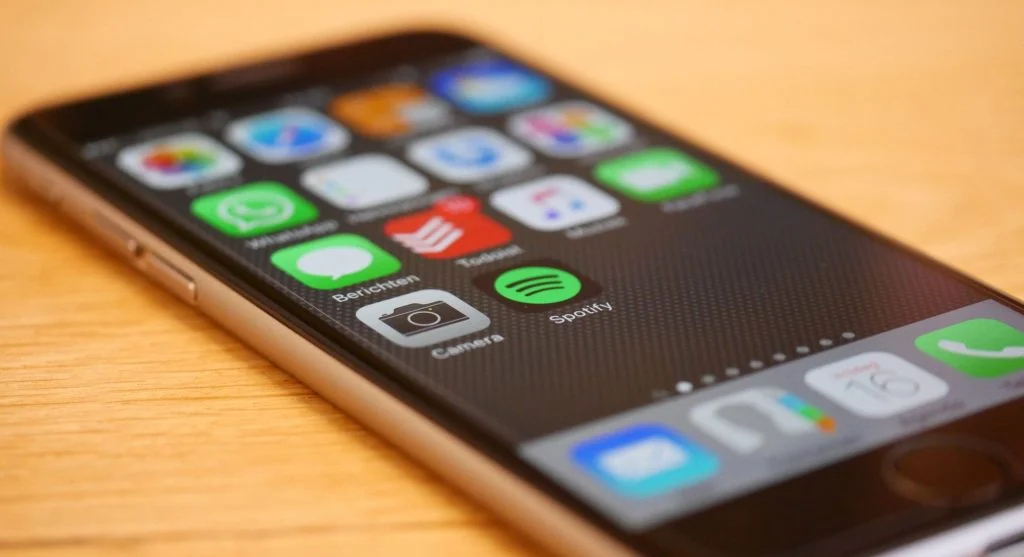
Keep Only Essential Apps on Your Home Screen
Your home screen should be reserved for the apps you use most often throughout the day.
Having too many icons on the home screen can:
- Create unnecessary visual clutter
- Slow down navigation
- Make frequently used apps harder to find
A cleaner home screen promotes better organization and a more focused user experience.
Limit Apps Running in the Background
Many apps continue operating in the background even when they are not actively being used.
This ongoing activity can:
- Consume system memory
- Drain battery life
- Reduce overall performance
Managing background activity helps your phone run more efficiently and can improve responsiveness.
Avoid Installing Duplicate Apps
It is common for users to install multiple apps that perform nearly identical functions.
Examples include:
- Several photo editing apps
- Multiple web browsers
- Multiple messaging platforms
While having options can be useful, keeping only the apps you actually rely on helps reduce clutter and simplify your device.
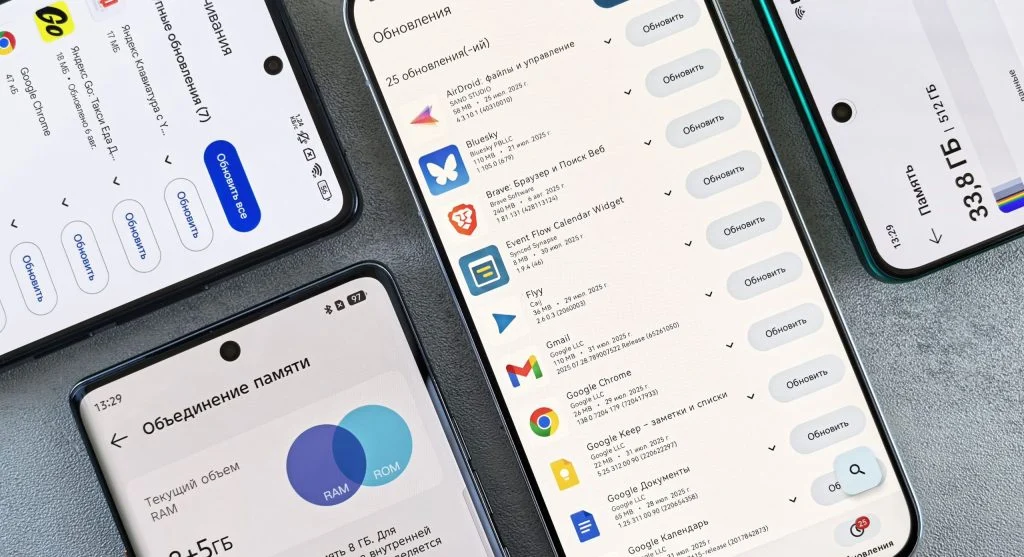
Update Apps Regularly for Better Performance
App developers frequently release updates that improve functionality, fix bugs, and enhance security.
Keeping apps updated can provide:
- Better performance
- Improved security protection
- Fewer glitches and crashes
Using outdated apps may lead to compatibility issues and reduced efficiency over time.
Take Advantage of Built-In App Management Tools
Most smartphones come with built-in tools that make app management easier.
These features often allow you to:
- Monitor app usage
- Identify apps that are rarely used
- Manage storage more effectively
Using these tools can help you make informed decisions about which apps to keep and which ones to remove.
Create a Weekly App Cleanup Routine
App organization works best when it becomes a regular habit rather than a one-time task.
A simple weekly routine might include:
- Reviewing installed apps
- Deleting apps you no longer need
- Reorganizing folders and shortcuts
Regular maintenance helps prevent clutter from building up and keeps your device running smoothly.
Frequently Asked Questions
Q: What are smartphone app management tips?
A: They help organize apps and improve performance.
Q: Why is my phone cluttered?
A: Due to unused and duplicate apps.
Q: Can organizing apps improve speed?
A: Yes, it reduces system load.
Q: How often should I clean apps?
A: Weekly maintenance is recommended.
Key Takeaway
These smartphone app management tips can help keep your device organized, efficient, and easy to use. By removing unused apps, limiting background activity, organizing folders, and maintaining a clean home screen, you can reduce clutter and enjoy a smoother smartphone experience.
Share this content:












Post Comment