Why Digital Clutter Is Slowing You Down and How to Fix It Without Deleting Everything

Most people think clutter only exists in physical spaces—but digital clutter can be just as overwhelming. From unused apps to messy file folders, digital overload silently affects how you work and think.
The problem isn’t just about storage. It’s about mental clarity, speed, and decision-making.
What Digital Clutter Really Looks Like
Digital clutter isn’t always obvious. It builds up slowly over time.
- Hundreds of unread emails
- Duplicate photos and downloads
- Apps you haven’t opened in months
- Disorganized files with random names
Each small piece may seem harmless—but together, they create friction in daily tasks.
How Digital Clutter Affects Your Daily Life
The impact goes beyond inconvenience. It changes how efficiently you operate.
Slower Decisions: Too many options make it harder to choose quickly.
Reduced Focus: Constant visual noise distracts attention.
Wasted Time: Searching for files takes longer than it should.
Even a few extra seconds per task can add up significantly over time.
The Mistake Most People Make
When trying to fix digital clutter, many people go to extremes—they start deleting everything.
This often leads to regret, lost files, or incomplete cleanup.
The smarter approach isn’t removal—it’s structure.
A Better Way to Organize Without Deleting Everything
Instead of removing data, focus on managing it.
1. Create Simple Categories
Use clear folders like “Work,” “Personal,” “Important,” and “Archive.”
2. Use the “Archive Instead of Delete” Rule
Move old files into archive folders rather than deleting them.
3. Rename Files Clearly
Replace random names with meaningful labels you can recognize later.
4. Limit Your App Space
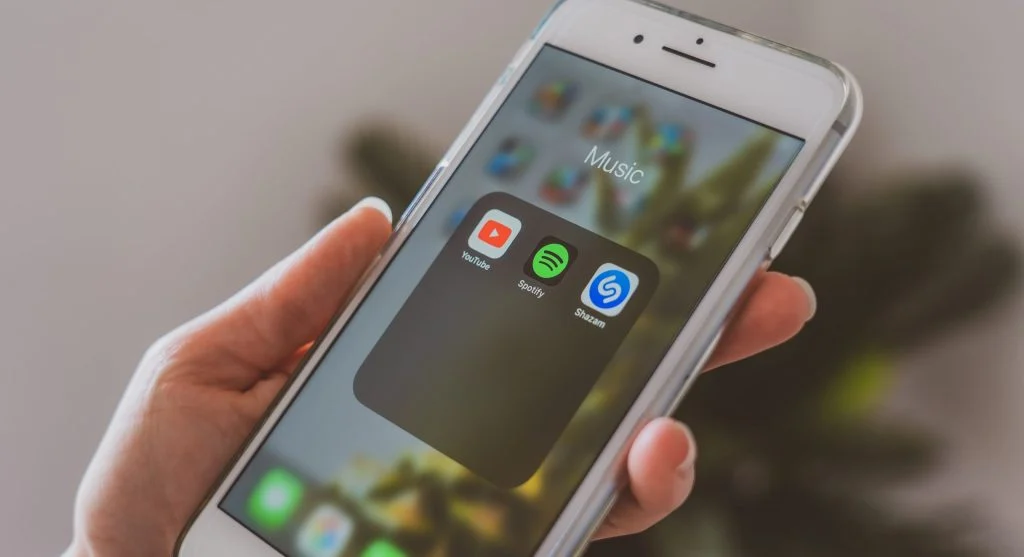
Keep only essential apps on your home screen—everything else goes into folders.
The Power of Small Weekly Cleanups
You don’t need a full reset. A 10-minute weekly cleanup is enough to stay organized.
This includes:
- Clearing downloads folder
- Deleting duplicate photos
- Sorting recent files
- Unsubscribing from unnecessary emails
Consistency matters more than intensity.

Why Organized Devices Feel Faster
Interestingly, a cleaner digital space often feels like a faster device—even if performance hasn’t changed.
That’s because your brain processes information more efficiently when things are structured.
Building a “Low-Clutter” Digital Habit
Instead of reacting to clutter, build habits that prevent it.
- Save files directly to correct folders
- Delete unnecessary screenshots immediately
- Avoid installing apps “just to try”
- Keep your desktop or home screen minimal
These small habits stop clutter before it builds up.
Frequently Asked Questions
Q: What is digital clutter?
A: It refers to unnecessary or disorganized digital files, apps, and data.
Q: Does digital clutter affect productivity?
A: Yes, it slows down tasks and reduces focus.
Q: Should I delete everything to fix it?
A: No, organizing is more effective than deleting.
Q: How often should I clean my digital space?
A: Weekly maintenance is usually enough.
Key Takeaway
Digital clutter doesn’t just take up space—it affects how efficiently you think and work. Instead of deleting everything, organizing your digital environment with simple systems can dramatically improve productivity. A cleaner digital space leads to a clearer mind.
Share this content:













Post Comment