Common Tech Problems and Simple Fixes Experts Recommend for Everyday Devices
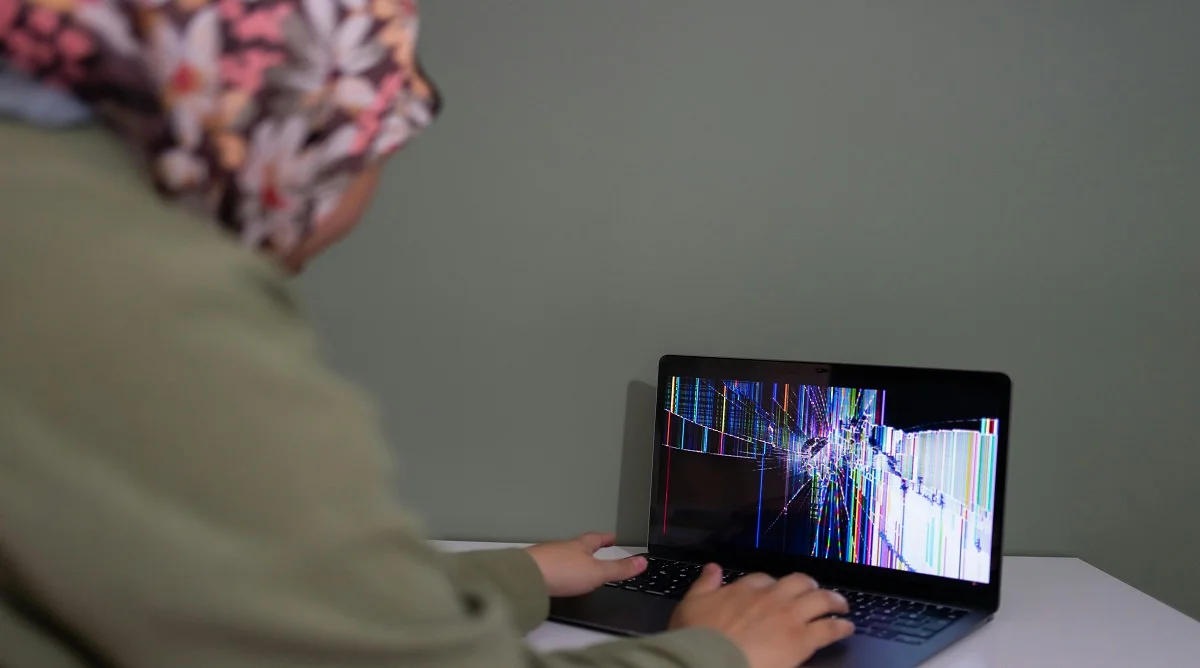
Common tech problems affect many users who rely on smartphones, laptops, and other devices every day. Issues like slow performance, app crashes, and weak connections can disrupt daily tasks.
Technology experts explain that most of these problems have simple solutions. With a few basic troubleshooting steps, users can often resolve issues without needing advanced technical skills.
Why Common Tech Problems Happen in Everyday Devices
Devices may slow down or stop working properly due to software bugs, outdated apps, or heavy usage. Over time, stored data and background processes can impact overall performance.
Experts note that regular maintenance and small adjustments can help prevent many of these issues. Understanding the cause makes it easier to apply the right fix.
Credit: Czapp Árpád / Pexels

Credit: Alex Green / Pexels
How to Fix Connectivity Issues on Devices
Connectivity problems can disrupt internet browsing, app usage, and communication. These issues are often linked to network conditions or device settings.
Step 1: Restart Router and Device
Restarting both the router and the device can refresh the connection and resolve temporary issues.
Step 2: Check Network Settings
Incorrect settings may block access. Reviewing Wi-Fi or mobile data settings can help identify and fix the problem.
Step 3: Move Closer to the Network Source
Weak signals can affect connection quality. Staying closer to the router can improve performance.
How to Fix Battery Drain Problems
Fast battery drain is another common concern. It is often caused by background activity or high power usage settings.
Step 1: Reduce Screen Brightness
Lowering the brightness can help conserve battery life.
Step 2: Turn Off Unused Features
Turning off features like Bluetooth, GPS, or background apps when they are not needed helps save energy.
Step 3: Use Battery Saver Mode
Battery saver mode reduces background activity and helps extend battery life.
Credit: Tyler Lastovich / Pexels
When to Seek Professional Help for Tech Problems
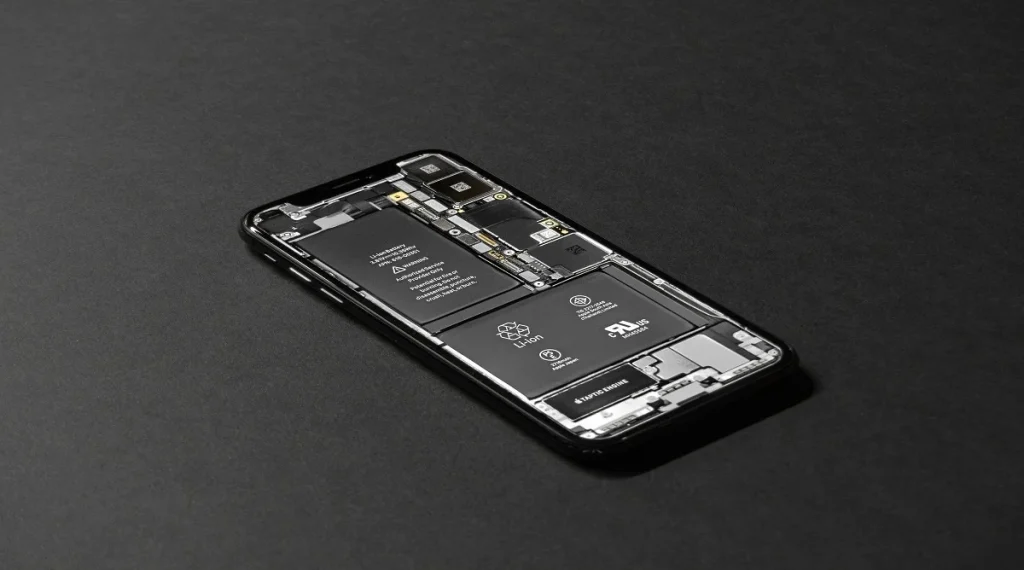
Some issues may require professional assistance, especially those related to hardware. Problems like physical damage, overheating, or repeated crashes often need expert attention.
Experts recommend reaching out to authorized service providers if basic troubleshooting steps do not resolve the issue.
Frequently Asked Questions
Q: What are the most common tech problems?
A: Common tech problems include slow devices, app crashes, connectivity issues, and battery drain.
Q: How can users fix slow devices quickly?
A: Closing apps, clearing storage, and restarting the device are effective quick fixes.
Q: Why do apps keep crashing on smartphones?
A: App crashes can happen due to bugs, outdated versions, or corrupted data.
Q: How can connectivity issues be resolved?
A: Restarting the router, checking settings, and improving signal strength can help fix connectivity issues.
Key Takeaway
Share this content:













Post Comment