Simple Smartphone Sensors Guide Experts Recommend to Understand How Your Phone Really Works
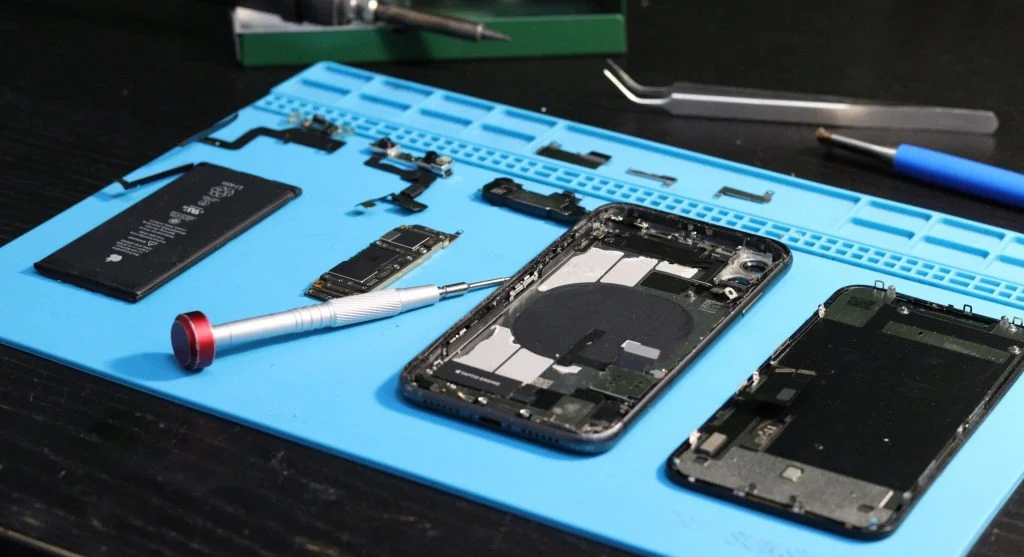
Modern smartphones are packed with advanced technology, and one of the most important yet often overlooked parts of these devices is their collection of sensors. These small hardware components allow smartphones to detect movement, light, orientation, location, and other environmental changes, enabling many of the features people use every day.
Although most users interact with their phones constantly, few stop to think about the technology working behind the scenes. Understanding how smartphone sensors function can help you make better use of your device and gain a deeper appreciation for the technology that powers it.
What Are Smartphone Sensors?
Smartphone sensors are hardware components designed to detect specific physical or environmental changes and send that information to the device’s operating system.
These sensors help smartphones:
- Respond to movement
- Adjust settings automatically
- Improve accuracy and performance
- Enhance the overall user experience
Most sensors operate quietly in the background, constantly collecting information that allows the phone to react intelligently to different situations.
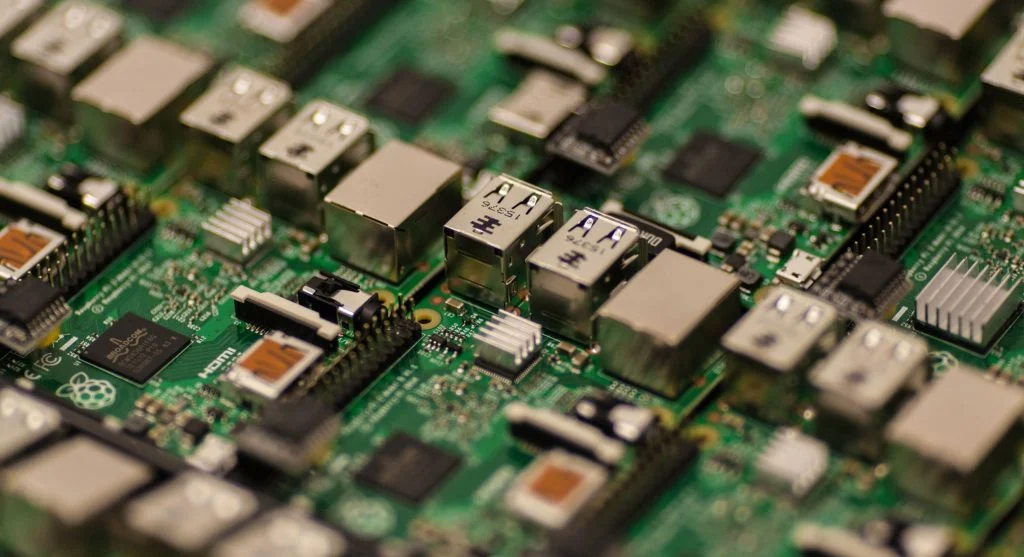
Accelerometer Sensor
The accelerometer is one of the most commonly used sensors in smartphones. It measures movement and detects changes in the device’s position.
This sensor helps with:
- Automatic screen rotation
- Step counting and fitness tracking
- Motion-based applications
- Activity monitoring
For example, when you rotate your phone from portrait to landscape mode, the accelerometer detects the movement and signals the screen to adjust accordingly.
Because of its wide range of uses, the accelerometer plays an important role in everyday smartphone functionality.
Gyroscope Sensor
The gyroscope works alongside the accelerometer but provides more detailed information about rotational movement and orientation.
It is commonly used for:
- Mobile gaming controls
- Virtual reality (VR) applications
- Motion tracking
- Augmented reality experiences
By measuring precise rotational movements, the gyroscope helps create smoother and more accurate interactions, particularly in apps that rely on motion-based controls.
Together, the accelerometer and gyroscope provide a more complete understanding of how a device is moving.
Proximity Sensor
The proximity sensor detects when an object is close to the phone.
Its most familiar function occurs during phone calls, where it helps:
- Turn off the display when the phone is held near the ear
- Prevent accidental screen touches
- Reduce battery usage
Without this sensor, users might accidentally press buttons with their face while talking on the phone.
The proximity sensor helps make smartphone interactions more convenient and efficient.
Ambient Light Sensor
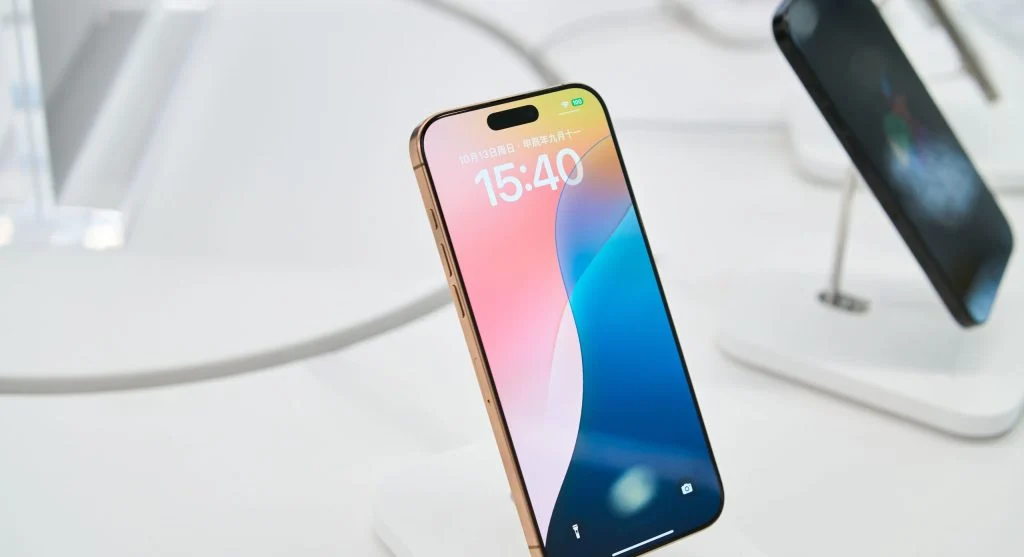
The ambient light sensor measures the brightness of the surrounding environment.
This information allows the smartphone to:
- Adjust screen brightness automatically
- Improve visibility in different lighting conditions
- Reduce eye strain
- Save battery power
For example, the display may become brighter outdoors under direct sunlight and dimmer indoors or at night.
By adapting to changing lighting conditions, the ambient light sensor improves both comfort and energy efficiency.
Fingerprint and Face Recognition Sensors
Modern smartphones often include biometric sensors designed to improve security and convenience.
These technologies allow users to:
- Unlock devices quickly
- Authenticate purchases
- Access secure applications
- Protect personal information
Fingerprint sensors scan unique fingerprint patterns, while face recognition systems analyze facial features for authentication.
These security-focused sensors provide a balance between convenience and privacy protection.
GPS Sensor
The Global Positioning System (GPS) sensor helps determine a smartphone’s location by communicating with satellites.
GPS is used for:
- Navigation and mapping applications
- Ride-sharing services
- Location-based apps
- Fitness and activity tracking
Whether finding directions, tracking a run, or locating nearby businesses, GPS plays a crucial role in modern smartphone functionality.
For many users, it is one of the most valuable sensors built into their device.
Magnetometer Sensor
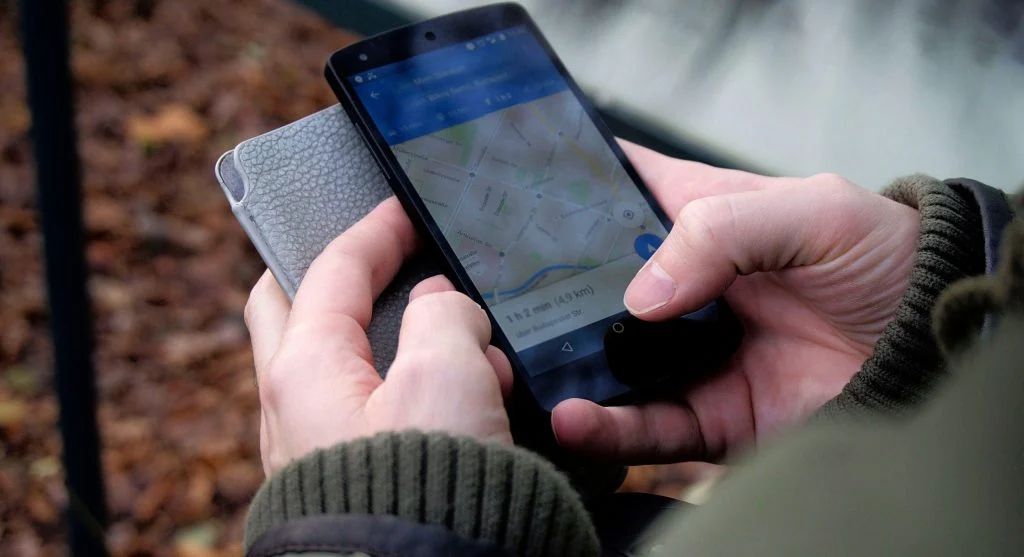
The magnetometer functions as a digital compass by detecting the Earth’s magnetic field.
This sensor helps smartphones:
- Determine direction
- Improve navigation accuracy
- Support mapping applications
- Enhance location services
The magnetometer often works together with GPS to provide more precise navigation information, especially when users are walking or changing direction frequently.
How Sensors Improve Everyday Smartphone Use
Smartphone sensors make devices more intelligent and responsive by allowing them to react automatically to their surroundings.
These sensors help:
- Automate everyday tasks
- Improve navigation accuracy
- Enhance gaming experiences
- Support health and fitness tracking
- Increase security
- Improve user convenience
Without sensors, many modern smartphone features would either function poorly or not exist at all.
The seamless experience users enjoy today depends heavily on the information these components provide.
Simple Tips for Better Sensor Performance
While smartphone sensors generally require little maintenance, a few simple habits can help keep them working properly.
To get the best results:
- Keep your phone clean
- Avoid covering sensors with cases or accessories
- Install software updates regularly
- Protect the device from physical damage
- Restart the phone occasionally if sensor-related issues occur
These small steps can help ensure sensors continue performing accurately and reliably.
Frequently Asked Questions
Q: What are smartphone sensors?
A: Components that detect environmental changes.
Q: Why are sensors important?
A: They improve functionality and user experience.
Q: Do sensors affect performance?
A: Yes, they enable many features.
Q: Can sensors stop working?
A: Yes, if blocked or damaged.
Key Takeaway
Smartphone sensors play a critical role in how modern devices function, even though most users rarely notice them. Components such as the accelerometer, gyroscope, proximity sensor, ambient light sensor, GPS, magnetometer, and biometric sensors work together to make smartphones smarter, more responsive, and more secure. Understanding these technologies provides valuable insight into how smartphones operate behind the scenes and helps users get the most from their devices.
Share this content:













Post Comment